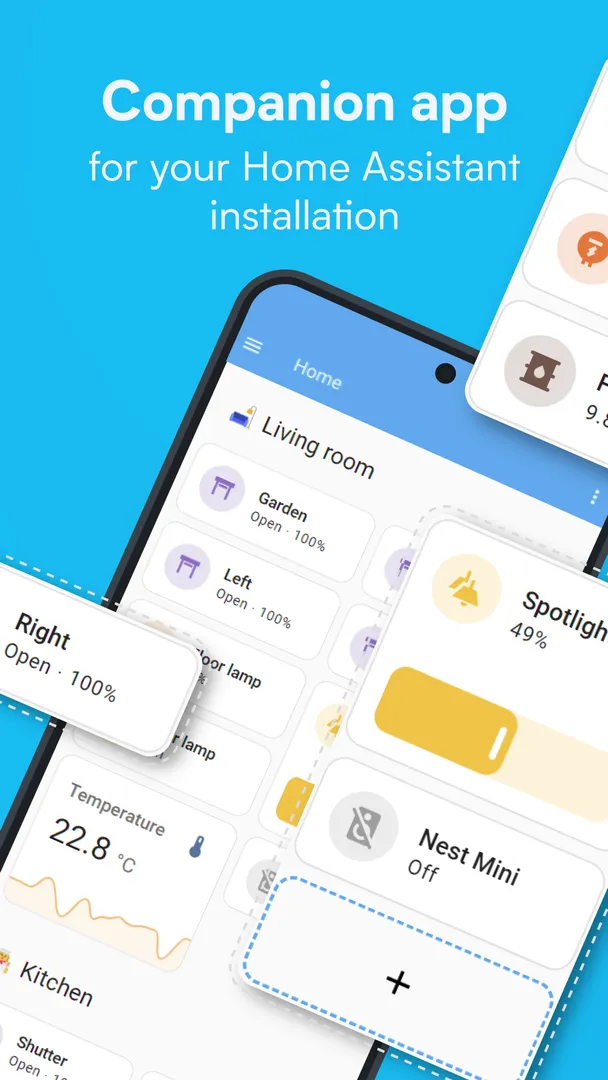
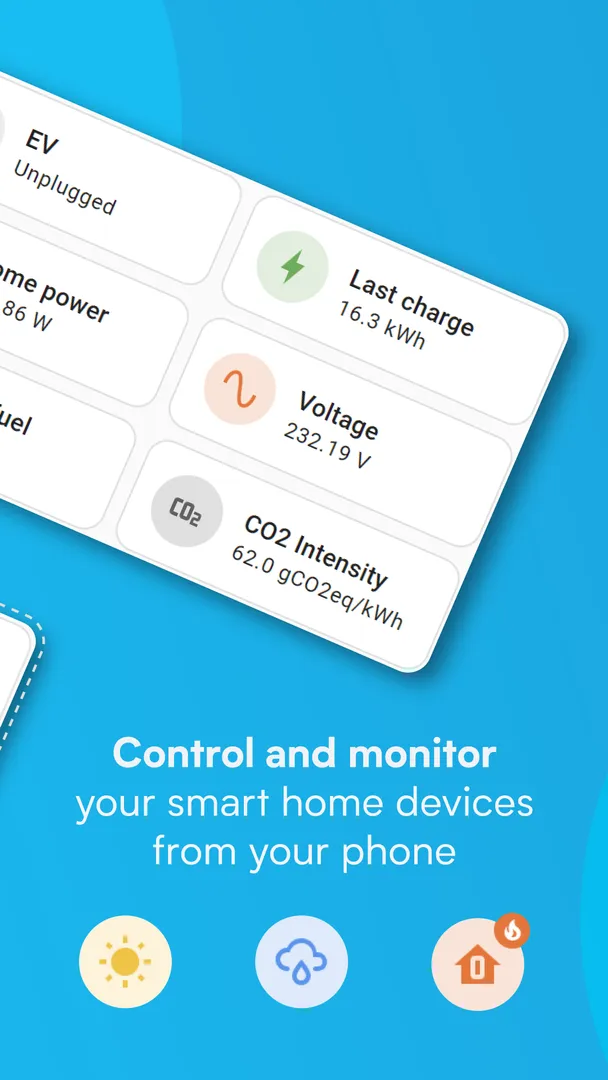
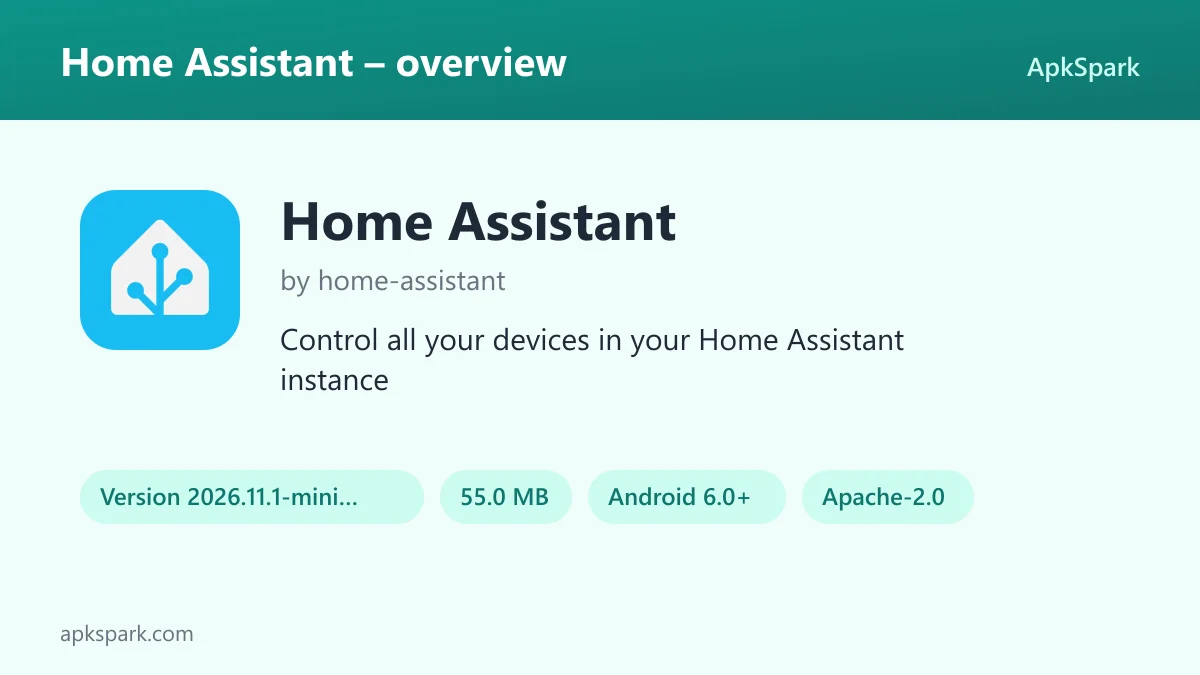
Home Assistant is the open-source Android companion app that lets you control the devices in your own smart home instance from your phone or tablet, at home or on the go. It is published by the home-assistant project under the Apache-2.0 license, and this file is the minimal build distributed through F-Droid.
This page explains what the companion app does, what each of its many permissions allows, how this build is produced and what version 2026.11.1-minimal needs to run. It is written for people who already run, or plan to run, a smart home server and want to know whether this app belongs on their phone.
What is Home Assistant?
Home Assistant is a smart home platform focused on privacy, choice and sustainability. It runs locally in your home on a device such as the Home Assistant Green or a Raspberry Pi. The Android app does not replace that server. It is a companion that connects to your existing instance so you can see and control your home from a phone, a tablet, a watch or a car.
Through the Home Assistant app you reach the platform's main features: controlling devices from many brands, discovering and configuring new devices, building automations and reviewing the data your home collects. Compatible devices and services range from Philips Hue, Google Cast, Sonos and IKEA Tradfri to Apple HomeKit-compatible hardware, and the listing names dozens more.
The app also works in the other direction. It turns your phone into part of the system by sharing location and phone sensors such as steps taken, battery level, connectivity and next alarm. Your server can then use those values in automations, and it can send notifications back to the phone.
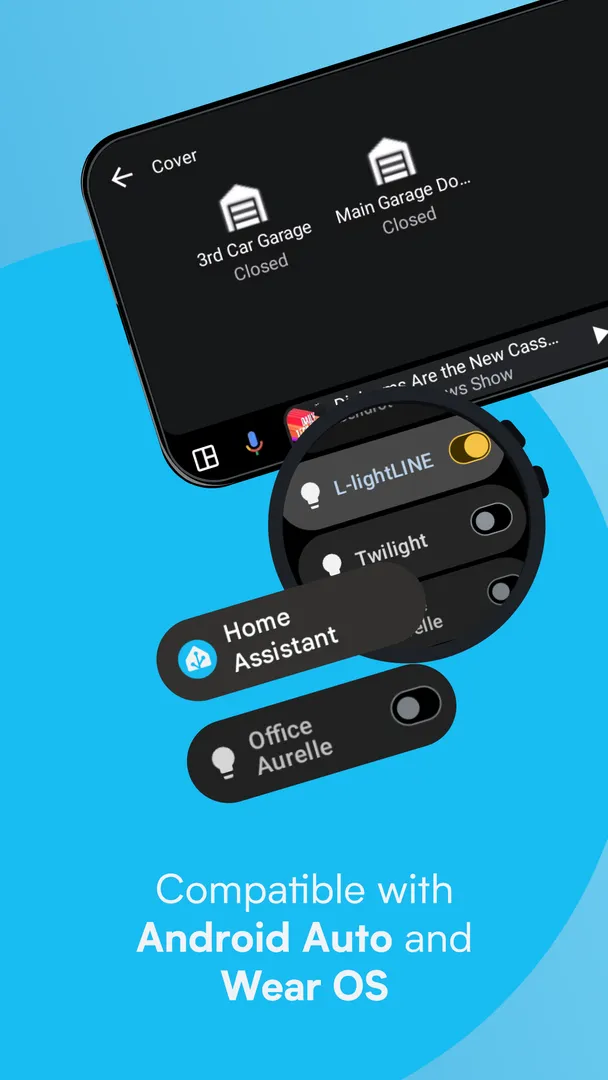
Away from home, the listing recommends Home Assistant Cloud as the most secure way to get started with remote access. Android Auto support lets you control your home from the car dashboard, and Wear OS support adds notifications, sensors and tiles on a watch.
Key features of Home Assistant
- One app for the whole home. Home Assistant is compatible with the biggest smart home brands and connects to thousands of devices and services. The companion app puts all of them on one screen, so you are not switching between a separate app for lights, speakers and heating.
- Automatic device discovery. New devices such as Philips Hue, Google Cast, Sonos, IKEA Tradfri and Apple HomeKit-compatible products can be discovered automatically and configured quickly, which saves entering addresses and settings by hand.
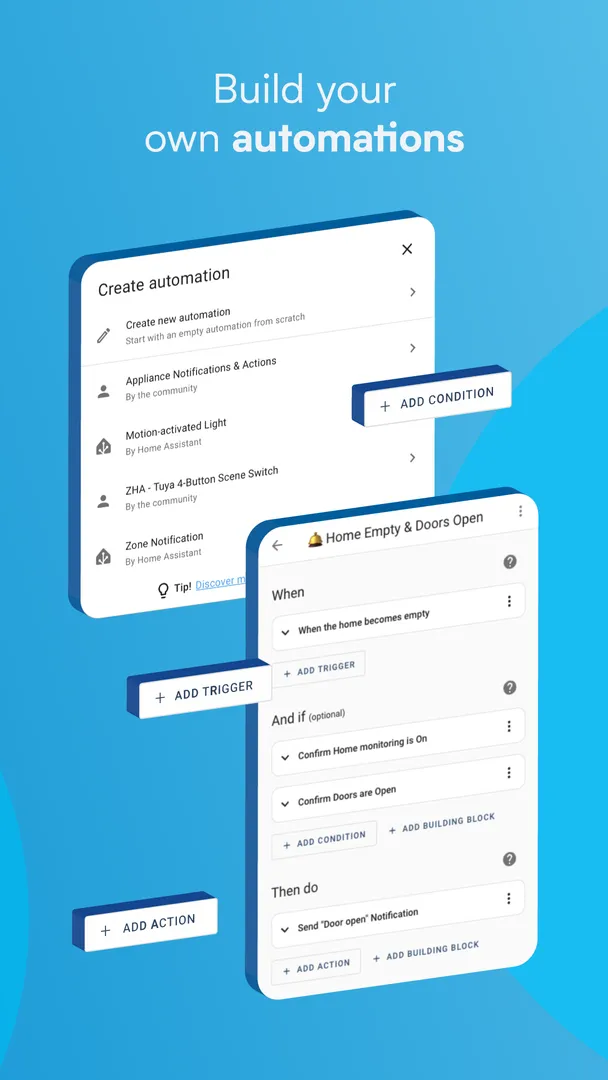
- Automations across brands. Devices from different makers can work together in Home Assistant. The listing gives examples such as lights dimming when a movie starts, or the heat turning off when you leave home.
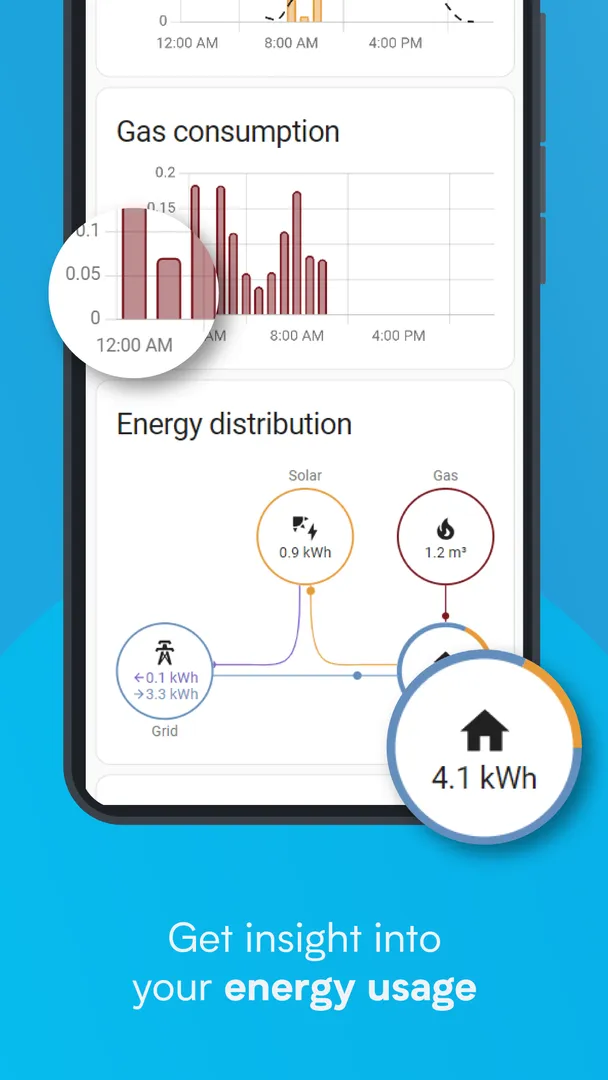
- Local data and history. Your home's data stays in the home. You can use it privately to look at past trends and averages, for example energy use or room temperature over time.
- Open standards through add-ons. Hardware add-ons connect the system to open standards including Z-Wave, Zigbee, Matter, Thread and Bluetooth, so you are not limited to one vendor's hub.
- Location sharing for automations. The app can securely share your phone's location with your server, which can then drive heating, security and other automations based on where you are.
- Phone sensors. Your phone can report sensors such as steps taken, battery level, connectivity and next alarm, among many others, for use in automations on your server.
- Notifications you control. Get alerts about what is happening at home, from detected leaks to doors left open. You decide which events produce a notification.
- Android Auto, widgets and voice. Control the home from your car's dash, for example to open the garage or arm the security system. Build widgets for any device, and text or talk to your local voice assistant.
- Wear OS support. The app works with Wear OS watches, with support for notifications, sensors and tiles on your wrist.
Home Assistant permissions explained
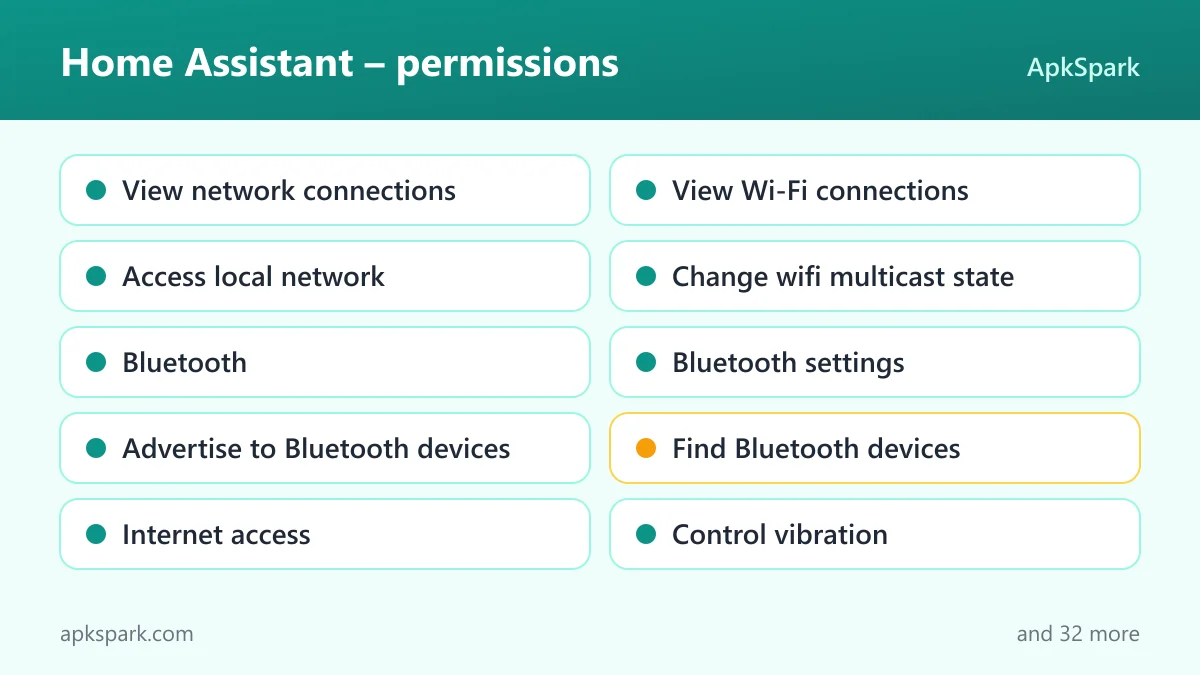
This build of Home Assistant requests 42 permissions, which reflects how many phone features it can expose to your server. On modern Android, sensitive permissions such as location, camera, microphone, physical activity and installed apps are requested at runtime. Android asks you before granting them, and you can refuse or revoke each one in Settings. Ordinary permissions are granted at install time.
Network and connectivity
- View network connections lets the app check whether the device is online and which network type it uses. This relates to the connectivity sensor the listing mentions.
- View Wi-Fi connections lets the app read information about Wi-Fi networks.
- Access local network lets the app use the Android permission of that name.
- Change wifi multicast state lets the app use the Android permission of that name.
- Internet access lets the app connect to the internet, which it needs to reach your instance or the remote access service.
Bluetooth and NFC
- Bluetooth lets the app connect to paired Bluetooth devices.
- Bluetooth settings lets the app discover and pair Bluetooth devices.
- Advertise to Bluetooth devices makes the phone visible to nearby Bluetooth devices.
- Find Bluetooth devices lets the app scan for nearby Bluetooth devices. It is sensitive and requested at runtime.
- NFC lets the app use near-field communication.
Location and activity
- Precise location lets the app read the device's precise GPS location. It is sensitive and requested at runtime, and it supports the location sharing used in automations.
- Approximate location lets the app read the device's approximate location. It is sensitive.
- Background location lets the app read location when it is not open. It is sensitive, and Android asks for it separately.
- Background location service lets the app track location from a foreground service, with a visible notification.
- Physical activity lets the app detect activity such as walking. It is sensitive and supports the steps taken sensor.
Camera, microphone and calls
- Camera lets the app take photos and record video. It is sensitive and requested at runtime.
- Microphone lets the app record audio. It is sensitive, and talking to your local voice assistant relies on it.
- Background microphone service lets the app record audio from a foreground service. It is sensitive.
- Make phone calls lets the app place phone calls directly. It is sensitive and requested at runtime.
- Read phone status lets the app read phone status, such as whether a call is active. It is sensitive.
- Manage assistant audio lets the app use the Android permission of that name.
- Change audio settings lets the app change global audio settings such as volume.
Notifications, alarms and system
- Show notifications lets the app display notifications. On Android 13 and newer, the system asks first. Alerts from your home depend on it.
- Post promoted notifications lets the app use the Android permission of that name.
- Exact alarms lets the app schedule alarms at an exact time.
- Do Not Disturb access lets the app read and change Do Not Disturb settings.
- Control vibration lets the app make the device vibrate.
- Modify system settings lets the app change system settings. It is sensitive.
- Draw over other apps lets the app show windows on top of other apps. It is sensitive.
- See installed apps lets the app list the apps installed on the device. It is sensitive.
- App usage data lets the app read usage statistics. It is sensitive.
- Biometrics and Fingerprint let the app use fingerprint or face unlock to confirm actions.
Background work and storage
- Run at startup lets the app start itself after the device boots.
- Ignore battery optimizations lets the app ask to be excluded from battery optimization.
- Prevent sleep keeps the device awake while a task runs, such as playback or a download.
- Run in the foreground keeps a visible notification while the app works in the background.
- Background sync service lets the app sync or transfer data from a foreground service.
- Background playback service lets the app continue playing media from a foreground service.
- Background messaging service lets the app keep a message connection running from a foreground service.
- Read storage and Write storage let the app read, save and modify files in shared storage. Both are sensitive.
Most sensor and control features are optional. Grant a sensitive permission when you turn on the feature that needs it, and leave the rest denied.
How to download and install Home Assistant APK
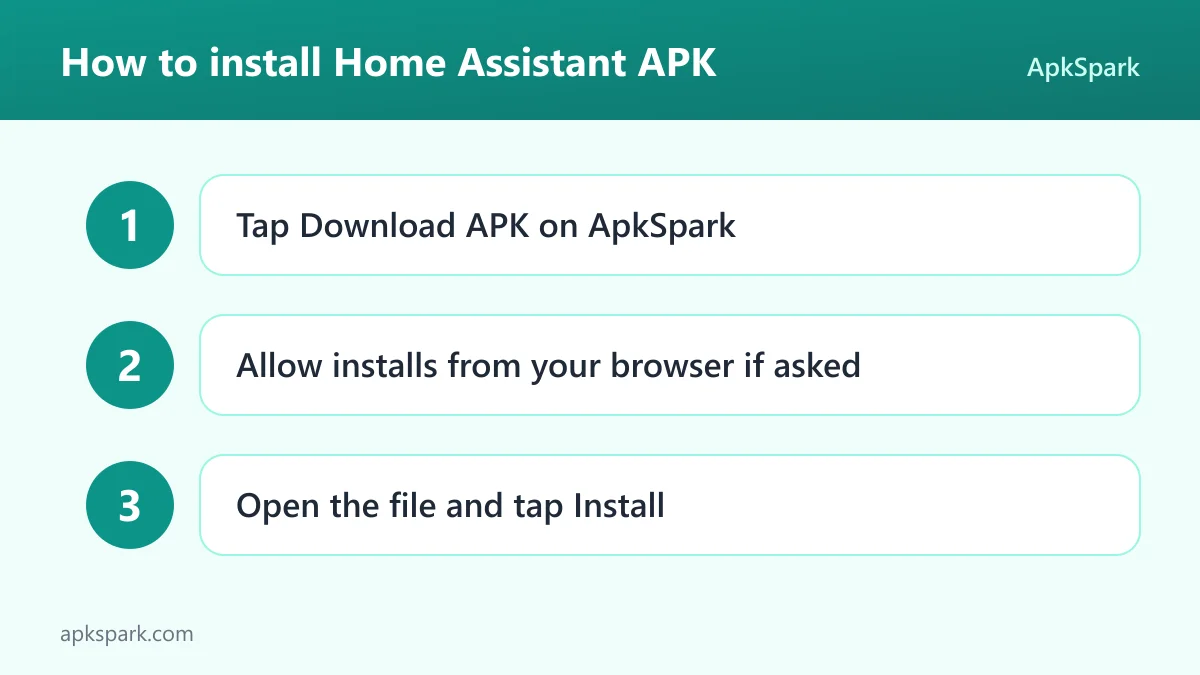
- Tap the Download button on this page.
- When Android asks, allow installs from your browser.
- Open the downloaded file from the notification shade or your Downloads folder.
- Tap Install, wait for it to finish, then open the app and connect it to your instance.
If Android blocks the file or you are new to sideloading, read our guide to installing APK files. It explains the unknown-sources setting on different Android versions, and you can switch the browser's install permission off again afterwards.
Is Home Assistant safe?
The companion app is released under the Apache-2.0 license. Its code is public in the Android app source code repository, and the official companion website documents setup and features. Bugs can be reported on the issue tracker.
This APK comes from F-Droid. As stated on the F-Droid listing, F-Droid builds the app from the published source code and signs it with the F-Droid key, and the file is downloaded from the official f-droid.org repository. The package name and the version suffix show that this is the minimal flavor of Home Assistant.
F-Droid lists no anti-features for this build, so it carries no flags for advertising, tracking, non-free network services or non-free dependencies.
The bigger safety question is the permission list. Location, camera, microphone, call and installed-app access are powerful, but each sensitive one is asked at runtime. Grant only what your setup uses. A general Android rule also applies: a copy signed with a different key must be removed before you can install this one.
Home Assistant system requirements
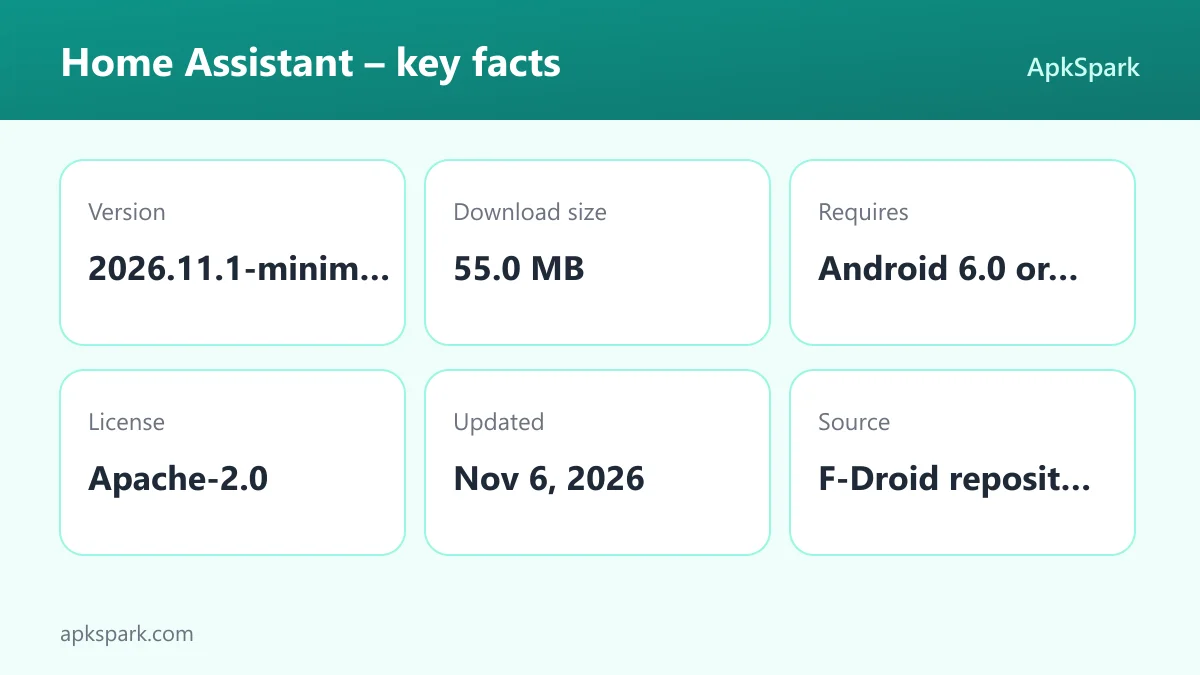
- Minimum Android version: Android 6.0 or newer.
- Download size: 55.0 MB.
- Supported ABIs: arm64-v8a, armeabi-v7a, x86 and x86_64.
- Version: 2026.11.1-minimal.
- Release date: November 6, 2026.
The four ABIs cover 64-bit and 32-bit ARM devices and x86 hardware. You also need a running server in your home, such as a Home Assistant Green or a Raspberry Pi, because the app is only a companion. Minimum RAM is not documented.
A typical evening with Home Assistant
You leave work and the phone shares its location with your instance. An automation you built notices you are on the way and turns the heating back on. In the car, Android Auto shows a Home Assistant control on the dash, and you open the garage as you pull in.
Inside, you start a movie and the lights dim on their own. Later a leak sensor in the basement trips and a notification arrives on your phone and your Wear OS watch. Before bed you tap a home screen widget to lock up, then ask your local voice assistant to turn off the remaining lights.
Over the following weeks, the data stays on your server. You open the history in Home Assistant to compare this month with last month, such as how long the heating ran or how often a door was left open. Those trends help you refine the automations, for example by changing the time the heating starts or adding a reminder when a window stays open after dark.
Documented limitations
- A server is required. The app connects to an existing instance. Without one running at home, there is little to control.
- Remote access needs planning. Outside your home network you need a way in. The listing names the cloud service as the most secure way to start.
- Sensors are opt-in work. Phone sensors only help once you build automations that use them, which takes time on the server side.
- A long permission list. With 42 permissions, setup takes some care if you want to grant only what you use.
Who should use Home Assistant?
This app is for people who already run the platform at home, or are about to. If you have a server on a Green box or a Raspberry Pi, the companion app is the natural way to control devices, receive alerts and feed your phone's sensors into automations.
Home Assistant suits households that mix brands. Philips Hue lights, Sonos speakers, IKEA Tradfri bulbs and Z-Wave or Zigbee sensors can all be managed from one place and made to work together. It also suits privacy-minded people, since the data stays in the home.
If you have no server and do not plan to set one up, the app has little to offer. It is a front end for your own system, not a standalone controller for smart plugs or bulbs.
People who like to tinker will get the most out of it. Widgets, automations, Wear OS tiles and the large list of compatible devices reward time spent on setup. If you want something that works the moment you unbox a single smart bulb, the effort of running a server may outweigh what Home Assistant gives you.
Tips for getting started with Home Assistant
- Connect on your home network first. Pair the app with your instance while on the same network, then set up remote access before you rely on it away from home.
- Enable sensors one at a time. Home Assistant can read many phone sensors, so turn on only the sensors your automations use, such as battery level or steps taken, and grant each sensitive permission when asked.
- Choose notifications deliberately. You have full control over what alerts you, so start with important events such as leaks and doors left open.
- Add widgets and tiles. Build home screen widgets for the devices you use most, and add Wear OS tiles if you wear a compatible watch.
Alternatives to Home Assistant
The only related app on this page is in a different niche, so treat it as an extra tool rather than a replacement:
- Bubble is a simple bubble level for your phone. It has no smart home functions and does not overlap with Home Assistant, but it is a small utility that can help when you mount sensors, switches or a wall tablet and want them straight.
For more options, browse more Tools apps in the same category.
Final verdict
For anyone running the platform at home, this companion app is close to essential. It brings device control, alerts, automations, widgets, Android Auto, Wear OS and voice to your phone, and shares phone sensors back to your server.
The open Apache-2.0 code and the F-Droid build are reassuring. The long permission list asks for care, but sensitive permissions are runtime choices. If you have a server, install Home Assistant.