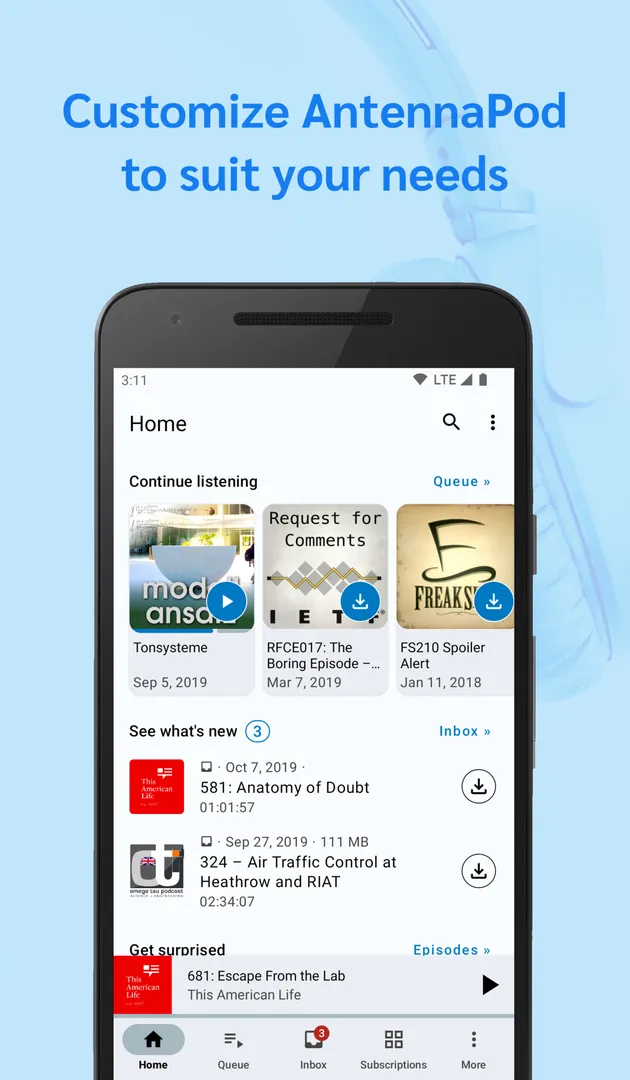
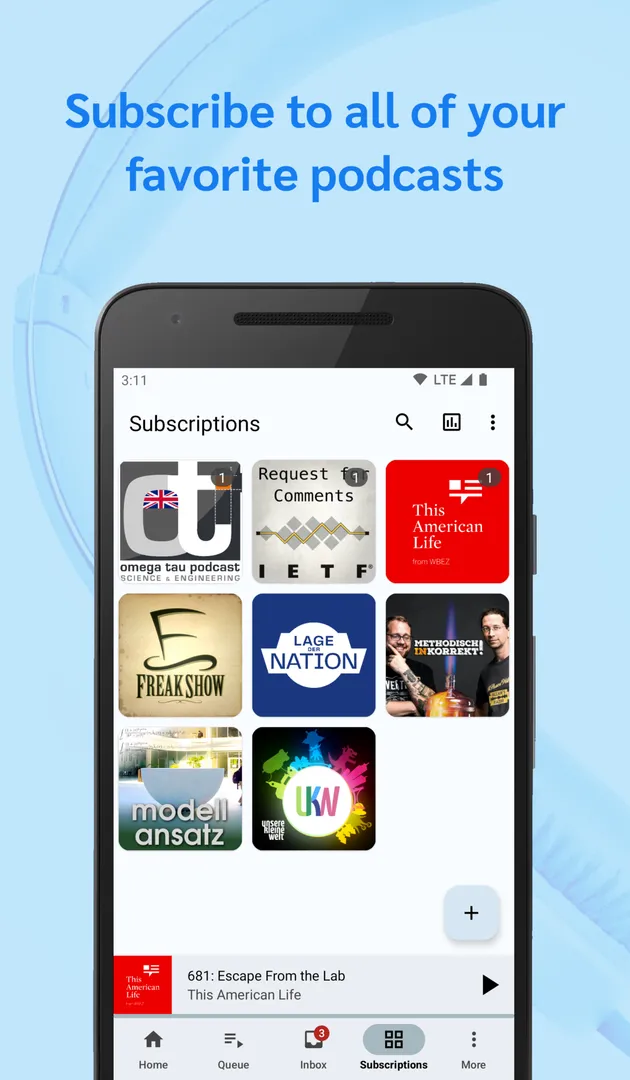
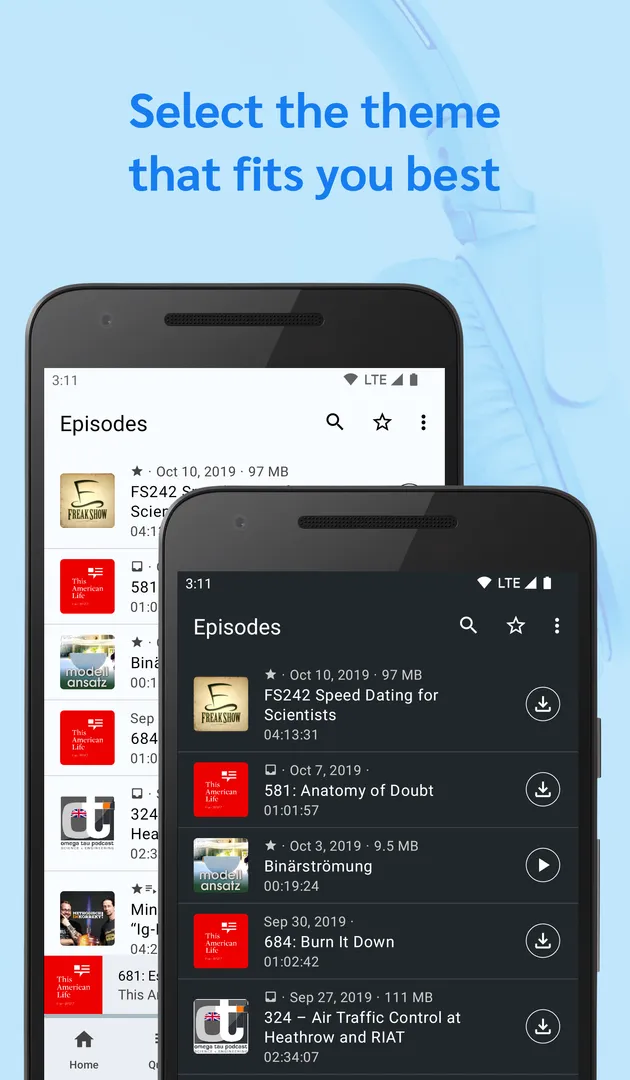
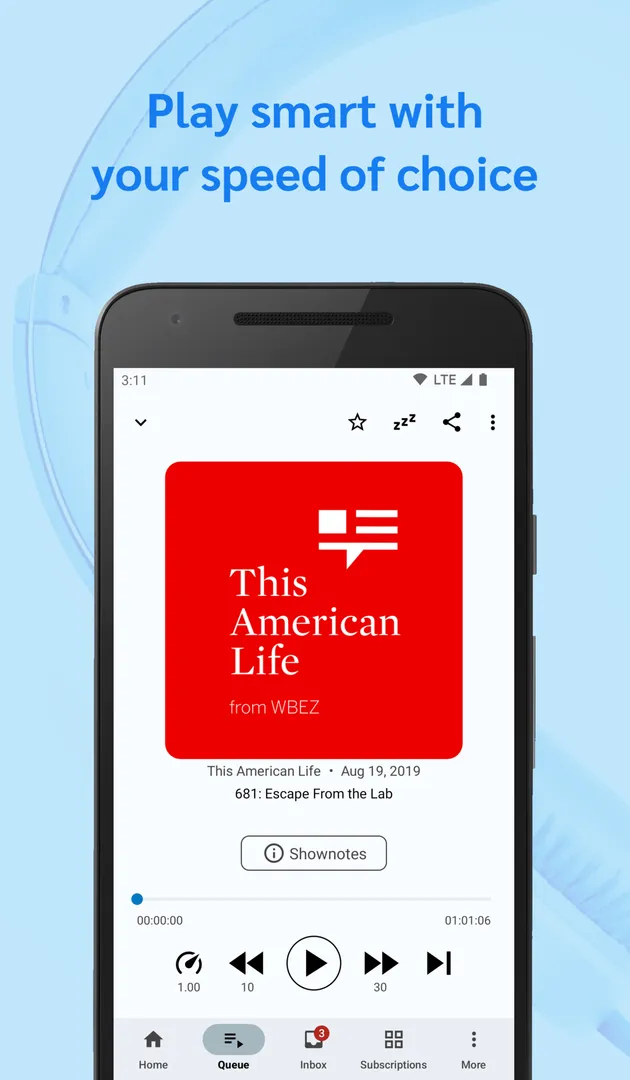
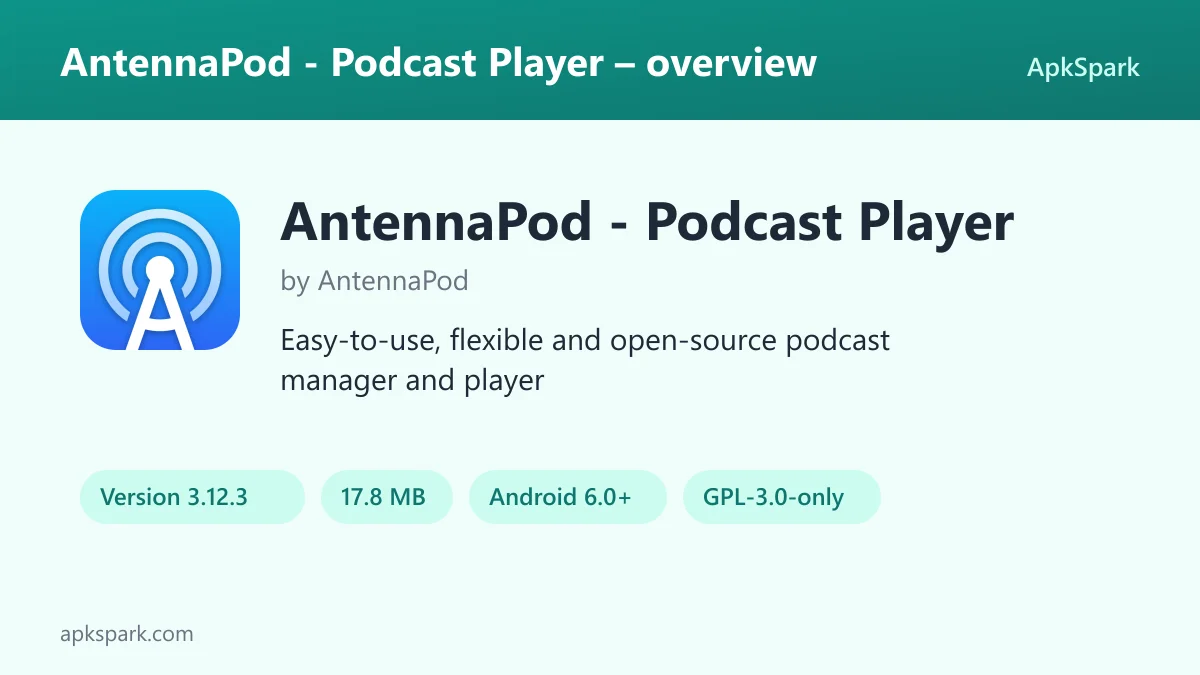
AntennaPod is a free, open-source podcast manager and player for Android that lets you subscribe to shows, download or stream episodes, and decide how much storage, battery and mobile data your listening uses. It is built by volunteers, carries no ads and costs nothing to use.
AntennaPod is aimed at listeners who want more control than a basic player offers. You can add feeds from several podcast directories, import an OPML file from another app, or paste a plain RSS or Atom link. Once your subscriptions are in place, automation rules decide when new episodes download and when old ones are removed.
This page covers what the app does, each permission it requests, how to install the APK, what the license and build process mean for trust, the requirements of version 3.12.3, and practical tips for a clean first setup.
What is AntennaPod?
AntennaPod is a podcast manager and player. Its description says it gives you access to millions of free and paid podcasts, from independent podcasters to large publishing houses such as the BBC, NPR and CNN. The app does not host those shows. It reads the public feeds that podcasters publish and lets you subscribe to them, the same way a feed reader follows blogs.
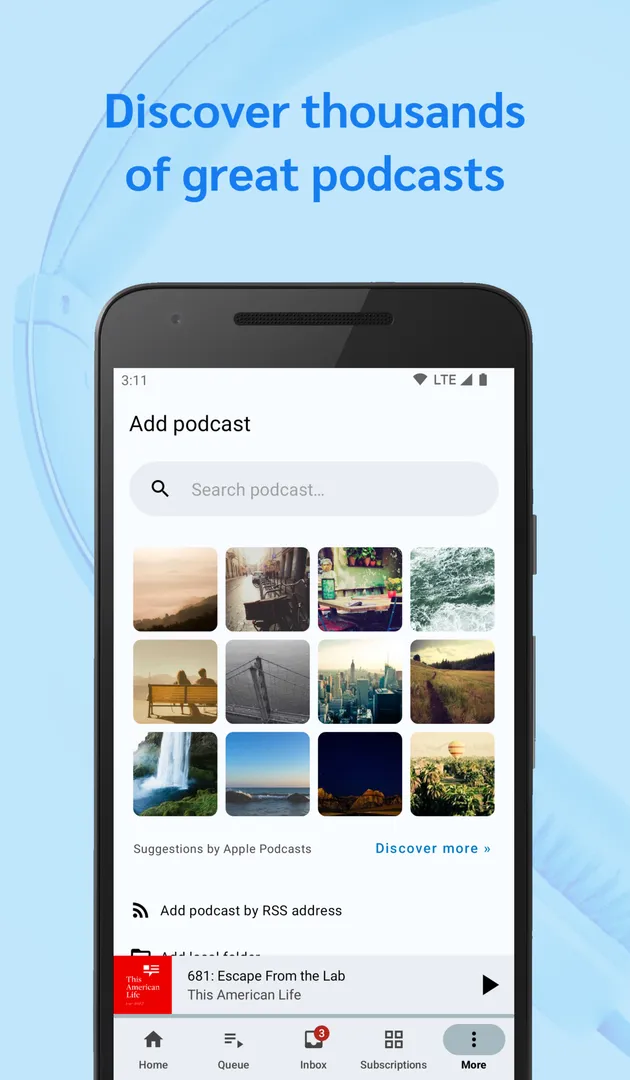
There are three ways to add a show. You can search the Apple Podcasts, gPodder.net, fyyd or Podcast Index directories from inside the app. You can import an OPML file, the common export format podcast apps use for subscription lists. Or you can paste an RSS or Atom link directly, which helps with feeds that are not listed in any directory.
After a show is added to AntennaPod, you choose whether to stream an episode, download it for offline listening, or put it in a queue. Playback includes adjustable speed, chapter support, a remembered position and a sleep timer. Downloads and deletions can run on their own, using rules based on times, intervals, Wi-Fi networks, charging state, favourites and delay settings.
The project calls itself free in all senses of the word: open source, no costs and no ads. Volunteers develop it, a community forum answers questions and discusses features, and translations are handled on Weblate. AntennaPod is published under the GPL-3.0-only license, with its code on GitHub.
Key features of AntennaPod
- Several ways to add feeds: Search the Apple Podcasts, gPodder.net, fyyd and Podcast Index directories, import an OPML file from another podcast app, or paste an RSS or Atom link. This covers both well-known shows and niche feeds that only exist as a raw URL.
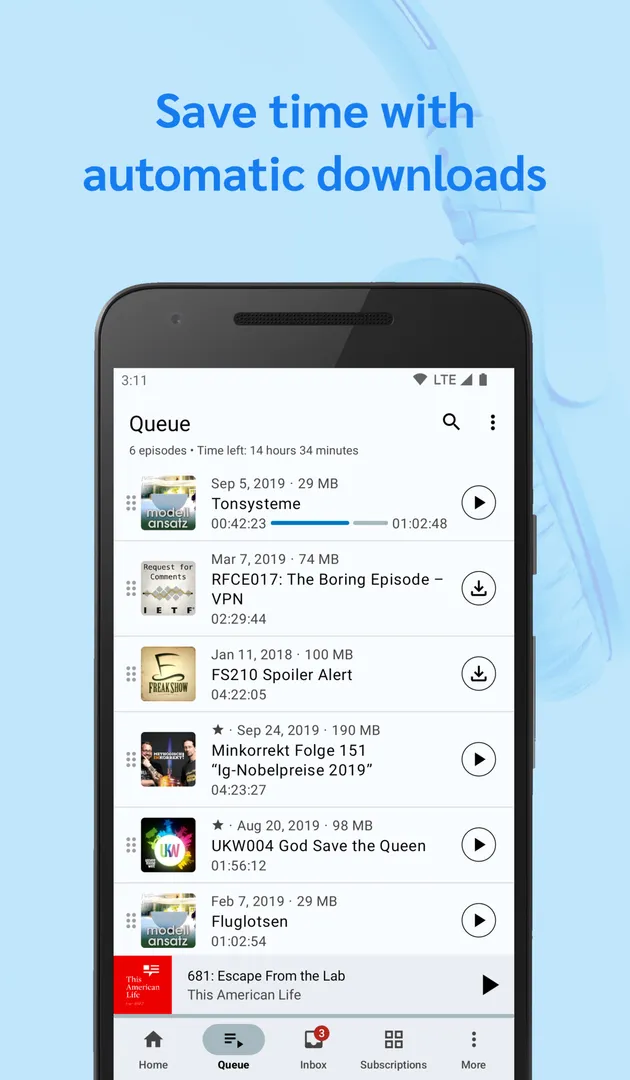
- Download, stream or queue: Each episode can be streamed right away, downloaded for offline listening, or added to a queue so the next one follows when the current one ends. You pick the approach per episode instead of being locked into a single mode.
- Listening your way: Adjustable playback speed, chapter support and a remembered playback position let you speed through a long interview, jump straight to a chapter, and return later to the exact spot where you stopped listening.
- Advanced sleep timer: The sleep timer stops playback after a set time. You can reset it by shaking the phone, and it can lower the volume, which suits people who listen in bed and want the episode to fade rather than cut off.
- Controls from anywhere: Manage playback from a homescreen widget, the system notification, and earplug or Bluetooth controls. You do not need to open the app to pause, resume or skip while the phone sits in a pocket or bag.
- Automated downloads: Choose which feeds download on their own, exclude mobile networks, limit downloads to specific Wi-Fi networks, require the phone to be charging, and set times or intervals. The description presents this as a way to save effort, battery power and mobile data.
- Storage management: Set how many episodes are cached, use smart deletion based on your favourites and delay settings, and select your preferred storage location. These settings stop a long subscription list from slowly filling the phone.
- Favourites, history and search: Mark the best episodes as favourites, browse the playback history, and search episode titles and shownotes to find a specific episode you heard weeks ago but cannot quite name.
- Sharing and backup: Share episodes and feeds through social media and email options, the gPodder.net services or OPML export. The gPodder.net integration and OPML export also work as a backup of your subscriptions.
- Private feeds and themes: The app can open password-protected feeds and episodes, which some paid or members-only podcasts use. A light and a dark theme let you match the interface to your surroundings.
AntennaPod permissions explained
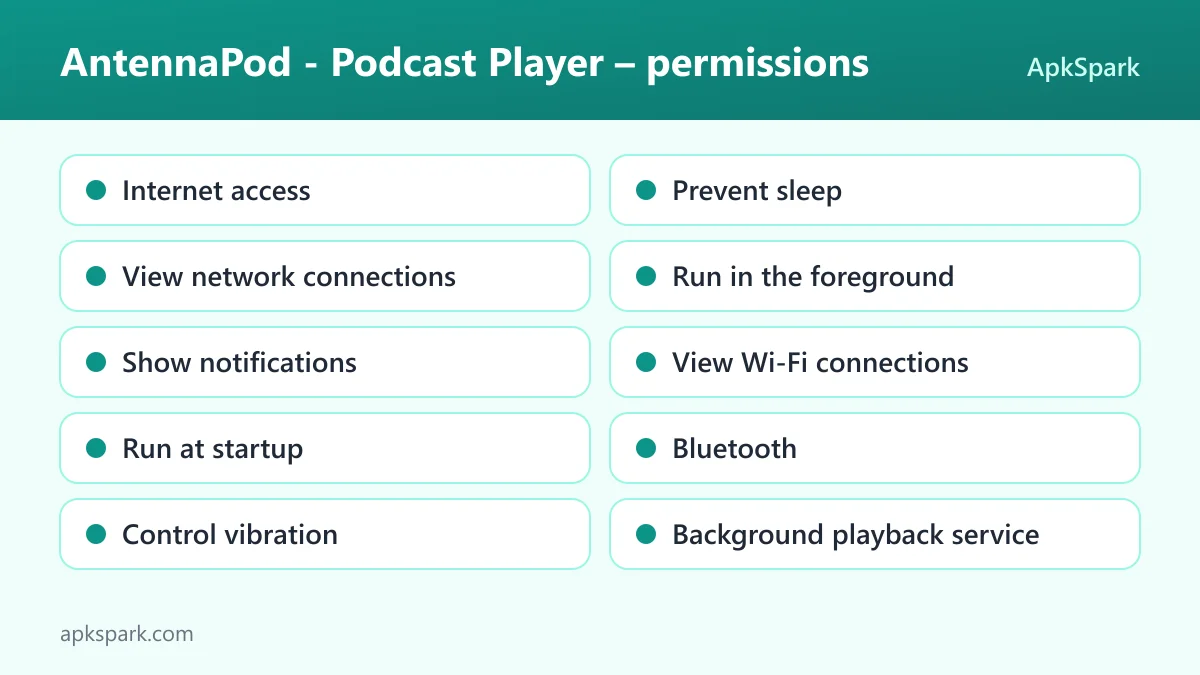
AntennaPod requests ten permissions, and none of them is marked as sensitive for this build. On modern Android, sensitive permissions such as location, camera or contacts must be requested at runtime, and the app asks for none of those. Notifications are the one item Android 13 and newer will prompt you about the first time the app wants to show one.
- Internet access: Lets the app connect to the internet. It needs this to refresh feeds, search the podcast directories, stream episodes and download audio files.
- Prevent sleep: Keeps the device awake while a task runs, such as playback or a download, so an episode or a download does not stall when the screen turns off.
- View network connections: Lets the app check whether the device is online and which network type is in use. This fits the option to exclude mobile networks from automatic downloads.
- Run in the foreground: Keeps a visible notification while the app works in the background. During playback, that notification is also where the media controls appear.
- Show notifications: Lets the app display notifications, including the playback notification. On Android 13 and newer, the system asks for your approval first.
- View Wi-Fi connections: Reads information about Wi-Fi networks. This matches the feature that limits automatic downloads to specific Wi-Fi networks you choose.
- Run at startup: Lets the app start itself after the device boots. The facts for this build do not say which feature relies on it.
- Bluetooth: Lets the app connect to paired Bluetooth devices. The description mentions Bluetooth controls for managing playback, which is the obvious use.
- Control vibration: Lets the app make the device vibrate. The facts do not document which feature uses this permission.
- Background playback service: Lets the app keep playing media from a foreground service, which is what keeps an episode going after you leave the app or lock the screen.
Taken together, the list matches a podcast player that downloads in the background and plays with the screen off. There is no request for contacts, location, camera, microphone or the device account list.
How to download and install AntennaPod APK
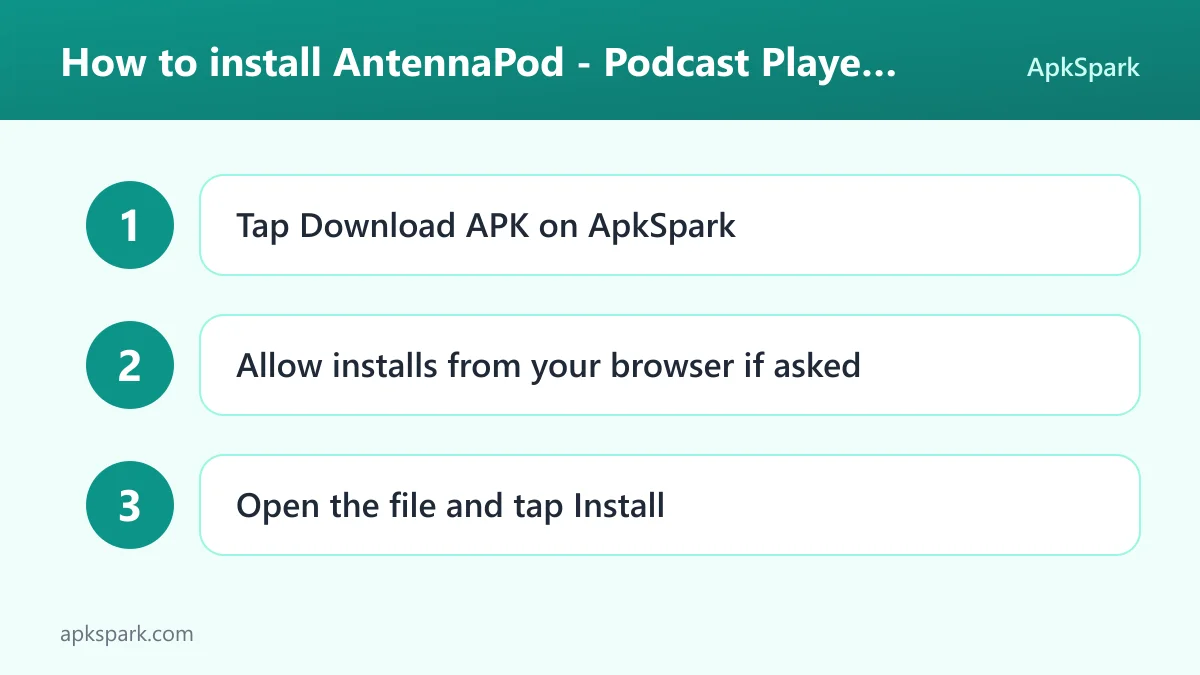
- Tap the Download button on this page.
- When Android asks, allow installs from your browser.
- Open the downloaded file from the notification or your Downloads folder.
- Tap Install.
- Open the app.
If you have not installed an app outside a store before, our guide to installing APK files explains the permission prompt and the most common errors. This build is signed with the F-Droid key. Android normally refuses to install an update signed with a different key, so if you already have a copy of AntennaPod from another source, export your subscriptions as OPML, uninstall that copy, install this one and import the file again.
Later updates of AntennaPod work the same way. Download the newer APK from this page and install it over the existing app. Because the signature stays the same, your subscriptions, queue and settings remain in place.
Is AntennaPod safe?
You can check several things yourself before installing. The first is the license. AntennaPod is released under GPL-3.0-only, a copyleft open-source license. Anyone may read, build and modify the code, and modified versions that are distributed must stay under the same license.
The second is the code. The full source code is public on GitHub, together with an issue tracker where bugs and feature requests are discussed in the open. You can read what other people have reported before deciding whether the app suits you.
The third is the build. F-Droid builds this APK from the published source code and signs it with the F-Droid key. The file is downloaded from the official f-droid.org repository. You can compare package details on the F-Droid listing.
F-Droid lists no anti-features for AntennaPod. In practice, that means the repository has not flagged ads, tracking or reliance on a non-free network service for this build. The app's own description also says there are no ads and no costs.
None of this is a promise about every line of code, and ApkSpark does not claim the file has been scanned. What you do get is a transparent chain: public code, a public build process, a short permission list and an open bug tracker.
AntennaPod system requirements
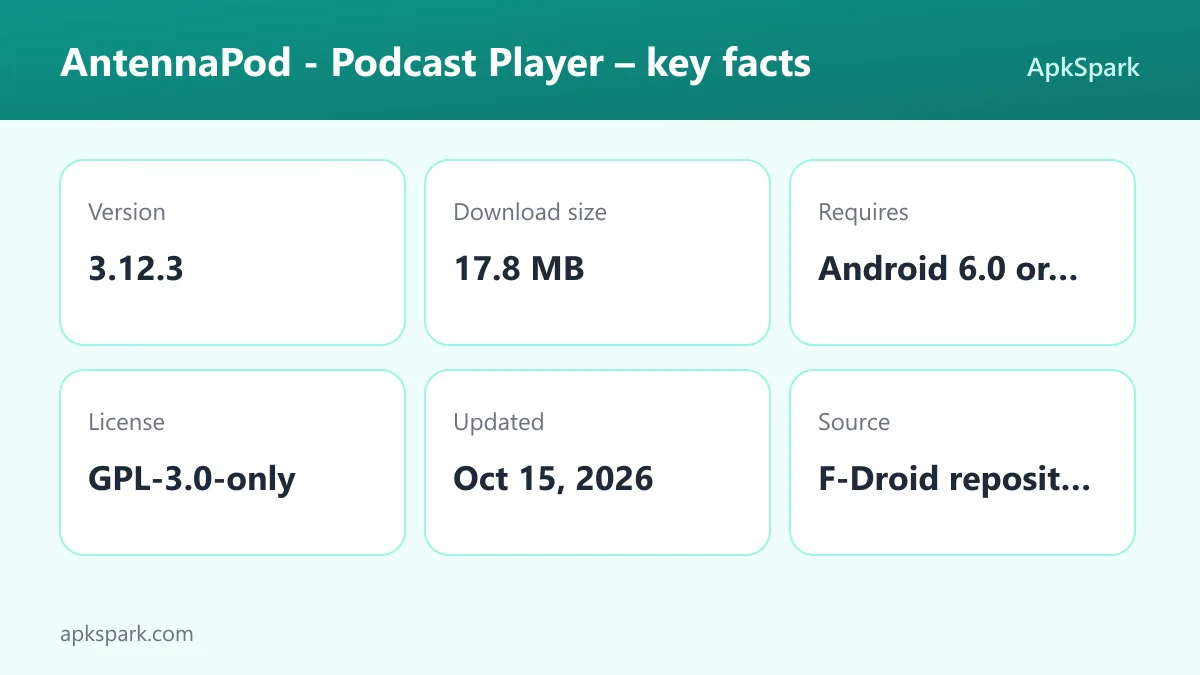
- Minimum Android version: Android 6.0 or newer.
- Download size: 17.8 MB.
- Supported ABIs: arm64-v8a, armeabi-v7a, x86 and x86_64.
- Version: 3.12.3.
- Release date: October 15, 2026.
The four ABIs cover 64-bit and 32-bit ARM devices as well as x86-based hardware and emulators. RAM and free-storage requirements beyond the download size are not documented. Keep in mind that downloaded episodes take additional space, which you can control with the cache size, smart deletion and storage location settings.
Who should use AntennaPod?
AntennaPod fits listeners who follow many shows and want them all in one place without an account or a subscription fee. Because it reads standard feeds and accepts OPML, it works well for anyone moving from another podcast app who wants to bring a long subscription list along in one step.
It also suits people on limited data plans or older phones. The download rules can keep large audio files off mobile data, restrict them to your home Wi-Fi, and wait until the phone is charging. Smart deletion and a cache limit keep storage from creeping up. If you listen on a commute, you can have the morning's episodes ready before you leave the house.
Finally, it is a reasonable pick for anyone who cares about open source. AntennaPod is GPL-licensed, built by volunteers, and free of ads. If you like the idea of reporting bugs, suggesting features on the forum or helping translate the interface on Weblate, the project openly invites that kind of participation.
A typical setup with AntennaPod
A practical first session might look like this. You open AntennaPod, search the Podcast Index or Apple Podcasts directory for a few shows you already follow, and subscribe. If you are coming from another player, you export its OPML file and import it instead, which brings every subscription across at once.
Next, you open the download settings. You exclude mobile networks, pick your home Wi-Fi as the only network for automatic downloads, and require the phone to be charging. You set a sensible number of cached episodes so older ones are removed once you have heard them, and you mark one or two episodes you want to keep as favourites.
During the day, you control playback from the notification or your Bluetooth headphones. You raise the speed for a talk show, skip to a chapter in a long interview, and let the remembered position bring you back later. At night, the sleep timer lowers the volume and stops the episode, and a quick shake resets it if you are still awake.
Documented limitations of AntennaPod
AntennaPod is a player and manager, not a podcast host. What you can find depends on the feeds that publishers make available through the supported directories or as RSS and Atom links. Paid shows are supported only in the sense that the app can access password-protected feeds and episodes; you still need valid credentials from the publisher.
Syncing subscriptions between devices is documented only through the gPodder.net integration and OPML export. Other sync methods are not described in the facts. The same goes for features such as transcripts, video podcasts or a desktop version: they are not documented here, so do not count on them.
As a volunteer project, development pace depends on contributors. The public issue tracker is the best place to see what is being worked on and what has been reported.
Tips for getting started with AntennaPod
- Import before you search: If you already use another podcast app, export an OPML file there and import it into AntennaPod first. Your subscriptions arrive in one step, and you can prune them later.
- Set download rules on day one: Open the automatic download settings, exclude mobile networks, choose your Wi-Fi networks and decide whether the phone must be charging. This prevents surprise data use from a large backlog.
- Limit the episode cache: Choose how many episodes are kept and turn on smart deletion. Mark the episodes you want to keep as favourites so they are protected based on your favourites settings.
- Add the homescreen widget: The widget and the system notification let you pause, resume and skip without opening the app, which saves time when you listen in short bursts.
- Try the sleep timer options: Enable shake to reset and lower volume if you listen at night. The episode fades out instead of stopping abruptly, and a shake extends it.
- Back up regularly: Export your subscriptions as OPML or link a gPodder.net account so you can restore them on a new phone or after reinstalling.
Alternatives to AntennaPod
ApkSpark does not list a direct alternative for this app at the moment. You can browse more Music & Audio apps to compare other players and audio tools in the same category, and check the AntennaPod developer page for other releases from the same team.
When comparing, look at the same points covered above: how feeds are added, whether downloads can be limited to Wi-Fi, how storage is managed, which permissions are requested, and whether the code is published.
Final verdict
AntennaPod is a focused, well-documented podcast player that puts you in charge of downloads, storage and playback. It reads standard feeds, imports OPML, and offers detailed automation without ads, fees or an account requirement.
If you want a podcast app you can inspect, configure in depth and use for free, it is a strong choice. The permission list is short and matches its features, and the F-Droid build ties the APK to the public source code.