

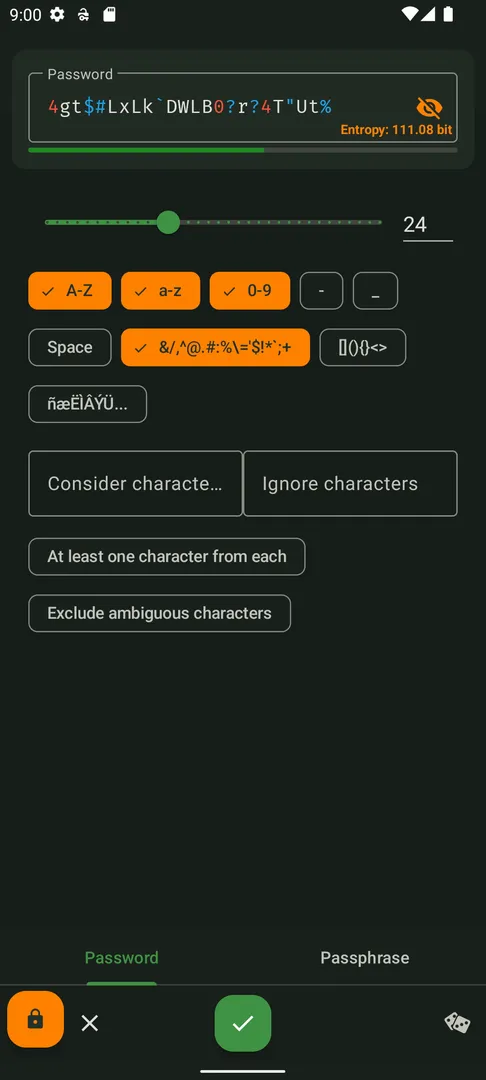
KeePassDX Passkey Vault is an open source passkey and password manager for Android that keeps your credentials in a single encrypted file using the open KeePass format. It fills in forms securely, needs no internet connection and follows Android design standards.
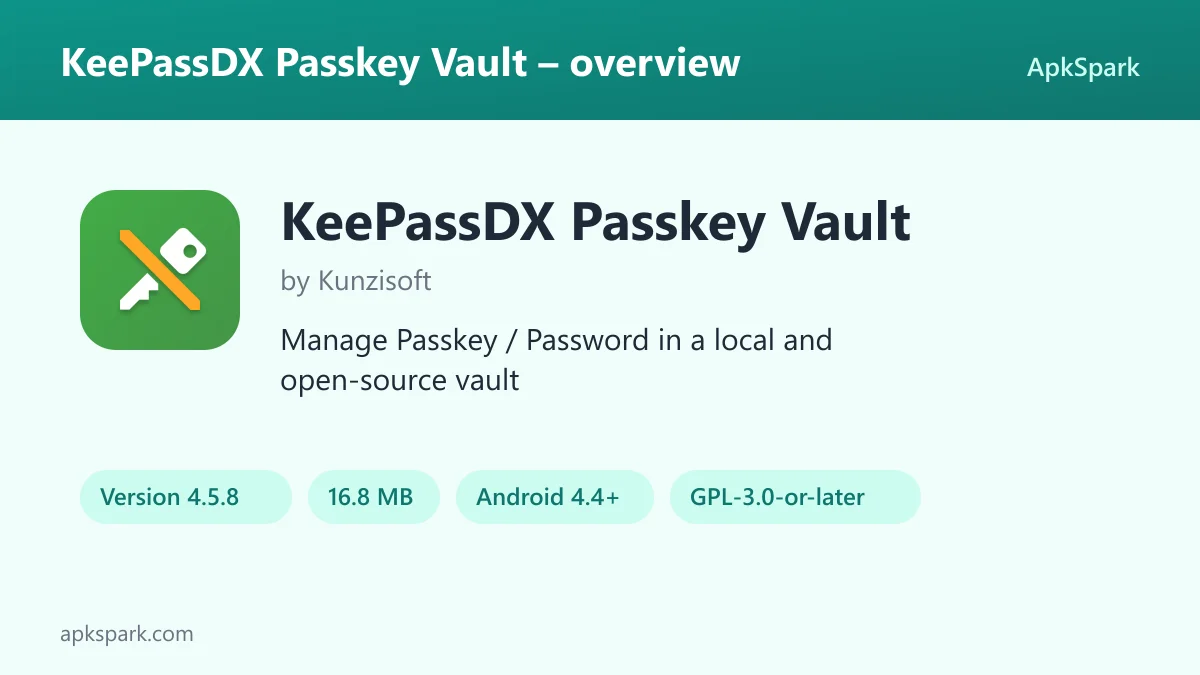
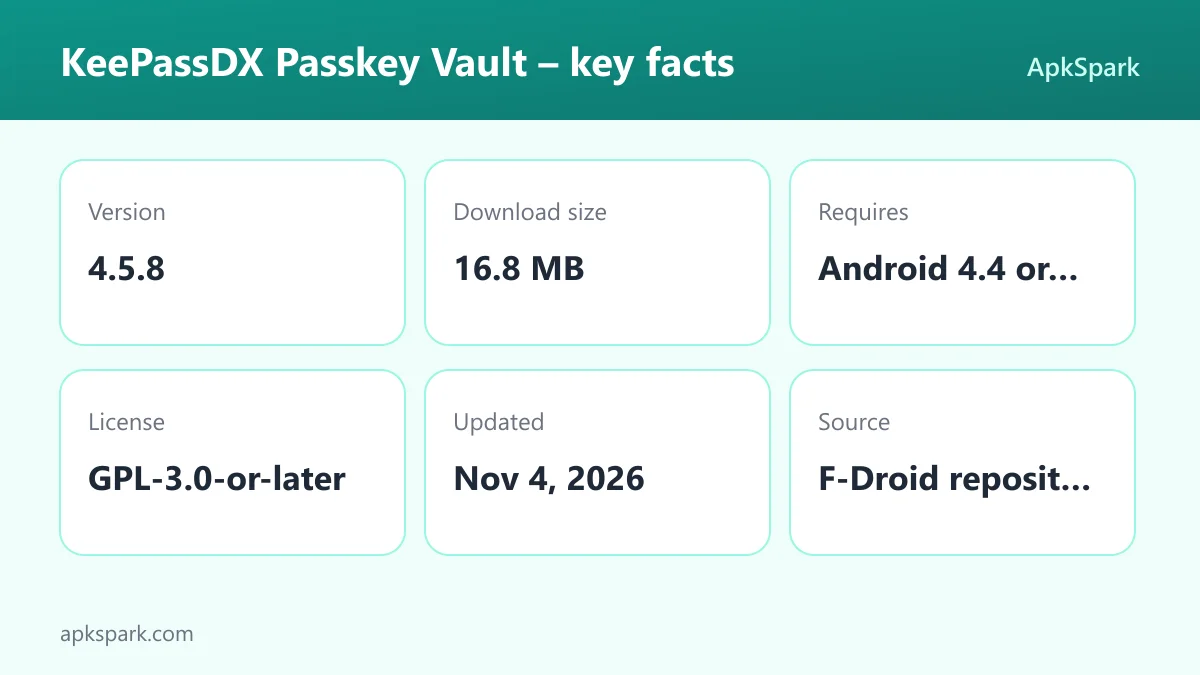
KeePassDX Passkey Vault is developed by Kunzisoft under the GPL-3.0-or-later license and contains no advertising. The build offered here is version 4.5.8, which F-Droid compiles from the published source code. It supports Android 4.4 and newer across four processor architectures.
This article covers what the app does, each permission it requests, how to install the APK, what makes it trustworthy or not, and practical tips for moving your passwords into it.
What is KeePassDX Passkey Vault?
KeePassDX Passkey Vault is the Android app from the KeePassDX project. Its job is to hold your passwords, passkeys and one-time codes in an encrypted database file that you control. Instead of syncing your secrets to an online account, the app edits a local file in the KeePass format.
Because the format is open, a database made in KeePassDX Passkey Vault works with other programs. The description names KeePass, KeePassXC and KeeWeb as examples of compatible software. That means a file you create on your phone can, in principle, be opened by a desktop KeePass client, and the other way around.
The app supports both older .kdb files and newer .kdbx files, versions 1 to 4. It handles the AES, Twofish, ChaCha20 and Argon2 algorithms used by those formats. The code is written in Kotlin, Java, JNI and C.
Version 4.5.8 of KeePassDX Passkey Vault is a 16.8 MB download. It asks for no internet permission and no sensitive permissions, which makes its offline design easy to verify from the permission list alone. Biometric and fingerprint permissions support quick unlocking.
The project describes itself as constantly evolving and publishes its issue tracker on GitHub. A pro version also exists for people who want to donate or support faster development, but this page covers the free F-Droid build of KeePassDX Passkey Vault.
Key features of KeePassDX Passkey Vault
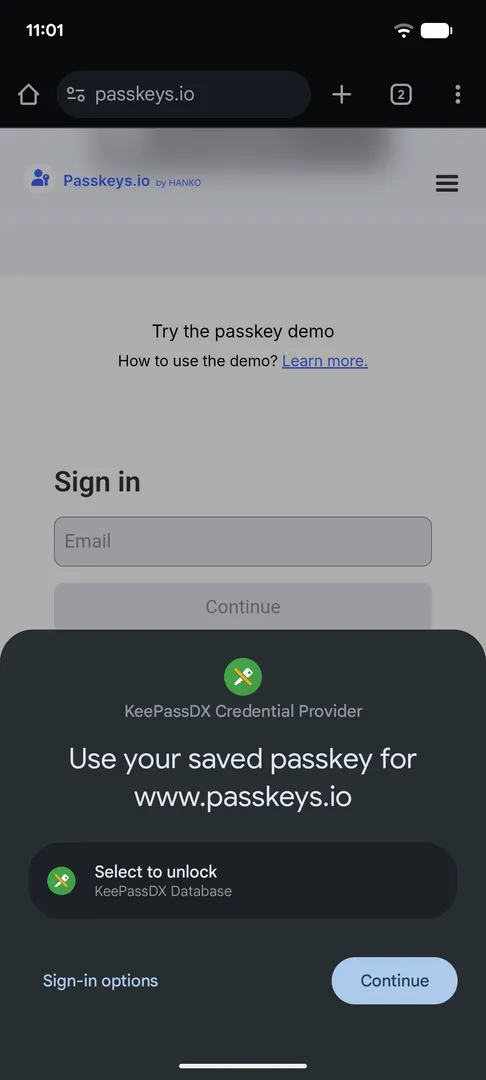
- Passkeys stored locally: The app supports passkeys for authentication and keeps their private keys in local storage. Your passkeys live in your own encrypted database instead of a cloud account, which fits the app's offline approach to managing credentials.
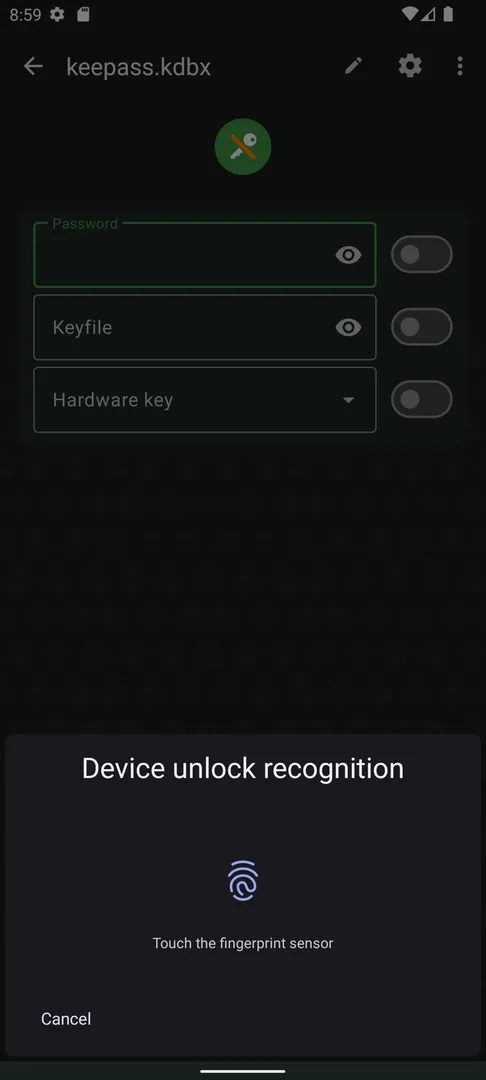
- Biometric unlocking: You can unlock the database quickly with biometric recognition, such as a fingerprint or face unlock. This saves typing a long master password every time you need a login, while the database itself stays encrypted on the device.
- One-time passwords for 2FA: KeePassDX Passkey Vault manages HOTP and TOTP one-time passwords for two-factor authentication. You can keep your second-factor codes in the same database as the passwords they protect, or in a separate file if you prefer to split them.
- Autofill: The app integrates with Android autofill to fill login forms with your saved passwords. When you open a sign-in screen in another app or browser, it can offer matching entries so you do not have to copy and paste.
- Magikeyboard: For fields where autofill does not work, the built-in Magikeyboard lets you fill in any field efficiently. You switch to it as an input method and send entry values directly into the text box you are editing.
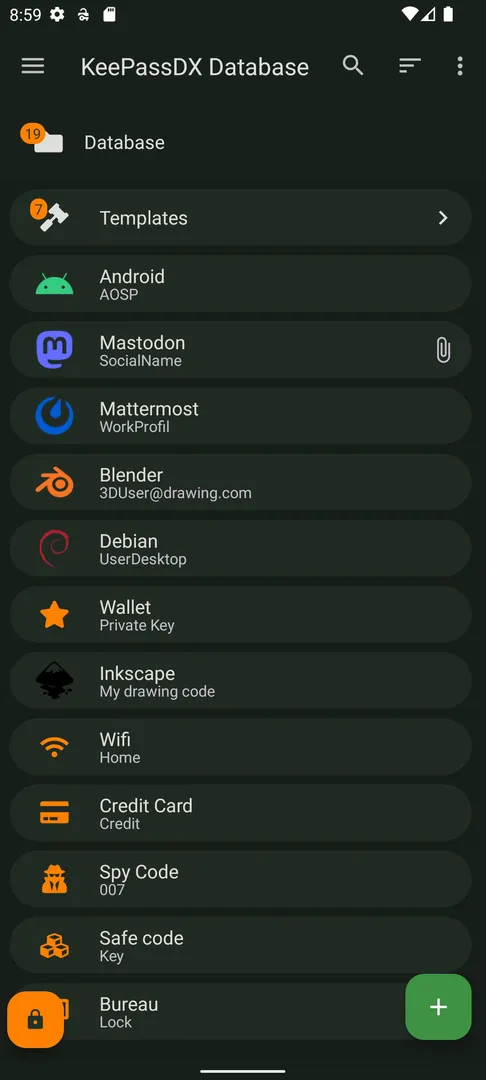
- Encrypted database files: You can create new encrypted database files from scratch. Credentials are organized by entry and in group trees, so you can sort logins into folders such as work, banking or shopping and find them later.
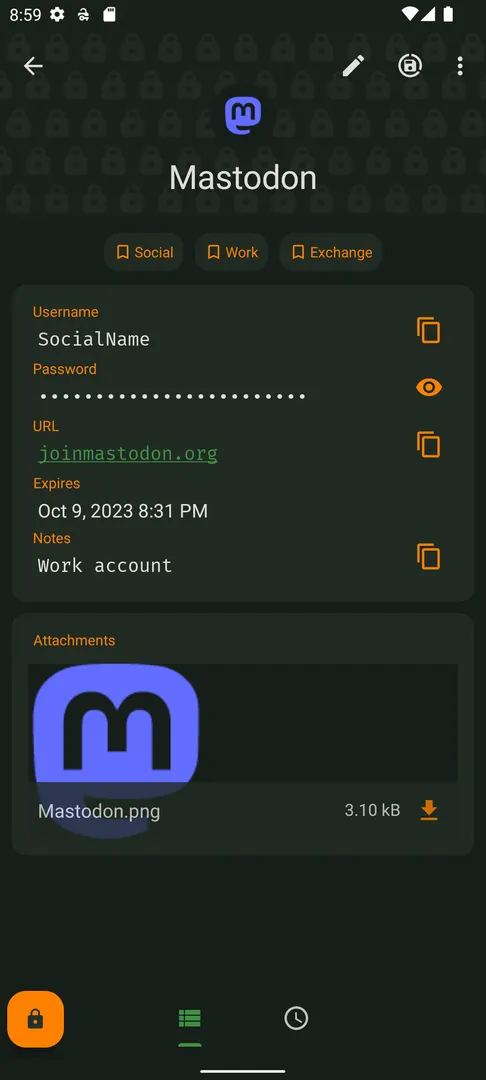
- Dynamic templates and history: Each type of entry can use dynamic templates, which shape the fields an entry shows. Every entry also keeps a history, so earlier values remain available if you change a password and later need the old one.
- Quick URI and URL access: The app lets you open and copy URI or URL fields quickly. This is useful when an entry stores the address of a login page and you want to jump to it straight from the vault.
- Wide format support: It opens .kdb and .kdbx files from version 1 to 4 with AES, Twofish, ChaCha20 and Argon2. The description says it is compatible with the majority of alternative programs, including KeePass, KeePassXC and KeeWeb.
- Material design and settings: The interface follows Material design with selectable themes. The description also highlights precise management of settings, so you can adjust how the app behaves rather than accepting a fixed set of defaults.
KeePassDX Passkey Vault permissions explained
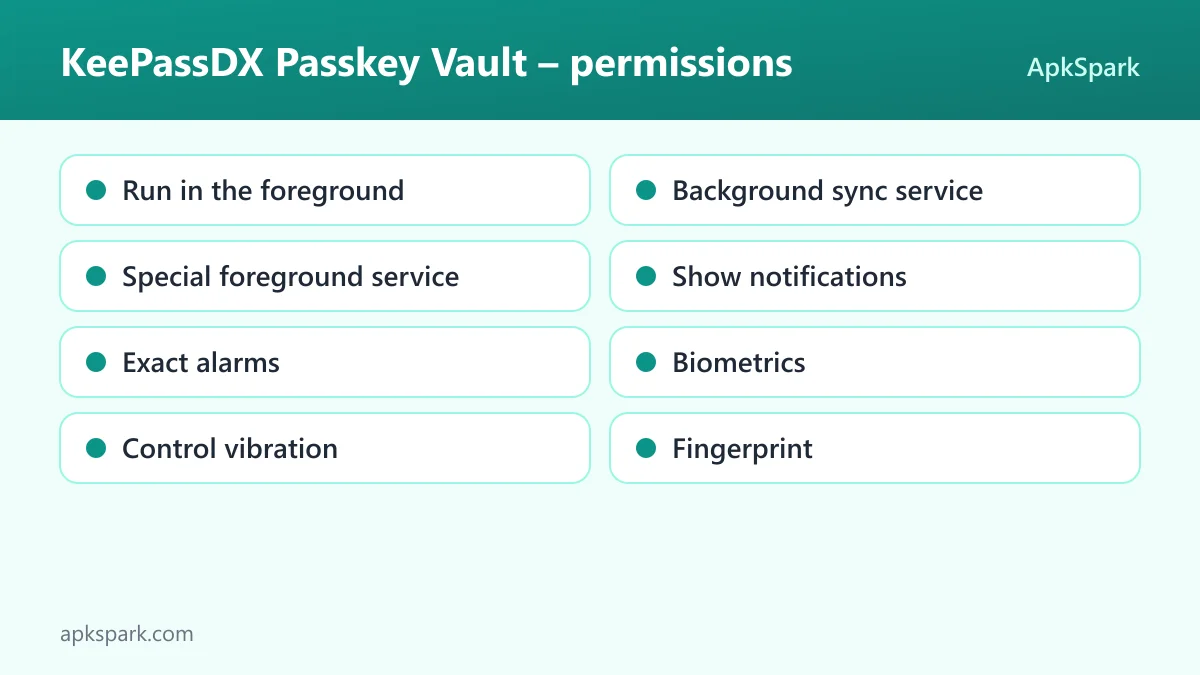
The app requests eight permissions. None are marked as sensitive, which is consistent with an app that keeps its data offline:
- Run in the foreground: Lets the app keep a visible notification while it works in the background. This makes ongoing work visible to you rather than hidden.
- Background sync service: Lets the app sync or transfer data from a foreground service. The facts do not tie this to a specific feature, so it is best read as support for longer file operations shown with a notification.
- Special foreground service: Lets the app run a foreground service for a special purpose. The exact purpose is not documented in the facts.
- Show notifications: Lets the app display notifications. On Android 13 and newer, the system asks you first before notifications appear.
- Exact alarms: Lets the app schedule alarms at an exact time. The facts do not say which feature uses it.
- Biometrics: Lets the app use fingerprint or face unlock to confirm actions. This supports the biometric unlocking feature described above.
- Control vibration: Lets the app make the device vibrate, for example as feedback.
- Fingerprint: Lets the app use the fingerprint sensor to confirm actions, which is the older route for the same biometric unlock.
On modern Android, sensitive permissions are requested at runtime with a system prompt. KeePassDX Passkey Vault lists none that are marked sensitive, and notifications on Android 13 and newer still ask before they show. Notably, internet access is not in the list, which matches the description's claim that the app requires no internet connection.
How to download and install KeePassDX Passkey Vault APK
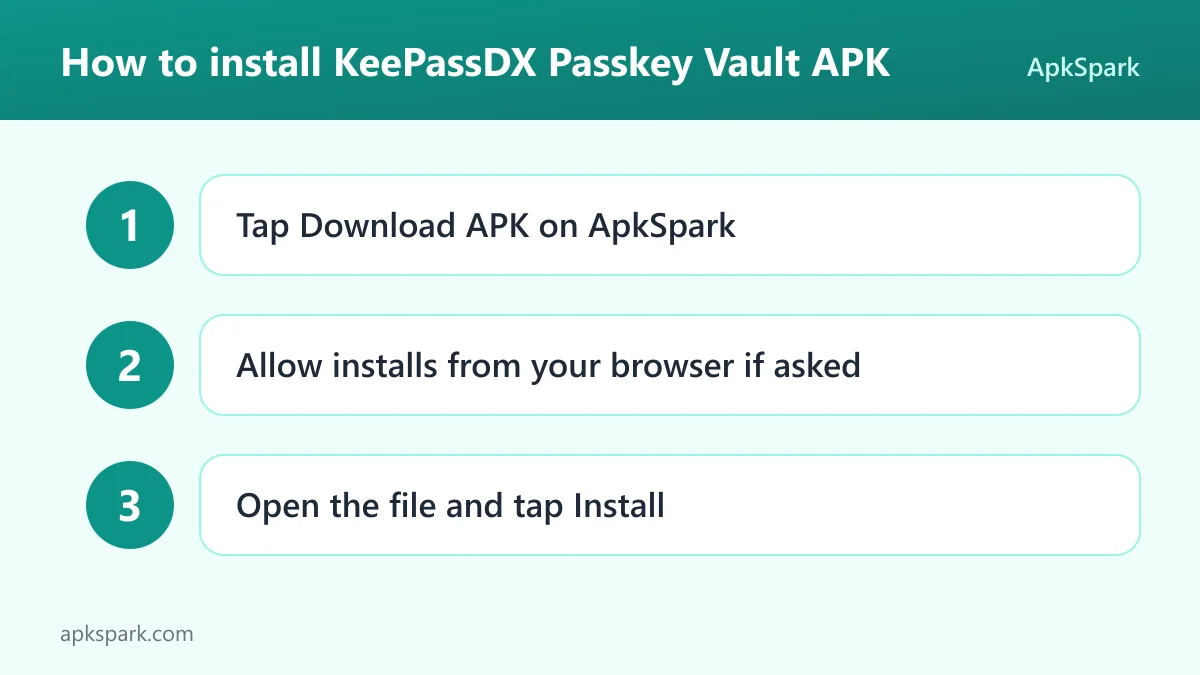
- Tap the Download button on this page.
- Allow installs from your browser when Android asks.
- Open the downloaded file.
- Tap Install.
- Open the app.
If you are new to sideloading, read our guide to installing APK files. It explains the browser permission prompt, how to find the downloaded file and how to fix common installation errors. The KeePassDX Passkey Vault file is 16.8 MB, so it downloads quickly even on a slow connection.
Is KeePassDX Passkey Vault safe?
For a password manager, trust is the key question, so here are the checkable facts. KeePassDX Passkey Vault is released under the GPL-3.0-or-later license, and the code is public on GitHub. Anyone can read how the app handles your database and report problems on the issue tracker.
The APK on this page comes from F-Droid. According to the repository note, F-Droid builds this APK from the published source code and signs it with the F-Droid key, and the file is downloaded from the official f-droid.org repository. The app's entry is on the F-Droid listing.
F-Droid lists no anti-features for this app, meaning it has not been flagged for ads, tracking or similar behavior. The description also states that the app is open source with no advertising.
The permission list supports the offline claim. The app does not request internet access, so on the basis of its manifest it cannot send your database anywhere by itself. You still need to protect the database file and your master password, since anyone with both could open your vault.
KeePassDX Passkey Vault system requirements
- Minimum Android version: Android 4.4.
- Download size: 16.8 MB.
- Supported ABIs: arm64-v8a, armeabi-v7a, x86 and x86_64.
- Version: 4.5.8.
- Release date: November 4, 2026.
This is a wide range of support. Android 4.4 is an old baseline, and all four common processor architectures are covered, so KeePassDX Passkey Vault should install on most devices still in use. RAM requirements are not documented. Biometric unlocking naturally requires a device with a fingerprint sensor or face unlock.
Moving your passwords into KeePassDX Passkey Vault
Since the app uses the open KeePass format, switching often comes down to where your passwords are now. If you already use KeePass, KeePassXC or KeeWeb on a computer, you can copy your existing .kdbx file to your phone and open it in the app. The description says it supports .kdb and .kdbx files from version 1 to 4.
If you are starting fresh, create a new encrypted database inside KeePassDX Passkey Vault. Choose a strong master password you can remember, because it protects everything in the file. Then add entries one by one and sort them into groups.
Once your entries are in place, turn on autofill in Android's settings and select the app as your autofill service. For apps where autofill does not trigger, switch to the Magikeyboard when you reach a login field.
Finally, think about backups. Because the vault is a single file, keeping a copy somewhere safe protects you if your phone is lost or damaged. The app itself works offline, so making and storing that copy is up to you.
Passkeys and one-time codes in KeePassDX Passkey Vault
Two features push the app beyond a basic password list. The first is passkey support. KeePassDX Passkey Vault can act as a store for passkeys used for authentication, and the private keys are kept locally in your vault rather than with an online provider.
The second is one-time password management. The app handles HOTP and TOTP codes for two-factor authentication. When a website asks for a six-digit code after your password, you can read it from the same entry that holds the login.
Some people prefer keeping passwords and 2FA codes in separate files, so that one stolen file does not expose both factors. Since you can create more than one encrypted database, that split is possible if you want it.
A typical login with KeePassDX Passkey Vault
Here is how a normal day with KeePassDX Passkey Vault tends to look, based on its documented features. You open a banking app or a website and reach the sign-in screen. Android autofill offers to fill the fields, and KeePassDX Passkey Vault asks you to unlock the vault.
Instead of typing your master password, you confirm with your fingerprint or face unlock. The app then suggests the matching entry, and the username and password go into the form. If the site asks for a two-factor code, you open the same entry in KeePassDX Passkey Vault and read the current TOTP code.
Some apps do not cooperate with autofill. In that case, switch your keyboard to the Magikeyboard, pick the entry and send the username and password into the fields. It takes a few more taps but works in any text field.
When you need to visit a site first, open the entry and use the URL field. The app lets you open or copy URI and URL fields quickly, so you can jump to the right login page without searching for it.
Documented limitations of KeePassDX Passkey Vault
The description is clear about what the app is, and that also shows what it does not try to do:
- No built-in internet sync: KeePassDX Passkey Vault requires no internet connection and does not request internet access. If you want the same database on a computer, you have to move the file with another tool.
- Your file, your backups: All data is in one encrypted file. Losing the file or forgetting the master password means losing access, so backups are your responsibility.
- Biometrics depend on hardware: Fingerprint and face unlock need suitable sensors on your device.
- Odd category placement: The app is listed under Personalization on ApkSpark, but it is a password manager, not a theming or customization tool.
Who should use KeePassDX Passkey Vault?
KeePassDX Passkey Vault suits people who want full control over their passwords. If you do not want your credentials stored on a company's servers, an encrypted local file is a direct answer. The absence of an internet permission makes that promise easy to check.
It also fits anyone already using KeePass-compatible software on a computer. Because the app reads the same formats as KeePass, KeePassXC and KeeWeb, it can become the mobile side of an existing setup without converting anything.
People with older or unusual hardware benefit too. Android 4.4 support and four ABIs mean the app reaches devices that many newer apps leave behind. If you want automatic cloud syncing built in, though, note that the app itself is offline by design.
Tips for getting started with KeePassDX Passkey Vault
- Pick a strong master password: Your master password protects the whole database. Make it long and unique, then enable biometric unlock for daily convenience.
- Enable autofill: Set the app as your Android autofill service so it can offer logins in other apps and browsers.
- Try the Magikeyboard: When autofill does not appear in a field, switch to the Magikeyboard to fill it directly.
- Use groups: Organize entries in group trees from the start. A tidy structure is easier to search as your vault grows.
- Add your 2FA codes: Store HOTP or TOTP secrets in entries so the app can generate your one-time codes.
- Back up the file: Keep a copy of your encrypted database somewhere safe, since the app does not sync it for you.
Alternatives to KeePassDX Passkey Vault
ApkSpark does not list related apps for this one yet. You can browse more Personalization apps to see what else is in this category, or check other projects on the Kunzisoft developer page.
If you already use a desktop password manager, the description names KeePass, KeePassXC and KeeWeb as compatible programs. That compatibility means you can keep using them alongside the app with the same database file.
Final verdict
KeePassDX Passkey Vault is a focused, offline password and passkey manager built on the open KeePass format. It offers biometric unlock, autofill, the Magikeyboard, one-time codes and wide format support, all without asking for internet access.
It is open source under the GPL, built and signed by F-Droid, free of ads and flagged for no anti-features. If you want your secrets stored in a file you control, KeePassDX Passkey Vault is a strong choice to install.