
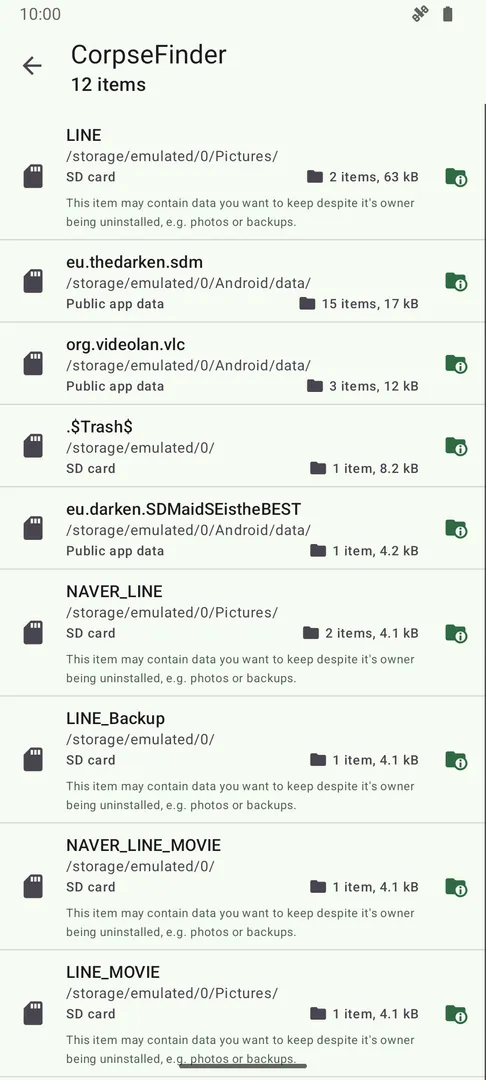
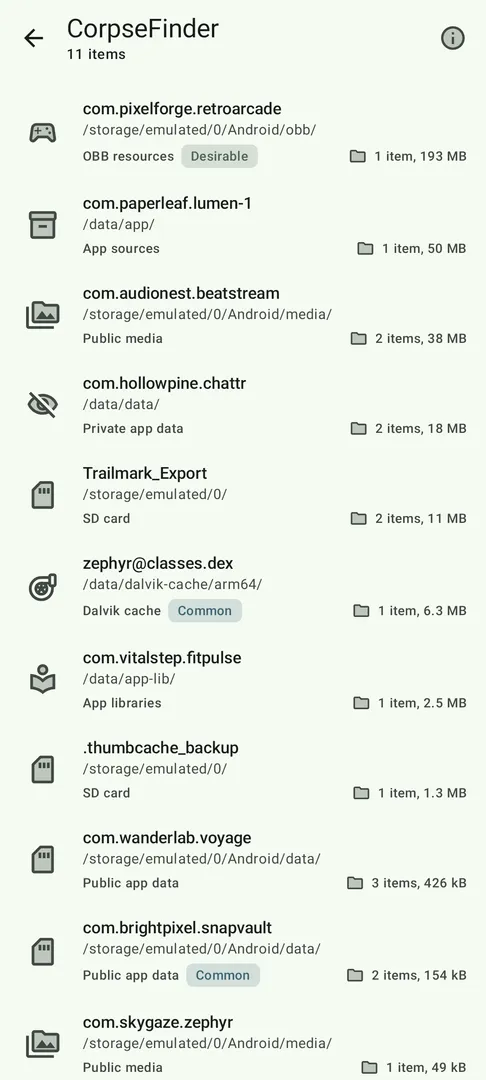
SD Maid 2/SE by Matthias Urhahn is a system cleaner and app and file manager for Android that knows which apps created which files on your device. It compares files with your installed apps to help you free up storage space safely, by finding leftovers from removed apps, expendable caches, duplicate files and more.
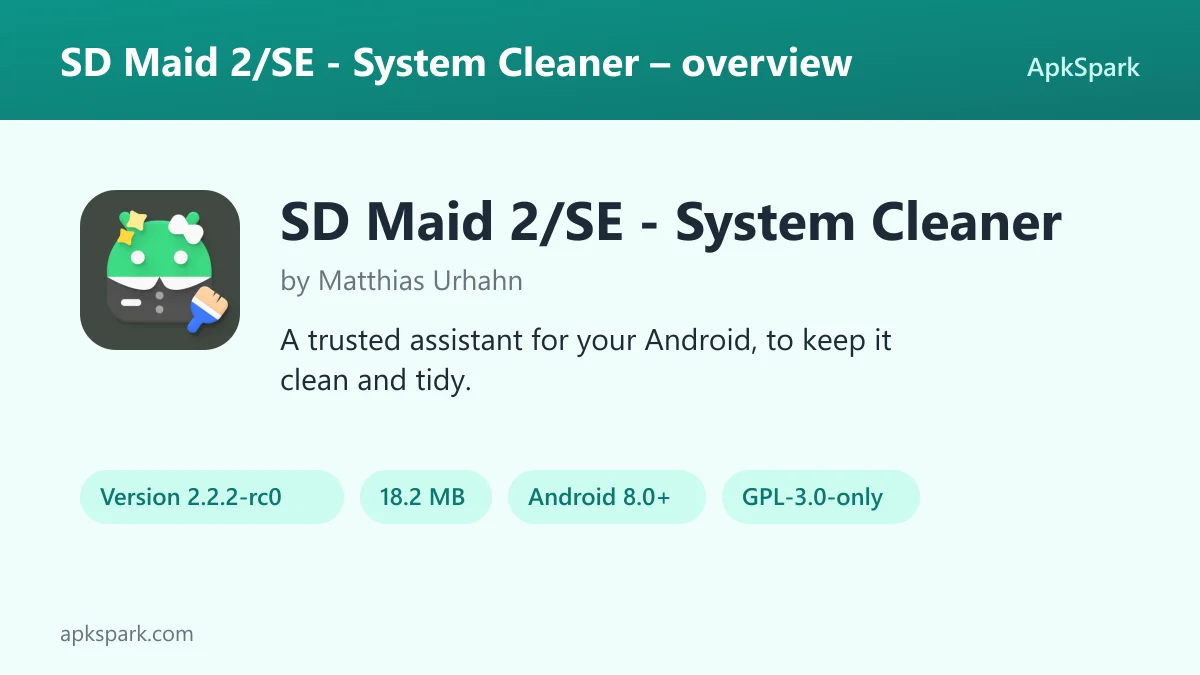
SD Maid 2/SE by Matthias Urhahn is the successor to SD Maid 1/Legacy, optimized for newer Android versions and focused on cleaning up. It is ad-free and released under the GPL-3.0-only license, though some features require a paid upgrade. The build here is version 2.2.2-rc0, compiled by F-Droid from the published source code.
This article goes through each of its tools, the permissions it asks for, how to install it, the one anti-feature F-Droid lists and how to use it without deleting something you need.
What is SD Maid 2/SE by Matthias Urhahn?
SD Maid 2/SE by Matthias Urhahn is built around a simple problem. Android, as the description puts it, is not perfect. Apps you removed leave files behind, logs and crash reports keep piling up, your storage collects folders you do not recognize, and your gallery fills with duplicate photos.
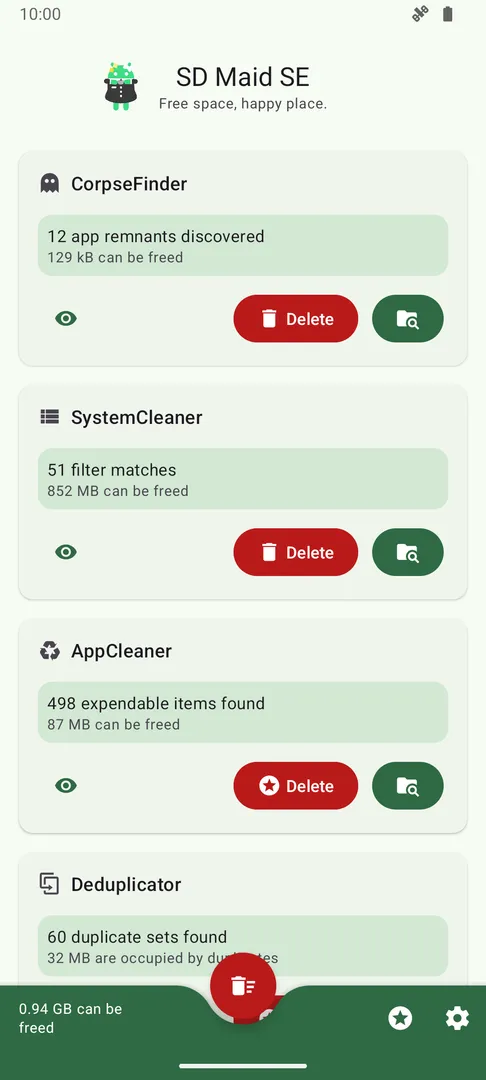
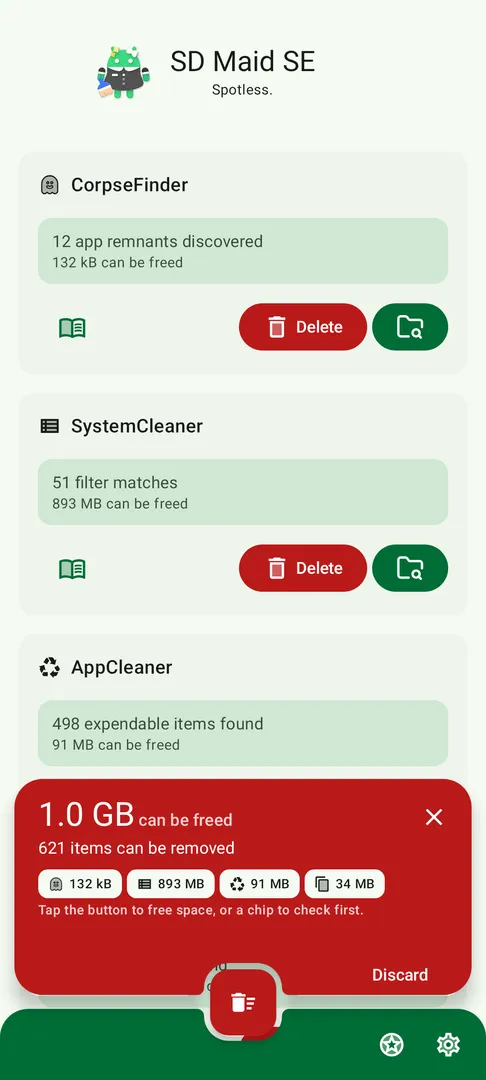
SD Maid 2/SE by Matthias Urhahn tackles this with a set of named tools. CorpseFinder finds remnants of uninstalled apps. SystemCleaner searches for files by criteria. AppCleaner finds expendable files inside apps. AppControl manages your apps. StorageAnalyzer shows where space goes. Deduplicator finds copies. Swiper lets you sort files by swiping, and Media Squeeze compresses photos.
What sets it apart from a plain file manager is that it links files to the apps that made them. That context lets it tell you which app a leftover folder belonged to before you delete it. The developer is Matthias Urhahn.
The app also has optional features that use Android's AccessibilityService API. With it, the app can click buttons for you to perform operations on multiple apps, such as deleting caches, which saves you from repeating the same taps many times.
Key features of SD Maid 2/SE by Matthias Urhahn
- CorpseFinder: When apps write files outside their designated folders, those files can remain after you uninstall the app. CorpseFinder finds these remnants, tells you which app they belonged to and helps you delete them, so you know what a leftover folder was before removing it.
- SystemCleaner: Filter for empty folders, temporary files, already installed apps and more. You can create your own search criteria, and SystemCleaner automatically searches and deletes files that match. This handles the logs, crash reports and other files the description says are constantly being created.
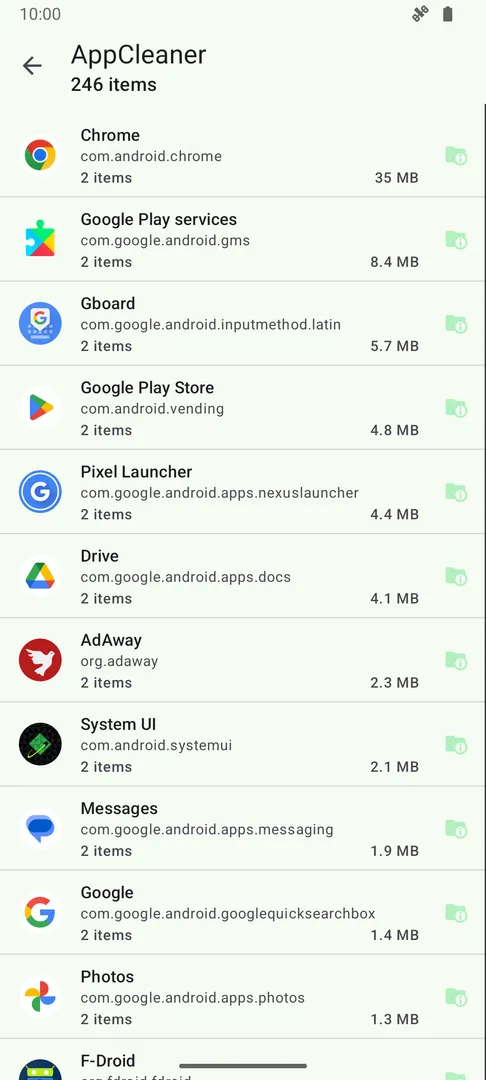
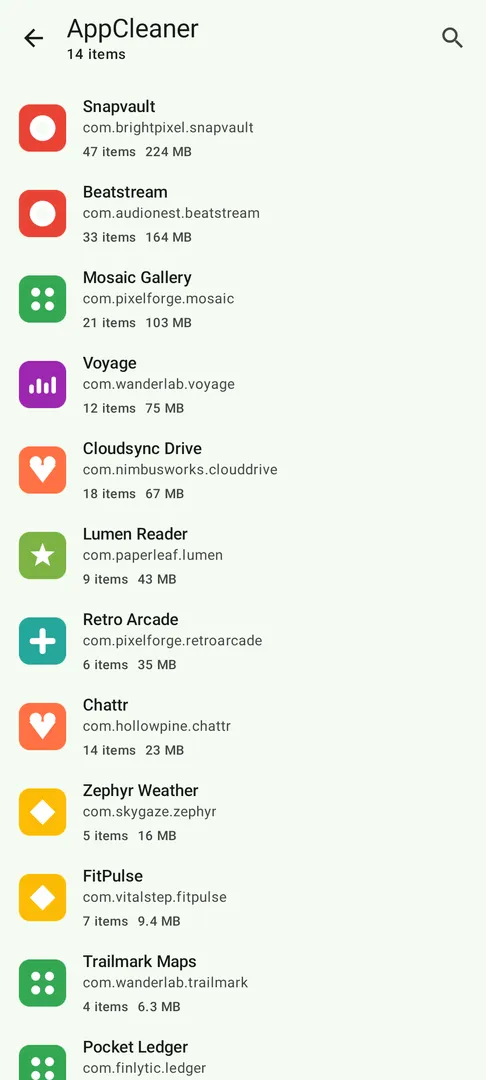
- AppCleaner: Thumbnails, trash bins, offline caches and similar files build up when apps do not clean up after themselves. The AppCleaner tool in SD Maid 2/SE by Matthias Urhahn finds apps holding expendable files so you can clear them out and recover space.
- AppControl: Get a full list of every app on the device, whether enabled, disabled, user or system. AppControl is an app manager that lets you search, sort and control your apps, and the description says no app can hide from it.
- StorageAnalyzer: Storage is spread across apps, media, system files, device storage, SD cards and USB devices. StorageAnalyzer is a file manager that shows how space is used, which makes it easier to see what is filling your storage before deciding what to remove.
- Deduplicator: Duplicate downloads, photos sent through social media and similar pictures of the same scene accumulate over time. Deduplicator finds files that are exactly the same or similar and helps you delete the extra copies while keeping one.
- Swiper: Pick a folder and go through files one at a time with swipes to keep, delete or skip. Swiper lets you review all decisions before anything is deleted, and you can save a session to continue later, which suits large folders.
- Media Squeeze: Photos take a lot of space, but you may not want to delete them. Media Squeeze compresses your images with adjustable quality settings, freeing up space while keeping the pictures themselves on your device.
- Accessibility automation: Optional features use the AccessibilityService API to automate tedious actions. The app can click buttons for you to perform operations across multiple apps, for example deleting caches, instead of you opening each one in turn.
SD Maid 2/SE by Matthias Urhahn permissions explained
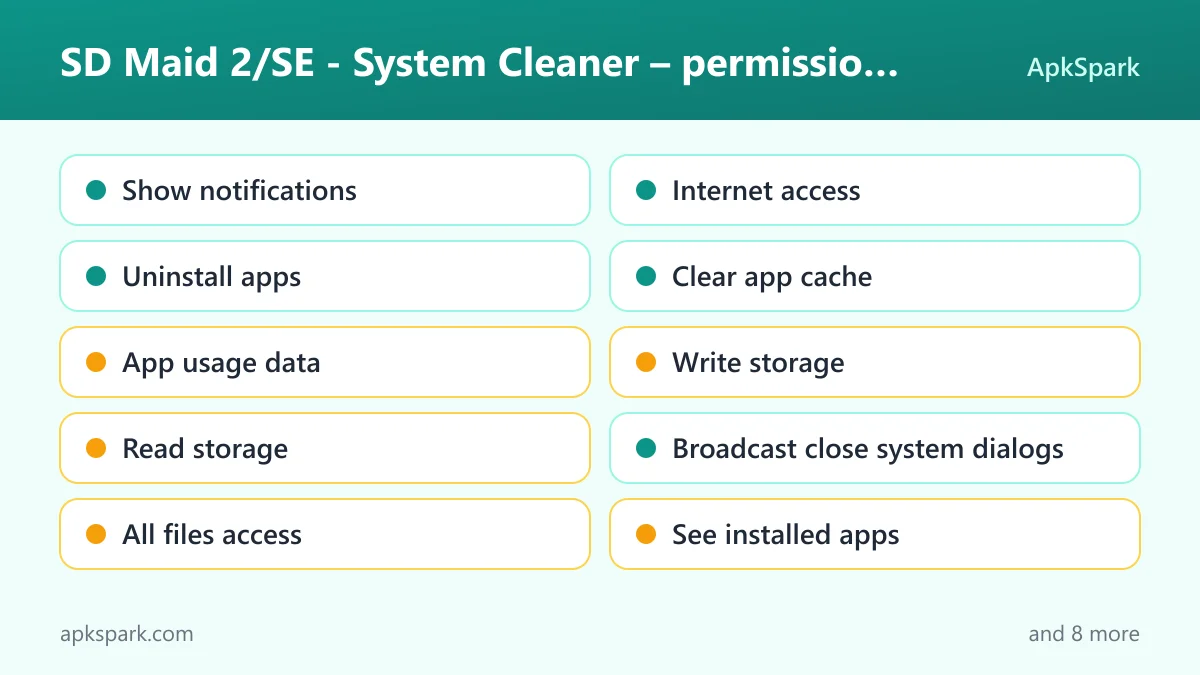
SD Maid 2/SE by Matthias Urhahn requests eighteen permissions. Here is what each one does:
- Show notifications: Shows notifications; Android 13 and newer ask first.
- Internet access: Connects to the internet. The facts do not tie it to a specific feature.
- Uninstall apps: Asks to remove app packages, which fits AppControl.
- Clear app cache: Uses the "clear app cache" permission, which fits AppCleaner.
- App usage data: Reads app usage statistics. This is sensitive.
- Write storage: Saves and modifies files in shared storage, needed to delete leftovers and duplicates. This is sensitive.
- Read storage: Reads files in shared storage, needed to scan for leftovers and duplicates. This is sensitive.
- Broadcast close system dialogs: Uses the "broadcast close system dialogs" permission, which plausibly relates to the accessibility automation, though the facts do not say so.
- All files access: Manages all files on the device storage, which tools like CorpseFinder, SystemCleaner and StorageAnalyzer rely on. This is sensitive.
- See installed apps: Lists the apps installed on the device, the basis for matching files to apps and for AppControl. This is sensitive.
- Write secure settings: Uses the "write secure settings" permission.
- Interact across users: Uses the "interact across users" permission.
- Query advanced protection mode: Uses the "query advanced protection mode" permission.
- Run in the foreground: Keeps a visible notification while it works in the background, for example during a long scan.
- Background sync service: Syncs or transfers data from a foreground service.
- View network connections: Checks whether the device is online and which network type is used.
- Prevent sleep: Keeps the device awake while a task runs, such as a cleaning pass.
- Run at startup: Starts itself after the device boots.
On modern Android, sensitive permissions such as storage, all files access and usage data are requested at runtime, and some are switched on from a system settings page. The accessibility features of SD Maid 2/SE by Matthias Urhahn are optional, so you only grant accessibility access if you want the automation.
How to download and install SD Maid 2/SE by Matthias Urhahn APK
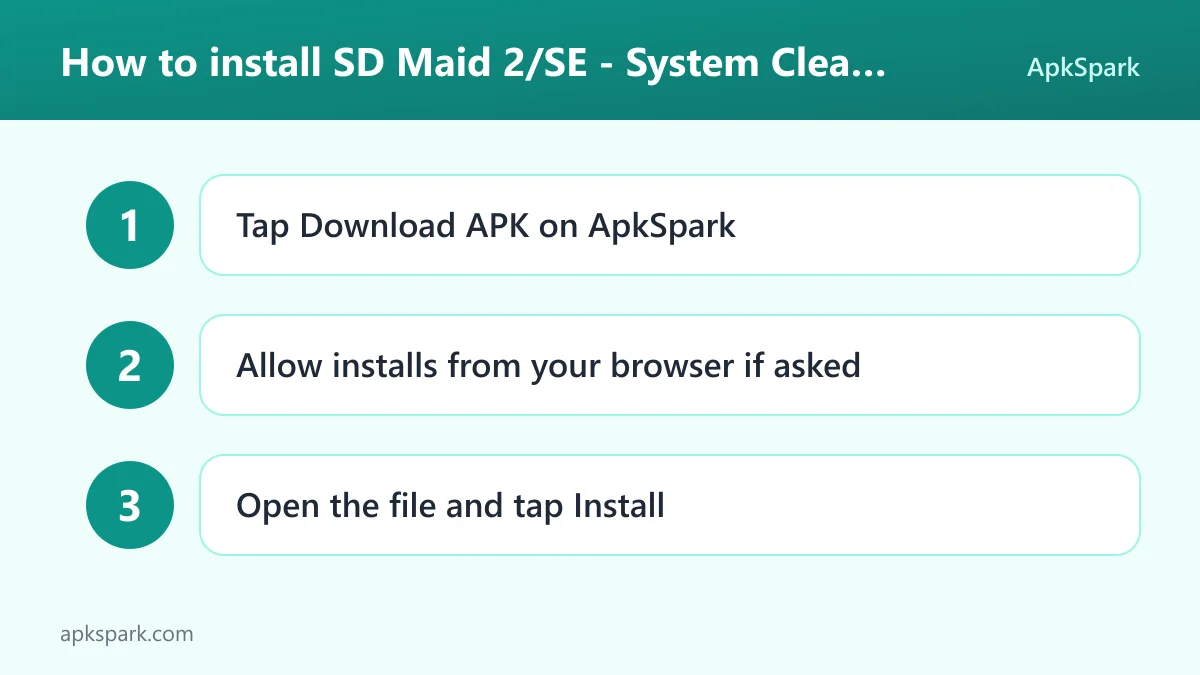
- Tap the Download button on this page.
- Allow installs from your browser when Android asks.
- Open the downloaded file.
- Tap Install.
- Open the app.
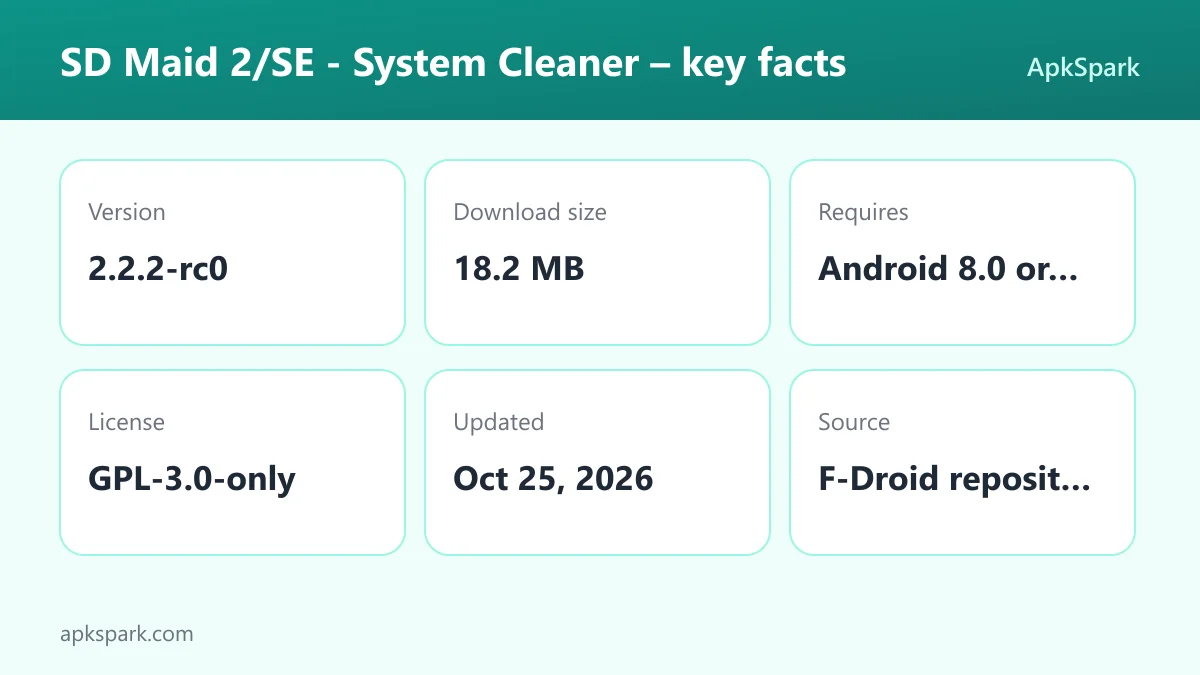
If this is your first sideloaded app, our guide to installing APK files explains each prompt and covers common errors. The SD Maid 2/SE by Matthias Urhahn APK is 18.2 MB and needs Android 8.0 or newer.
Is SD Maid 2/SE by Matthias Urhahn safe?
SD Maid 2/SE by Matthias Urhahn is released under the GPL-3.0-only license. Its source code is public on GitHub, and you can report bugs on the issue tracker.
The APK comes from F-Droid. According to the repository note, F-Droid builds this APK from the published source code and signs it with the F-Droid key, and the file is downloaded from the official f-droid.org repository. You can see the app's entry on the F-Droid listing.
F-Droid lists one anti-feature for SD Maid 2/SE by Matthias Urhahn: NonFreeAssets, meaning the app contains non-free media or assets. This concerns the license of some bundled files, not tracking or ads. The code remains GPL-licensed, and the description says the app is ad-free.
The practical safety question with any cleaner is accidental deletion. The app is designed to compare files against installed apps and help you delete safely, and Swiper lets you review choices before deleting. Still, read each result before confirming, especially with custom SystemCleaner filters.
SD Maid 2/SE by Matthias Urhahn system requirements
- Minimum Android version: Android 8.0.
- Download size: 18.2 MB.
- Supported ABIs: arm64-v8a, armeabi-v7a, x86 and x86_64.
- Version: 2.2.2-rc0.
- Release date: October 25, 2026.
The "rc0" in the version name suggests a release candidate rather than a final release, so expect the occasional rough edge. RAM requirements are not documented. The description says the app is optimized for newer Android versions, which matches the Android 8.0 minimum.
A typical cleanup with SD Maid 2/SE by Matthias Urhahn
A first session usually starts with a scan. Open SD Maid 2/SE by Matthias Urhahn and grant storage access when asked, since the tools cannot see your files without it. Then run CorpseFinder to look for leftovers from apps you removed. Each result shows the app it belonged to, so you can decide with context.
Next, try AppCleaner to find apps holding expendable files such as thumbnails, trash bins and offline caches. If you enable the optional accessibility automation, the app can click through the cache-clearing steps for several apps for you.
Then open StorageAnalyzer to see what is using the most space across device storage, SD cards and USB devices. If photos dominate, run Deduplicator to remove exact copies, or Media Squeeze to compress images you want to keep.
For a folder full of downloads you have not sorted, Swiper is the slower but careful route. Swipe to keep, delete or skip each file, review your decisions and only then confirm. You can save the session and finish another day.
Choosing the right tool in SD Maid 2/SE by Matthias Urhahn
With eight named tools, it helps to match each one to a problem. The description frames them around common storage complaints, so here is how they line up:
- Leftovers from removed apps: Use CorpseFinder. It finds files that apps wrote outside their own folders and names the app each one came from.
- Logs, temp files and empty folders: Use SystemCleaner. Its filters cover empty folders and temporary files, and you can add your own criteria.
- Bloated app caches: Use AppCleaner to find thumbnails, trash bins and offline caches. Add the optional accessibility automation if you want SD Maid 2/SE by Matthias Urhahn to click through each app for you.
- Not sure what is using space: Start with StorageAnalyzer to see how space splits across apps, media, system files, SD cards and USB devices.
- Too many copies of photos: Use Deduplicator for exact or similar files, and Media Squeeze to shrink the images you keep.
- A messy folder you want to sort by hand: Use Swiper and review each file before anything is deleted.
- Too many apps to keep track of: Use AppControl to search, sort and control every installed app.
Running all eight tools at once is rarely necessary. Picking the one that matches your problem keeps the cleanup quick and makes it easier to check what SD Maid 2/SE by Matthias Urhahn is about to remove.
Moving from SD Maid 1/Legacy to SD Maid 2/SE by Matthias Urhahn
The description calls SD Maid 2/SE by Matthias Urhahn the successor to SD Maid 1/Legacy. The newer app is optimized for newer Android versions and focused on cleaning up. It is a separate app that you install on its own, not an update applied to the older one.
Because the Android 8.0 minimum rules out older devices, anyone on an earlier Android version cannot use SD Maid 2/SE by Matthias Urhahn. If your phone runs Android 8.0 or newer, this is the version the developer points users toward.
Free and paid features in SD Maid 2/SE by Matthias Urhahn
The description states that the app is ad-free and that some features require a paid upgrade. It does not say which tools are behind the upgrade or what it costs, so this article cannot list them.
In practice, the best way to find out is to install the app and look at each tool. You can then decide whether the upgrade is worth it once you have tried the free parts.
Documented limitations of SD Maid 2/SE by Matthias Urhahn
- Paid upgrade for some tools: Not every feature is free. The description does not list which ones require the upgrade.
- Release candidate: Version 2.2.2-rc0 appears to be a release candidate, so small bugs are possible.
- Android 8.0 and newer only: Older devices cannot install it. The predecessor, SD Maid 1/Legacy, is not this app.
- Non-free assets: F-Droid flags some bundled media or assets as non-free.
Who should use SD Maid 2/SE by Matthias Urhahn?
SD Maid 2/SE by Matthias Urhahn suits anyone whose storage keeps filling up without an obvious cause. If you uninstall and try apps often, CorpseFinder and SystemCleaner deal with the leftovers that build up. If your gallery is full of copies, Deduplicator and Media Squeeze target that directly.
It also fits people who want one place to see and manage every app. AppControl lists enabled, disabled, user and system apps, and StorageAnalyzer shows where the space has gone. Users of the older SD Maid 1/Legacy who moved to a newer Android version are the obvious upgrade audience.
People who prefer to review every deletion will like Swiper. If you want a cleaner that runs silently without you checking anything, take care with automatic SystemCleaner filters.
Tips for getting started with SD Maid 2/SE by Matthias Urhahn
- Grant storage access first: Tools like CorpseFinder and StorageAnalyzer need it to see your files.
- Start with CorpseFinder: Leftovers from uninstalled apps are usually the safest files to remove, and each result names its app.
- Review before deleting: Read scan results and use Swiper for folders where you want to check each file.
- Try Media Squeeze on photos: Compress images with adjustable quality instead of deleting them.
- Enable accessibility only if needed: The automation is optional; turn it on only if you want the app to click through repeated actions.
- Build custom filters carefully: SystemCleaner deletes automatically by criteria, so test new filters before trusting them.
Alternatives to SD Maid 2/SE by Matthias Urhahn
ApkSpark does not list related apps for this one yet. You can browse more System & Files apps to compare other cleaners and file tools, or see the Matthias Urhahn developer page for other projects.
Final verdict
SD Maid 2/SE by Matthias Urhahn gives you a set of focused cleaning tools that link files to the apps that made them. CorpseFinder, SystemCleaner, AppCleaner, StorageAnalyzer, Deduplicator, Swiper and Media Squeeze each solve a clear storage problem.
It is ad-free, GPL-licensed and built by F-Droid, with one NonFreeAssets flag and some paid features. If your storage is cluttered, SD Maid 2/SE by Matthias Urhahn is worth installing.