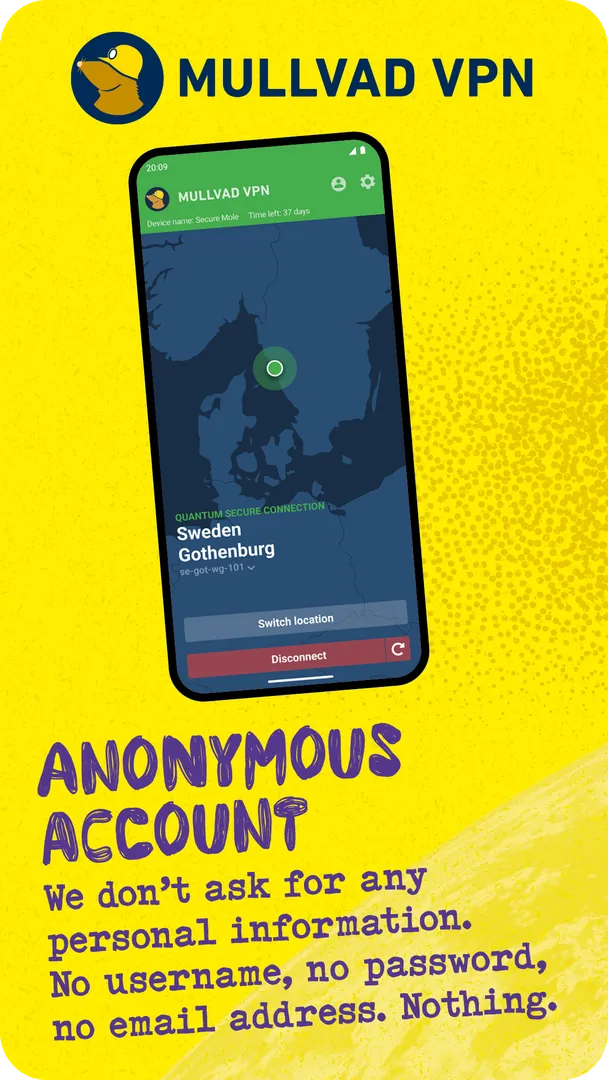
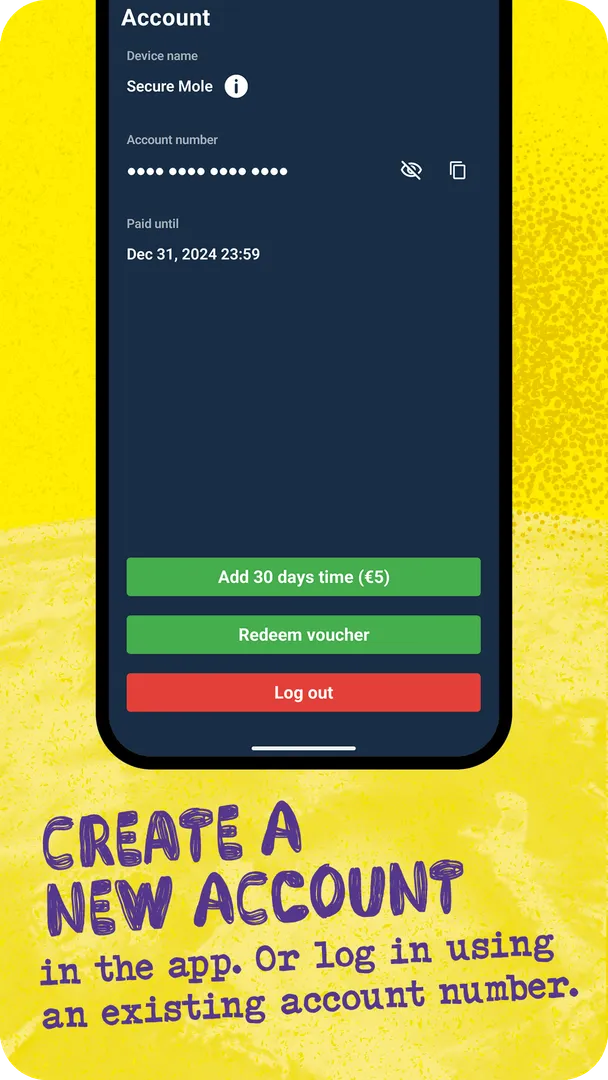


Mullvad VPN is a paid VPN service with an open-source Android app that routes your traffic through an encrypted tunnel, so websites and your internet provider see Mullvad's server instead of your own connection details. The service costs €5 per month, and creating an account does not require an email address or any other personal information.
Mullvad VPN connects using WireGuard, a VPN protocol the developer describes as fast to connect and light on battery. Payment can be made anonymously with cash or cryptocurrency, and the provider states that it keeps no activity logs.
This page explains how the service works, what each permission is for, how to install the APK, what the GPL license and the F-Droid build tell you, the requirements of version 2026.12, and where the app's documented limits are.

What is Mullvad VPN?
Mullvad VPN is a virtual private network. When it is switched on, your traffic travels through an encrypted tunnel to one of Mullvad's VPN servers and then onward to the website you are visiting. The website sees the server's identity rather than yours. Your internet service provider can see that you are connected to Mullvad, but not what you do.
The developer points out a second effect. Third-party technology embedded in many websites often uses your IP address to follow you from one site to another. With the tunnel active, those trackers see the VPN server's address instead, which makes that kind of cross-site tracking harder.
Getting started with Mullvad VPN takes three steps: install the app, create an account, and add time to the account through the Mullvad website or with vouchers. The app on its own does nothing until the account has time on it, because the servers are part of a paid service.
The developer also says a VPN does not block cookies or other tracking technologies by itself. For that, it recommends pairing Mullvad VPN with Mullvad Browser, which it offers free of charge. The two are presented as its contribution to an internet free from mass surveillance and data collection.
Key features of Mullvad VPN
- Anonymous accounts: Creating an account requires no personal information, not even an email address. Account numbers are used for authentication, so there is no username or profile tied to your identity for the service to hold.
- No activity logs: The developer states that it keeps no activity logs. In other words, the service says it does not record which sites you visit or what you do while connected through its servers.
- Anonymous payment options: You can pay with cash or cryptocurrency, in addition to adding time through the website or with vouchers. This lets people who want to avoid linking a card or bank account to a VPN do so.
- WireGuard protocol: The app uses WireGuard, which the developer calls a superior VPN protocol that connects fast and does not drain your battery. You do not need to configure it yourself; the app handles the connection.
- Encrypted tunnel: All traffic is sent through an encrypted tunnel to a Mullvad server before it reaches the internet. Websites see the server's identity, and your provider sees only that you are connected to Mullvad.
- Global server network: A global network of VPN servers lets you choose where your traffic exits. The description says this can be used to bypass geographical restrictions on content or services.
- Split tunneling: You can decide which apps use the VPN. To build the selection screen, the app reads the list of installed applications, only inside the split tunneling view, and that list is never sent from the device.
- Minimal telemetry: The app collects a very small amount of telemetry and does not tie it to an account number, IP address or other identifiable information. App logs are only sent when you explicitly choose to send them.
- Version checks: Every 24 hours the app checks whether an upgrade is available and whether the version you are running is still supported, so you know when an update is needed.

Mullvad VPN permissions explained
Mullvad VPN asks for seven permissions. One of them, the ability to see installed apps, is marked as sensitive. On modern Android, sensitive permissions are handled at runtime or through system controls, and notifications on Android 13 and newer need your approval before they appear.
- View network connections: Lets the app check whether the device is online and which network type is in use. A VPN client needs this to know when to connect or reconnect.
- Run in the foreground: Keeps a visible notification while the app works in the background. This is how an active VPN tunnel stays running and stays visible to you.
- Internet access: Lets the app connect to the internet, which it needs to reach Mullvad's servers, authenticate your account number and carry your traffic.
- See installed apps: Lets the app list the applications installed on the device. The developer says this list is only retrieved in the split tunneling view and is never sent from the device.
- Show notifications: Lets the app show notifications, such as the status of the connection. On Android 13 and newer, the system asks you first.
- Foreground service system exempted: A special foreground service permission. The facts do not describe exactly what the app uses it for, beyond keeping its service running.
- Run at startup: Lets the app start itself after the device boots. The facts do not state which setting uses it, so check the app's own options after installing.
Mullvad VPN makes no request for location, contacts, camera, microphone or storage. Android also shows its own VPN consent dialog the first time any VPN app tries to create a tunnel, and you have to accept that before the connection works.

How to download and install Mullvad VPN APK
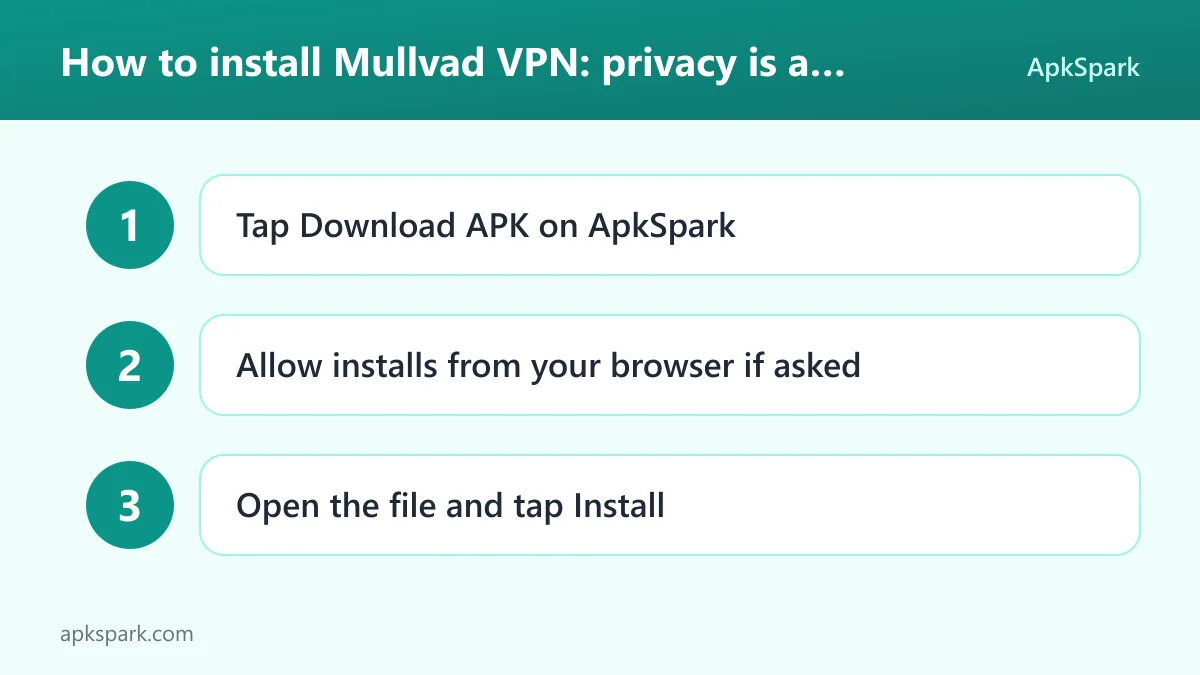
- Tap the Download button on this page.
- When Android asks, allow installs from your browser.
- Open the downloaded file from the notification or your Downloads folder.
- Tap Install.
- Open the app.
If this is your first time installing an app outside a store, our guide to installing APK files explains the unknown-sources prompt and common errors. After opening the app, create an account or enter an existing account number, then add time through the website or a voucher before connecting.
This APK is signed with the F-Droid key. Android usually refuses to update an app with a file signed by a different key, so if you have Mullvad VPN from another source, uninstall that copy first and then install this build. Your account number is what matters, so note it down before removing anything.
Is Mullvad VPN safe?
Trust matters more for Mullvad VPN than for most apps, because all your traffic passes through it. Here is what the facts let you check.
The license is GPL-3.0-or-later, a copyleft open-source license. The app's full source code is public on GitHub, and an issue tracker shows reported problems and discussion. Anyone can read how the client handles connections, telemetry and the split tunneling app list.
F-Droid builds this APK from the published source code and signs it with the F-Droid key. The file is downloaded from the official f-droid.org repository, and you can compare details on the F-Droid listing. This ties the file you install to code that is publicly available.
F-Droid marks the app with one anti-feature: NonFreeNet, meaning it relies on a non-free network service. For Mullvad VPN this is expected. The client is open source, but the VPN servers it connects to are run by Mullvad as a paid service, and their code and operation are not part of what F-Droid builds.
The no-logs policy and the telemetry description are statements by the developer. The facts do not mention independent audits, so ApkSpark cannot confirm them. ApkSpark also does not claim the file has been scanned. What you have is open client code, a reproducible build source and a clear written policy.
Mullvad VPN system requirements
- Minimum Android version: Android 9 or newer.
- Download size: 39.0 MB.
- Supported ABIs: arm64-v8a, armeabi-v7a, x86 and x86_64.
- Version: 2026.12.
- Release date: October 2, 2026.
The ABI list covers 64-bit and 32-bit ARM phones plus x86-based devices and emulators. RAM requirements are not documented. Besides a compatible device, you need a Mullvad account with time added, because the app cannot connect without it.
Who should use Mullvad VPN?
Mullvad VPN suits people who want a VPN without handing over personal details. Since an account needs no email address and payment can be made in cash or cryptocurrency, it fits anyone who prefers not to link a VPN to their name or bank card.
It is also a match for people who want to hide their browsing from their internet provider or from public Wi-Fi operators. With the tunnel active, the provider sees only that you are connected to Mullvad. The global server network helps if you need an exit location in another country to reach geographically restricted services.
Finally, Mullvad VPN fits readers who care about inspecting what they install. The client is GPL-licensed and built by F-Droid from public code. If you want the extra step of blocking third-party cookies, the developer recommends adding Mullvad Browser, which is free. People looking for a no-cost VPN should note that this one is paid.
A typical session with Mullvad VPN
Here is how a first session usually goes. You install Mullvad VPN and tap to create an account. The app gives you an account number, which works as your login. You then add time to it through the Mullvad website or with a voucher, using cash, cryptocurrency or another option the website offers.
Back in the app, you pick a server location from the global network and tap to connect. Android shows its VPN permission dialog the first time. Once you accept, a notification confirms the tunnel is active, and websites now see the server's identity instead of yours.
If a banking or local streaming app misbehaves through the tunnel, you open the split tunneling view and exclude it. Only then does the app read your installed apps list, and it does not send that list anywhere. Every 24 hours the app also checks for updates and whether your version is still supported.
Documented limitations of Mullvad VPN
Mullvad VPN is not free. At €5 per month, it requires time on your account before it connects. A VPN also does not stop cookies or tracking scripts on its own, which is why the developer recommends Mullvad Browser alongside it.
The server side is not open source in the sense F-Droid checks, hence the NonFreeNet anti-feature. You are trusting the provider's no-logs statement. The facts do not document independent audits, specific server counts, streaming support or a kill switch, so this page does not describe them.
Tips for getting started with Mullvad VPN
- Save your account number: The account number is your only login. Write it down or store it in a password manager, because there is no email address on file to recover it.
- Add time before connecting: Top up the account through the website or with a voucher first. The app will not connect until the account has time on it.
- Use split tunneling where needed: If a specific app has trouble through the tunnel, exclude it in the split tunneling view. The list of installed apps stays on your phone.
- Pair it with Mullvad Browser: To block third-party cookies and other tracking technologies, the developer suggests using its free browser together with the VPN.
- Send logs only when you need help: App logs are never sent automatically. If you report a problem, you choose when to send them.
- Keep the app updated: The daily version check tells you when a newer release is out or when your version is no longer supported. Install updates from this page.
How Mullvad VPN handles your data
The developer is unusually specific about what the app sends and when, so it is worth reading closely before installing.
Account numbers are used for authentication. Mullvad VPN does not ask for an email address, a name or a phone number when you sign up, so the account number is the only identifier the service needs to let you connect.
Telemetry is described as very minimal. The developer says it is not tied in any way to an account number, an IP address or other identifiable information. Crash reports and app logs are never sent automatically. They leave the device only when you explicitly choose to send them, for example while asking support for help with a connection problem.
Mullvad VPN also performs an app version check every 24 hours. That check tells the app whether an upgrade is available and whether the version you are running is still supported. If you install the APK from this page, that notice is a useful reminder to come back for a newer file.
The last documented data point is the installed apps list. It is only read inside the split tunneling view, and Mullvad VPN never sends it from the device. If you never open that view, the list is not retrieved.
Using Mullvad VPN with Mullvad Browser
A VPN changes the address websites see, but it does not stop the cookies and tracking scripts that run inside the pages you open. The developer says this plainly and recommends a second tool for that part of the job.
Mullvad Browser is offered free of charge. The description presents Mullvad VPN and Mullvad Browser as a pair: the VPN hides your IP address and activity from your provider and from trackers that follow IP addresses, while the browser is meant to block third-party cookies and other tracking technologies. This page covers only the VPN app, and the browser is a separate download.
Alternatives to Mullvad VPN
ApkSpark does not list a direct alternative to Mullvad VPN right now. You can browse more Internet & Browsers apps to compare other VPN clients and network tools, or visit the mullvad developer page to see other apps from the same developer.
When comparing VPNs, check the same points covered here: whether an account needs personal data, how you can pay, which protocol is used, whether the client is open source, and what the developer says about logs and telemetry.
Final verdict
Mullvad VPN is a paid, privacy-focused service with an open-source Android client. It asks for no personal details at sign-up, accepts anonymous payment, uses WireGuard and documents its limited telemetry clearly.
If you are comfortable paying €5 per month and trusting the provider's no-logs statement, the app is a straightforward way to keep your traffic away from your internet provider and cross-site trackers. If you need a free VPN, it does not fit.