

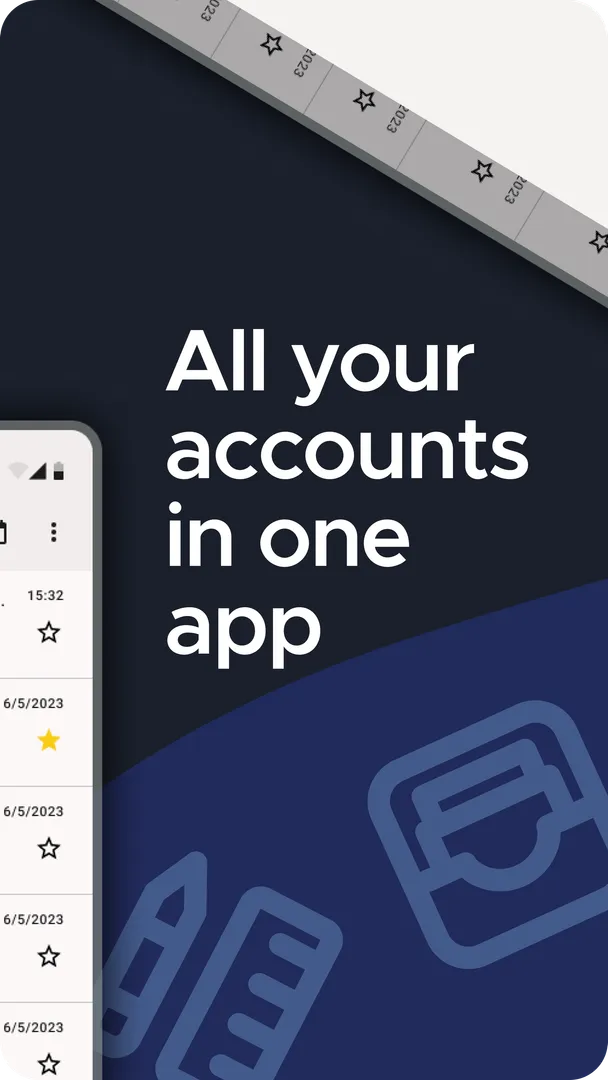
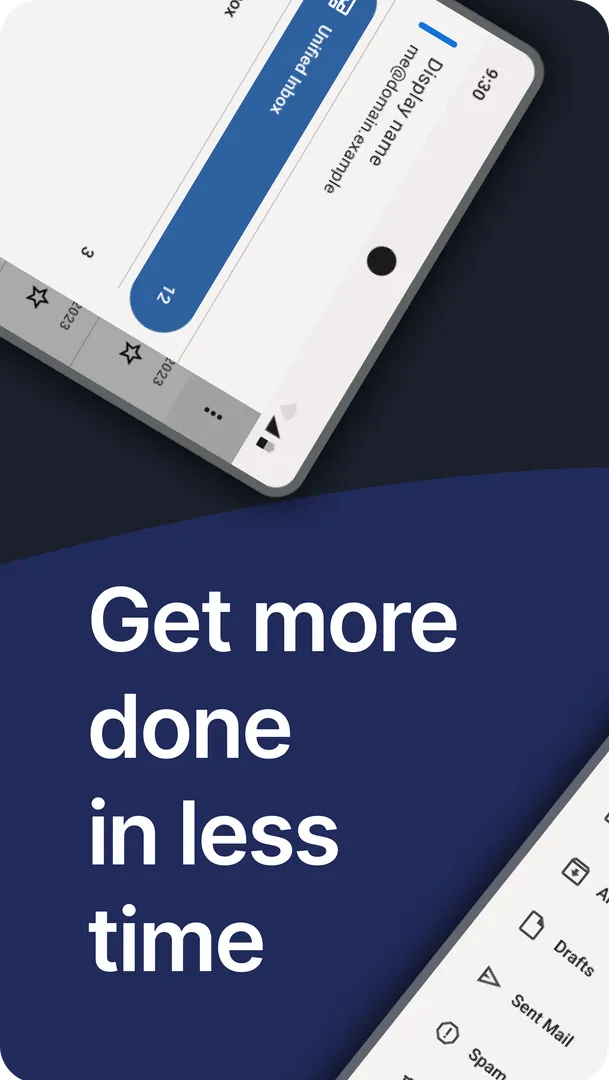
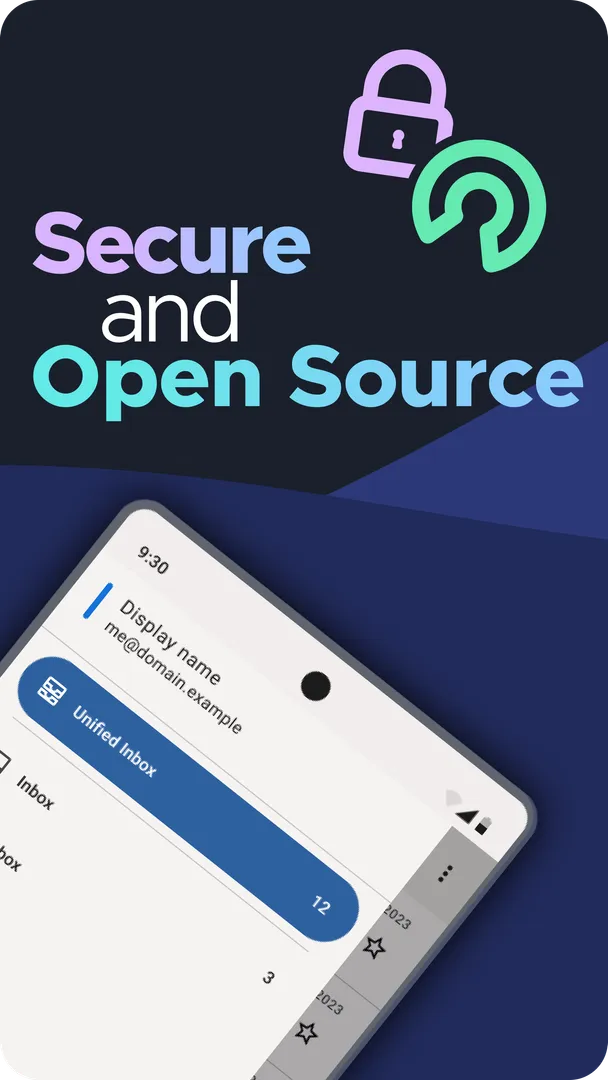

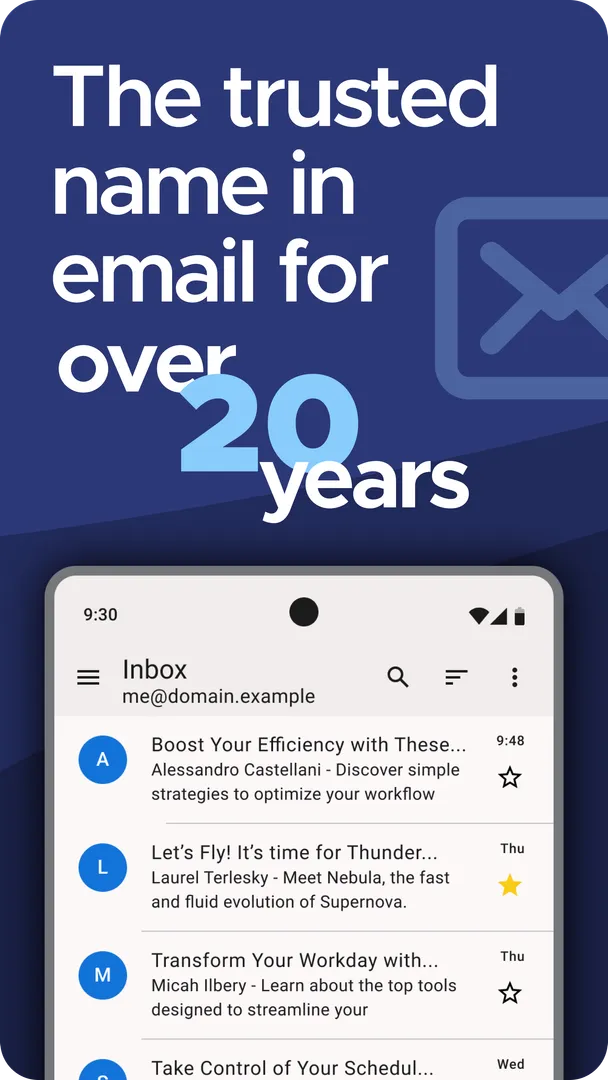
Thunderbird is a privacy-focused, open-source email app for Android that lets you manage several email accounts in one place, with an optional Unified Inbox. It connects directly to your email provider over IMAP or POP3 and, according to its developers, never collects or sells your personal data. It is funded by voluntary contributions from its users rather than by ads.
This page covers the F-Droid build, version 25.0, released on November 13, 2026. F-Droid compiles that build from the published source code and signs it with its own key. Below you will find what the app does, what each of its fifteen permissions is for, how to install the APK and what your phone needs to run it.
The Android app is published under the Apache-2.0 license by the Thunderbird team and is supported by MZLA Technologies Corporation, a wholly owned subsidiary of the Mozilla Foundation.

What is Thunderbird?
Thunderbird is an email client. It does not provide email accounts of its own; instead, it signs in to the accounts you already have. The app works with the IMAP and POP3 protocols, and the developers name Gmail, Outlook, Yahoo Mail and iCloud among the supported providers, along with many others that use those standards.
The main idea is to replace several separate mail apps and webmail tabs with one app. You can add multiple accounts and either keep them separate or combine them in a Unified Inbox. Syncing is up to you: instant, at set intervals or only when you ask. Search works both on your device and on the server, which helps when older messages are not stored locally.
Privacy is a central part of how Thunderbird presents itself. The developers say the app connects you directly to your email provider and does not mine or sell your data. There are no ads mixed in with your messages, because the project is funded by user contributions. For people who want encrypted email, OpenPGP support is available through the separate OpenKeychain app.
The Thunderbird name has been used for desktop email software for over 20 years, and this app brings it to Android. It is developed in the open, with updates shared on the project blog and mailing lists, and it has been translated into more than 20 languages by contributors around the world.
Key features of Thunderbird
Multiple accounts in one app: You can add several email accounts and manage them from a single app instead of switching between different mail apps and webmail. This works across any provider that supports IMAP or POP3.
Optional Unified Inbox: All your accounts can feed into one combined inbox. It is optional, so you can keep accounts separate when you prefer to deal with work and personal mail at different times.
Direct connection to your provider: The app connects you directly to your email provider. The developers state that it never collects or sells your personal data and that you are never treated as the product.
OpenPGP encryption with OpenKeychain: You can encrypt and decrypt messages with OpenPGP (PGP/MIME) by pairing the app with OpenKeychain. Key management happens in that separate app, while the mail client handles the encrypted messages.
Flexible sync options: Mail can sync instantly, at set intervals or on demand. Choosing intervals or manual sync gives you more control over when the app connects, which can help with data use and notifications.
Local and server-side search: Search looks through messages stored on your device and can also query the server. That makes it possible to find older messages that have not been downloaded to the phone.
IMAP and POP3 support: Both major mail protocols are supported. Gmail, Outlook, Yahoo Mail and iCloud are named as compatible providers, along with a wide range of others.
No ads: The project is supported solely by financial contributions from users. As a result, the developers say you never have to see ads mixed in with your emails.
Translated into 20+ languages: Contributors from around the world have translated the Android app into more than 20 languages, and translation is one of the ways the community helps out.

Thunderbird permissions explained
The F-Droid build of Thunderbird requests fifteen permissions. Two of them, camera and read contacts, are sensitive. On modern Android these are asked at runtime with a prompt, and you can refuse them. The remaining permissions are normal ones that Android grants at install time.
Camera: Lets the app take photos and record video. The facts do not say which feature uses it, and you can decline the prompt if you do not need it.
Read contacts: Lets the app read your contacts. In an email client this most plausibly helps with recipient addresses, but the facts do not spell out the exact use. You can refuse it and type addresses yourself.
Show notifications: Lets the app show notifications, for example about new mail. Android 13 and newer ask for this first.
Run at startup: Lets the app start itself after the device boots. For an app that syncs mail instantly or at intervals, this allows syncing to resume after a restart.
Read sync settings: Lets the app read account sync settings on the device.
View network connections: Lets the app check whether the device is online and which network type is used.
Internet access: Lets the app connect to the internet, which it needs to reach your email provider.
Control vibration: Lets the app make the device vibrate. The facts do not tie it to a feature, though it is typical for notification alerts.
Prevent sleep: Lets the app keep the device awake while a task runs, such as a sync that is in progress.
Run in the foreground: Lets the app keep a visible notification while it works in the background.
Background sync service: Lets the app sync or transfer data from a foreground service.
Special foreground service: Lets the app run a foreground service for a special purpose. The facts do not say which one.
Exact alarms: Lets the app schedule alarms at an exact time. The facts do not document the feature behind it.
Biometrics: Lets the app use fingerprint or face unlock to confirm actions.
Fingerprint: Lets the app use the fingerprint sensor to confirm actions.
The list is long, but most of it covers networking, background sync and notifications, which an email client relies on. The two sensitive ones, camera and contacts, can be declined without affecting basic sending and receiving.

How to download and install Thunderbird APK
- Tap the Download button on this page.
- When Android asks, allow installs from your browser.
- Open the downloaded file.
- Tap Install.
- Open the app.
If you have never installed an app from outside an app store, our guide to installing APK files explains each step in more detail, including the prompt that asks you to allow installs from your browser. The download is 11.8 MB, small enough to fetch over mobile data if needed.
This build of Thunderbird is signed with the F-Droid key. If you already have the app from a different store, Android may refuse to install this copy over it because the signatures differ. Uninstalling the old copy first works, but it removes local data such as account settings, so make sure you know your account passwords before you do it.

Is Thunderbird safe?
Here is what the facts say. Thunderbird for Android is free and open source under the Apache-2.0 license. Its full source code is public, so anyone can review how the app handles accounts and messages.
The APK on this page comes from F-Droid. F-Droid builds this APK from the published source code and signs it with the F-Droid key, and the file is downloaded from the official f-droid.org repository. The F-Droid listing shows the same package if you want to compare details.
F-Droid uses anti-feature labels to flag things such as ads, tracking or reliance on non-free services. The listing data for this app shows no anti-features. That is consistent with the developers' own statement that the app has no ads and does not collect or sell personal data.
The project is backed by MZLA Technologies Corporation, a wholly owned subsidiary of the Mozilla Foundation, and develops in the open with updates on its blog and mailing lists. More information is available on the official website.
Thunderbird system requirements
- Minimum Android version: Android 6.0 or newer.
- Download size: 11.8 MB.
- Supported ABIs: arm64-v8a, armeabi-v7a, x86 and x86_64.
- Version: 25.0.
- Release date: November 13, 2026.
- RAM and storage after install: not documented.
Android 6.0 is an old baseline, so Thunderbird should install on most phones and tablets still in use. The four ABIs cover 32-bit and 64-bit ARM devices as well as x86 hardware. Keep in mind that storage use grows with the amount of mail you sync to the device, and that depends on your accounts and sync settings rather than on the app itself.
Setting up your first account in Thunderbird
After installing, you add an email account you already own. Thunderbird works with providers that support IMAP or POP3, which covers Gmail, Outlook, Yahoo Mail, iCloud and many others. If you are unsure which protocol your provider uses, its help pages usually say. IMAP keeps mail on the server and is generally the better fit if you also read email on other devices.
Once the first account works, add any others and decide whether you want the Unified Inbox. Then choose how each account syncs: instantly for accounts where speed matters, at set intervals for less urgent ones, or on demand for accounts you check only now and then. Mixing these settings is a simple way to cut down on notifications.
If you want encrypted mail, install OpenKeychain as well. Thunderbird uses it for OpenPGP (PGP/MIME), so your keys live in OpenKeychain while the email app handles encrypting and decrypting messages. Both you and the people you write to need OpenPGP keys for this to work.
Documented limitations of Thunderbird
The app supports IMAP and POP3. The facts do not mention other protocols, so if your organization uses a mail system that only offers a different protocol, check with your administrator before you switch.
Encryption is not built in on its own. OpenPGP support requires the separate OpenKeychain app, which adds an extra setup step. Features such as calendars or contacts sync are not described in the facts, so do not expect them.
User support is community-powered. Answers come from the global community rather than a paid help desk, which works well for common questions but may be slower for unusual setups. The facts also do not describe features such as scheduled sending, mail filters or offline storage limits, so test the app with your own accounts before you rely on it for anything critical. Bugs can be reported on the issue tracker.
Getting help and contributing to Thunderbird
Support for the app is powered by its global community. If you run into a problem, the first place to look is the community help the project points to, where other users and contributors answer questions. For bugs and reproducible problems, the public issue tracker on GitHub is the better route, because developers can follow up there.
The project also invites people to take part. You can answer questions from other users, help translate the app into your language, or simply recommend it to friends and family. Translation has already brought the Android app to more than 20 languages, and new translations are part of how it reaches more people.
If you want to contribute code, the source is open under Apache-2.0, and development happens in public. The team posts regular, transparent updates on its blog and mailing lists, which is also the place to follow what is planned. Because the project is funded by voluntary contributions, financial support from users is what keeps development going, but none of it is required to use the app.
Who should use Thunderbird?
Thunderbird suits anyone juggling several email accounts who wants them in one app. The optional Unified Inbox, flexible sync and local plus server-side search make it practical for people who mix work and personal mail on the same phone.
It is also a strong fit for privacy-minded users. The app connects directly to your provider, has no ads, is funded by contributions, and its code is open source under Apache-2.0. If you already use OpenPGP, pairing the app with OpenKeychain lets you read and send encrypted mail on Android.
If you only have one account and are happy with your provider's own app, the benefits are smaller. People who need features beyond email, such as built-in calendars, will not find them documented here.
Tips for getting started with Thunderbird
Start with one account: Add your main account first, confirm that sending and receiving works, and then add the rest. It makes problems easier to spot.
Pick a sync mode per account: Use instant sync only where you need it and set intervals or on-demand sync for the rest. This keeps notifications and data use under control.
Try the Unified Inbox, then decide: The combined inbox is optional. Turn it on for a few days and see if it suits your routine.
Use server-side search for old mail: If a message does not show up in local results, run a server-side search to reach mail that is not stored on the phone.
Set up OpenKeychain if you need encryption: OpenPGP works through OpenKeychain, so install and configure it before you try to send an encrypted message.
Decline permissions you do not need: Camera and contacts are asked at runtime. If you do not use them, you can refuse and still send and receive email.
Alternatives to Thunderbird
No related apps are listed for this page yet. If you want to compare other email and messaging apps, browse more Communication apps on ApkSpark and look at what else is available in that category.
Final verdict
Thunderbird is a free, open-source email client that brings several accounts into one app, supports IMAP and POP3, and offers OpenPGP encryption through OpenKeychain. The F-Droid build is compiled from public source code, shows no anti-features and runs on Android 6.0 and newer.
If you want an ad-free mail app from a well-known open-source project, it is an easy one to recommend. Just plan to install OpenKeychain for encryption and to review the two sensitive permissions when they come up.