

Sudoku — Hand-drawn Puzzle is a classic 9×9 Sudoku for Android that looks like it was sketched on paper, with a paper texture, wobbly grid lines and a handwritten font. It is built for calm, unhurried solving rather than for speed runs or online competition.
The game covers the basics you expect from a modern puzzle app: four difficulty levels, notes, hints, undo, a timer and a mistake counter. It also does a few things many free puzzle apps skip. It shows no ads, collects no analytics and never asks you to create an account.
This page explains what the app does, what it needs from your phone, how to install the APK, and how it is built and distributed, so you can decide whether it fits the way you like to play.

What is Sudoku?
Sudoku is a number-placement puzzle played on a 9×9 grid that is split into nine 3×3 boxes. Some cells start filled in. Your job is to fill every empty cell with a digit from 1 to 9 so that each row, each column and each 3×3 box contains every digit exactly once. No arithmetic is involved; it is a pure logic puzzle.
This particular Sudoku app is a free game by independent developer Aliaksandr Zakharenka. Its defining trait is the look. Instead of crisp vector lines and a system font, the grid has a hand-drawn style with slightly uneven lines, a paper background and handwritten digits that animate as you place them. The developer describes the goal as "no rush, no noise — just you and the grid."
Under the visual style is a complete puzzle game. Every puzzle the app generates has a single solution, so you can always reach the answer through logic instead of guessing between two valid layouts. You choose from Easy, Medium, Hard and Expert, and the app tracks your history and best results across games.
The app is open source under the GPL-3.0-or-later license. The APK offered here comes from F-Droid, which builds it from the published source code.
Key features of Sudoku
- Hand-drawn presentation: The board uses a paper texture, wobbly lines and a handwritten font, and the digits you enter are animated as handwriting. The result feels closer to a pencil-and-paper puzzle book than to a typical flat mobile game, which is the main reason to pick this app over a plain grid.
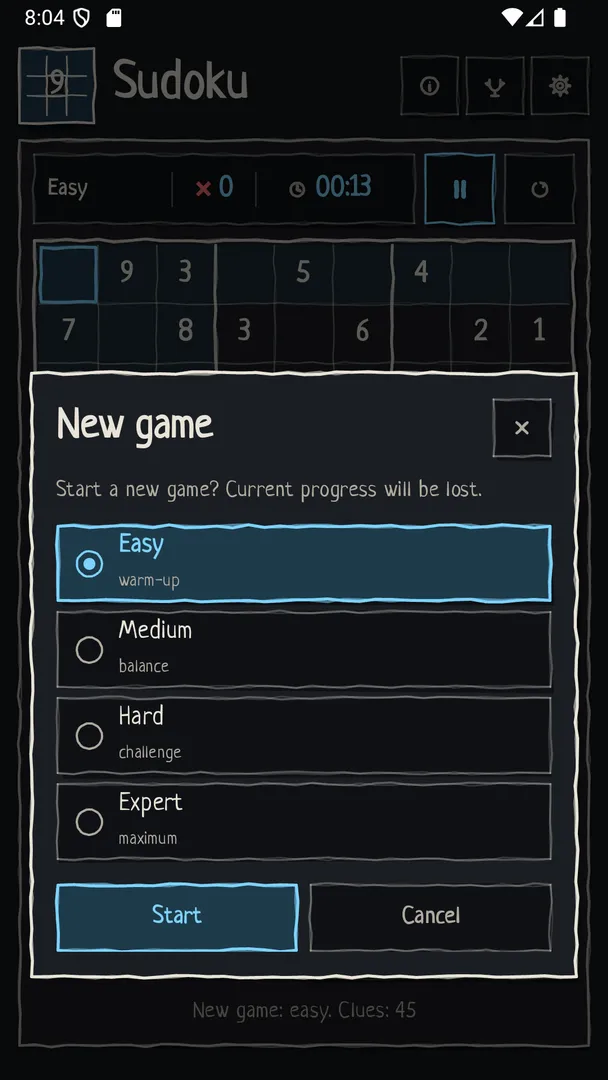
- Four difficulty levels: You can choose Easy, Medium, Hard or Expert for each new game. Easy suits beginners and quick breaks, while Expert is meant for players who already know advanced solving techniques. Switching levels between games lets you match the puzzle to your mood and the time you have.
- Puzzles with a single solution: Every puzzle has exactly one valid solution. That matters because a grid with several possible answers forces you to guess at some point. Here, each cell can be deduced through logic, which is how a well-formed Sudoku is supposed to work.
- Notes, hints, undo and erase: Notes let you pencil in candidate digits for a cell. Hints help when you are stuck, undo reverses your last moves, and erase clears a cell. Together these tools cover the usual solving workflow, from marking candidates to backing out of a wrong path.
- Timer, mistake counter and pause: A timer measures how long each puzzle takes and a mistake counter records wrong entries. You can pause at any point, so an interruption does not distort your time. If you prefer a relaxed session, you can simply ignore both numbers and solve at your own pace.
- Game history and one-tap resume: The app keeps a history of your games with small previews of each puzzle. You can resume a game from that list with a single tap, which is handy if you started a hard puzzle on the bus and want to return to it later.
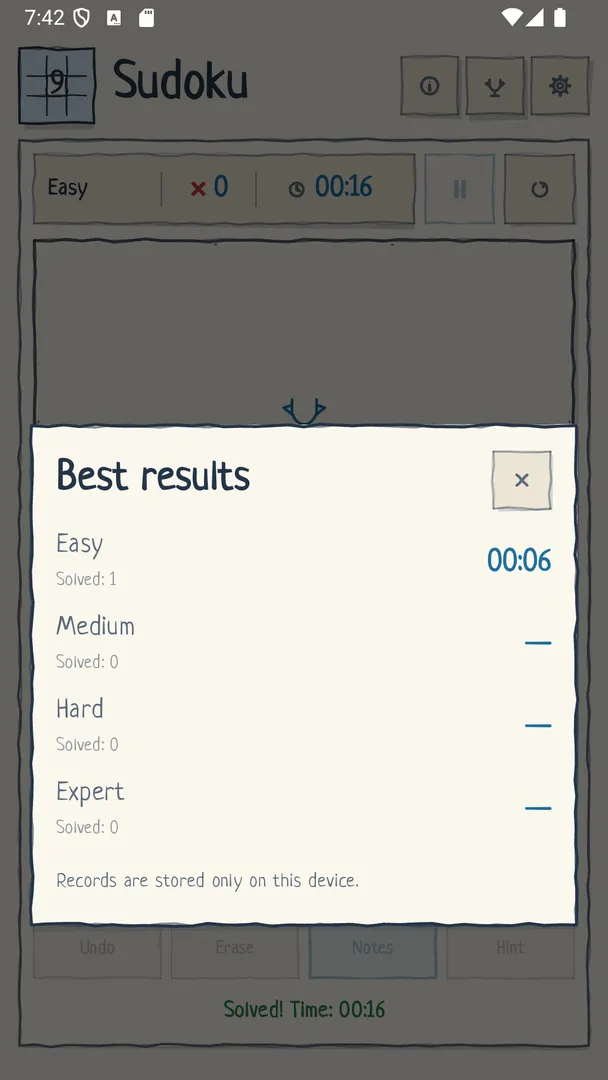
- Best results with and without mistakes: Best results are split into games you finished with mistakes and games you finished cleanly. This gives you a fairer record than a single best time, because a fast solve with several errors is not mixed in with a slower, perfect one.
- Themes, languages and keyboard input: You can pick a light theme, a dark theme or follow the system setting. The interface is available in nine languages, and digits can be entered from a keyboard as well as by touch, which is useful on tablets or with a connected keyboard.
- Backup, restore and auto-save: You can back up your data to a file and restore it through the system file picker, for example when moving to a new phone. The current game is saved automatically and restored when you return after a pause, so closing the app does not cost you progress.
- Offline, no ads, no analytics, no account: The game works offline. It shows no ads, includes no analytics and does not require an account, so you can open it and start a puzzle immediately without sign-up screens or network access.

Sudoku permissions explained
This Sudoku app requests no special Android permissions. The permission list in its package is empty.
That fits the feature list. The game runs offline, has no ads and no analytics, so it has no reason to ask for internet access. Backup and restore go through the system file picker, which means you choose a location yourself each time and the app does not need broad storage access to read or write your files.
On modern Android, sensitive permissions such as location, camera or contacts are requested at runtime, so an app has to ask before using them. Because this game asks for none, you should not see permission prompts after installing it. If a build ever does show a prompt, treat it as a change worth checking in the source repository.

How to download and install Sudoku APK
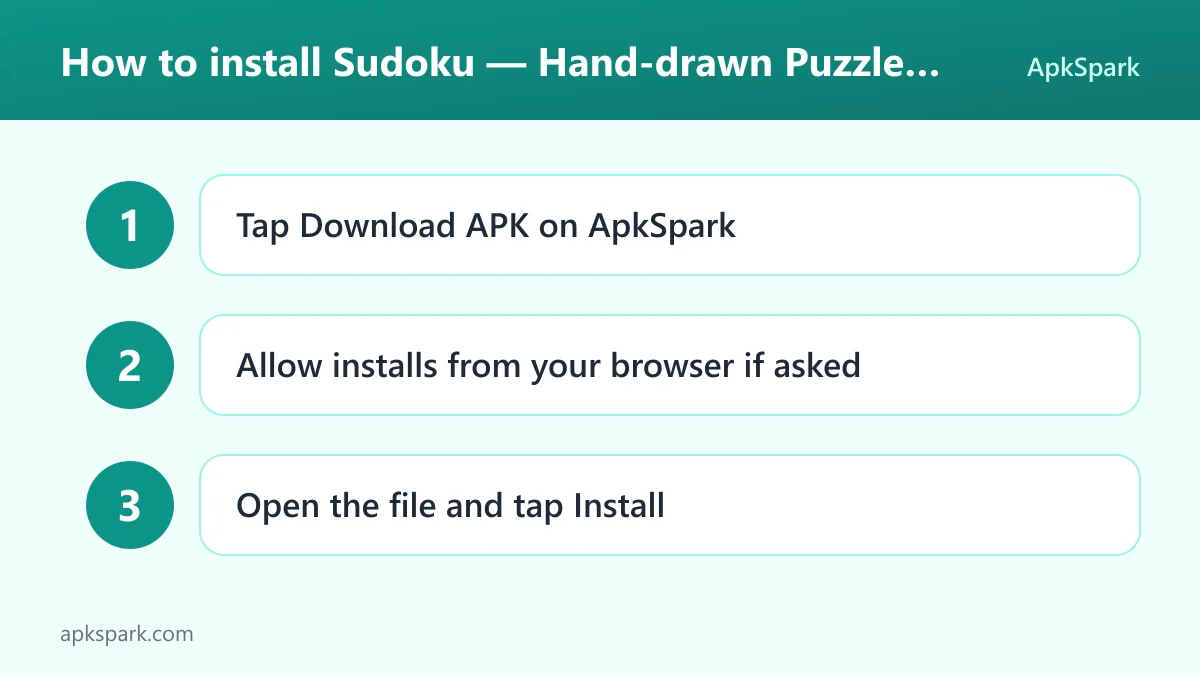
- Tap the Download button on this page to get the APK file.
- When Android asks, allow installs from your browser (the setting is usually called "Install unknown apps").
- Open the downloaded file from your notifications or your Downloads folder.
- Tap Install and wait for the installation to finish.
- Open the app and start your first puzzle.
If this is your first time sideloading an app, or Android blocks the file, read our guide to installing APK files. It walks through the "unknown apps" setting on different Android versions and explains what to do when an install fails.
Is Sudoku safe?
You can judge this Sudoku game by how it is built and distributed rather than by promises. It is released under the GPL-3.0-or-later license, a free software license that requires the source code to stay available. The full source code is published on GitHub, so anyone can read what the app does.
The APK on this page comes from F-Droid. F-Droid builds this APK from the published source code and signs it with the F-Droid key, and the file is downloaded from the official f-droid.org repository. You can compare details on the F-Droid listing.
F-Droid lists no anti-features for this app. In F-Droid terms, that means it does not flag ads, tracking, non-free network services or non-free dependencies. That matches the developer's own statement of no ads, no analytics and no account. The empty permission list is another practical signal: the app cannot reach the internet, contacts, location or camera.
One detail to know about signing: because F-Droid signs the APK with its own key, you cannot install it as an update over a copy signed by a different source. If you already have a version from elsewhere, uninstall it first, after making a backup to a file.
Sudoku system requirements
- Minimum Android version: Android 11.
- Download size: 2.0 MB.
- Supported ABIs: arm64-v8a, armeabi-v7a, x86 and x86_64, which covers almost all phones and tablets as well as most emulators.
- Version: 1.2.0.
- Release date: November 17, 2026.
The Android 11 minimum is the main limit. Older phones that stopped at Android 10 or earlier cannot install this Sudoku build. RAM and storage needs beyond the 2.0 MB download are not documented, but a download this small leaves little to worry about.
Who should use Sudoku?
This Sudoku app is aimed at people who like the paper-puzzle feel and want a quiet game for short breaks. If you are tired of puzzle apps that open with a video ad, push notifications or a login screen, the design here is the opposite: no ads, no account, no analytics and nothing that needs a connection.
It also suits players at different skill levels. Beginners can start on Easy and lean on hints and notes, while experienced solvers can go straight to Expert and use the mistake counter and split best results to see how cleanly they solve. Because every puzzle has a single solution, the higher levels test logic rather than luck.
The game is a good fit for multilingual households, too, since it ships in nine languages: English, Russian, Spanish, Portuguese (Brazil), French, German, Italian, Ukrainian and Belarusian. Players who care about privacy or open source will appreciate that the code is public and the APK is built by F-Droid.
Basic Sudoku solving techniques
If you are new to Sudoku, a few standard techniques will carry you through the Easy and Medium levels. None of them are specific to this app, but its notes, undo and erase tools make them easier to apply.
- Single candidate: Look at one empty cell and rule out every digit already present in its row, column and box. If only one digit is left, that is the answer for the cell. Easy puzzles can often be solved with this alone.
- Single position: Pick a digit, such as 7, and look at one box. If the 7 can only go in one cell of that box because the other cells are blocked by 7s in nearby rows and columns, place it there.
- Candidate notes: On harder grids, write all possible digits into each empty cell with notes. As you place digits, remove them from the notes of cells in the same row, column and box. Patterns appear that are hard to see otherwise.
- Pairs: If two cells in a row hold the same two candidates and nothing else, those two digits must go in those cells. You can remove them from the notes of every other cell in that row.
Because every puzzle in this Sudoku game has a single solution, these steps always lead somewhere on the lower levels. Hard and Expert grids usually need more advanced patterns, and that is where the hint button and undo help most.
A typical Sudoku session
A normal session starts with picking a level. You might choose Medium for a coffee break. The grid appears with its paper texture and the given digits already drawn in.
You scan rows, columns and boxes for cells where only one digit fits and fill those first. For cells with several options, you switch to notes and pencil in the candidates. When you place a digit, it is drawn with a short handwriting animation. If you put a digit in the wrong place, the mistake counter goes up; undo or erase lets you fix it.
If a call comes in, you pause, and the timer stops. If you close the app, the current game is saved and restored when you come back. Later you can open your game history, see a mini preview of each puzzle and resume an unfinished one with a tap. When you finish, your time goes into best results, either the clean list or the list with mistakes.
Tips for getting started with Sudoku
- Start one level lower than you think: Hand-drawn lines and digits take a minute to get used to. Begin with Easy or Medium to learn the controls and notes, then move up to Hard or Expert once entering digits feels automatic.
- Use notes before hints: Pencil in candidates for tricky cells before asking for a hint. Notes keep the puzzle in your hands, and you will often spot the next move yourself once the candidates are visible.
- Set the theme for where you play: Choose the dark theme for evening sessions or set the app to follow the system theme so it switches with the rest of your phone.
- Make a backup before changing phones: Use the backup feature to save your data to a file, copy it to the new device, and restore it through the system file picker. This keeps your history and best results.
- Try keyboard input on a tablet: If you use a tablet with a keyboard, type digits instead of tapping. It is faster for long Expert sessions.
- Aim for the clean record: Since best results are split by games with and without mistakes, try a few puzzles where you only place a digit when you are certain. It is a good way to sharpen your logic.
Known limits of this Sudoku app
The description documents a classic 9×9 game only. Variant modes such as killer, diagonal or larger grids are not mentioned, so do not expect them. Online features such as leaderboards, daily challenges or cloud sync are not documented either; backup and restore work through a local file you manage yourself.
The Android 11 minimum also rules out older devices. If your phone runs an earlier version, you will need a different puzzle app.
Alternatives to Sudoku
ApkSpark does not list related apps for this Sudoku game yet. If you want to compare it with other logic and number games, you can browse more Puzzle apps in our catalog and check which ones work offline, which show ads, and what Android version they need.
When comparing, the points that set this app apart are easy to check: no permissions, no anti-features listed by F-Droid, open source code and a hand-drawn visual style. You can also see other work by the same developer on the Aliaksandr Zakharenka developer page.
Final verdict
Sudoku — Hand-drawn Puzzle is a focused, well-scoped Sudoku game. It offers four difficulty levels, single-solution puzzles, notes and hints, history with resume, and backup to a file, all wrapped in a warm paper-and-pencil look. It requests no permissions, has no ads and no analytics, and its source code is public.
The main reasons to skip it are the Android 11 minimum and the lack of documented variant modes or online features. If you want a calm, private, classic Sudoku for daily breaks, it is easy to recommend. If you need older device support or puzzle variants, look elsewhere. Bug reports go to the issue tracker.