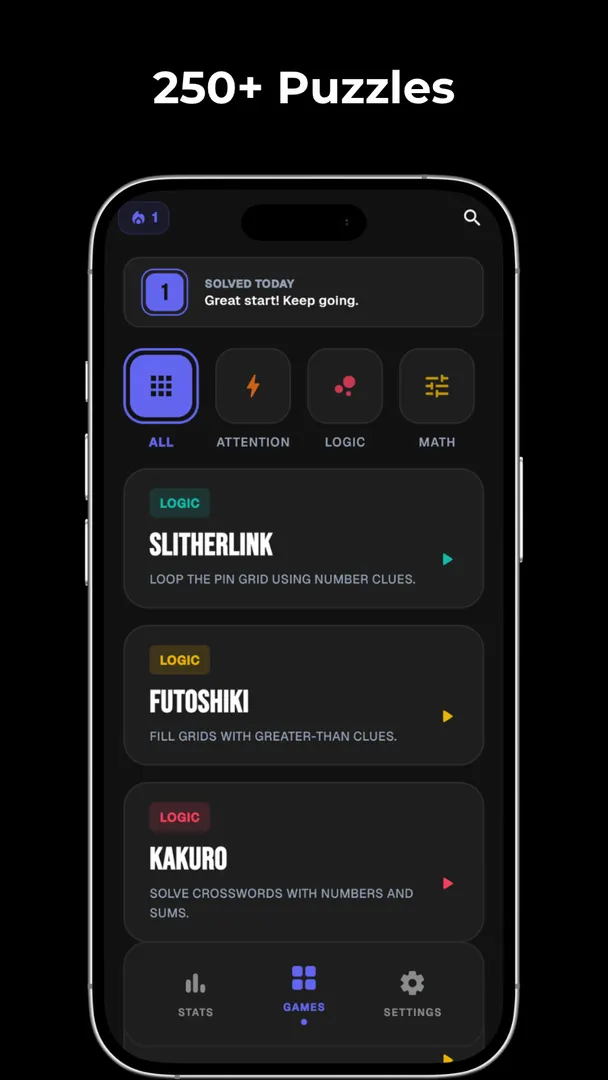
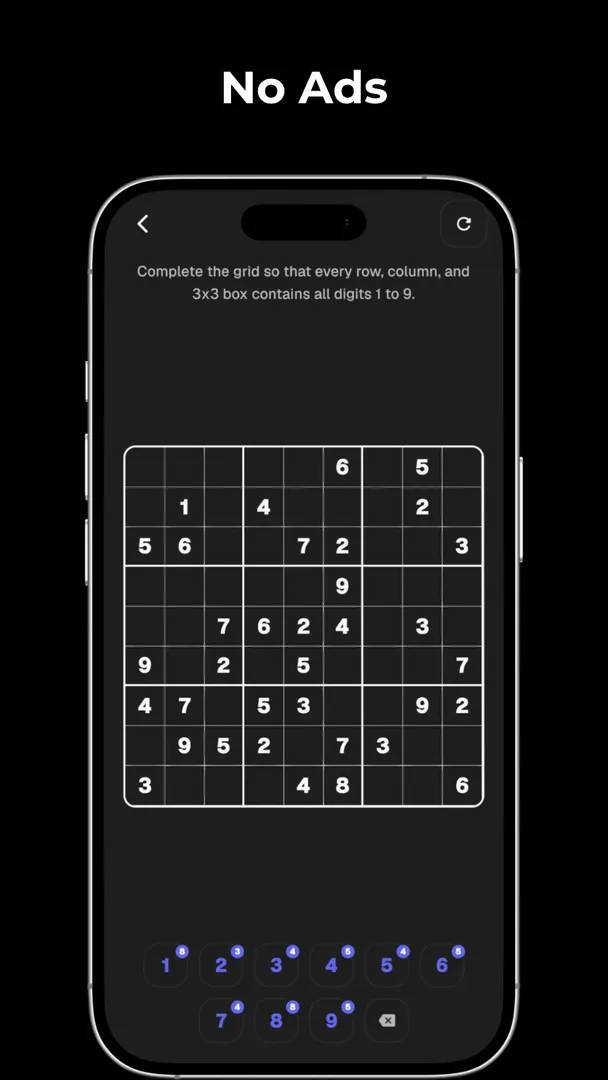
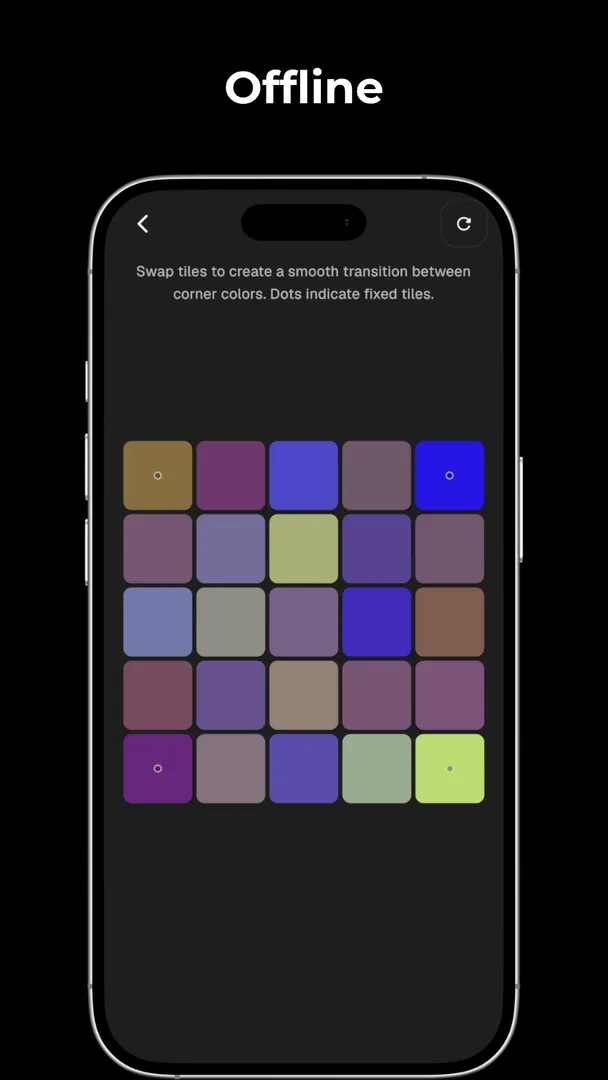
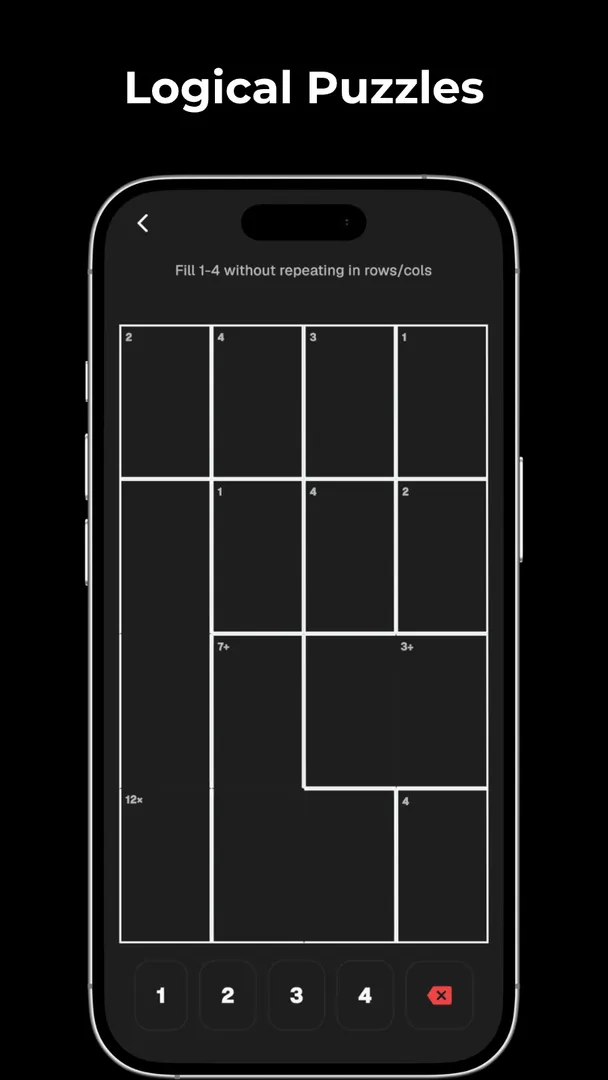
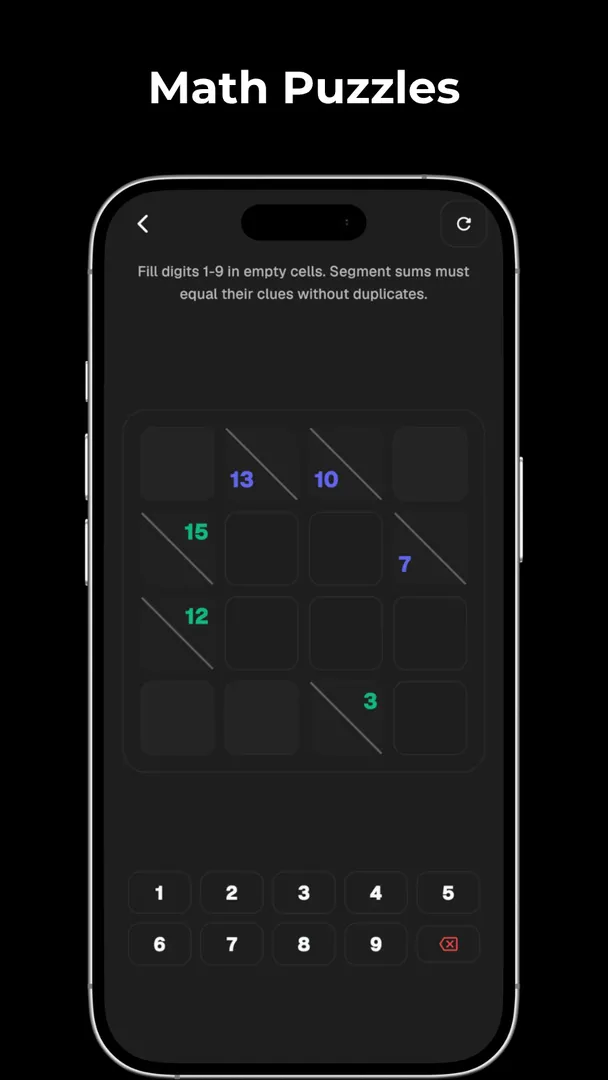
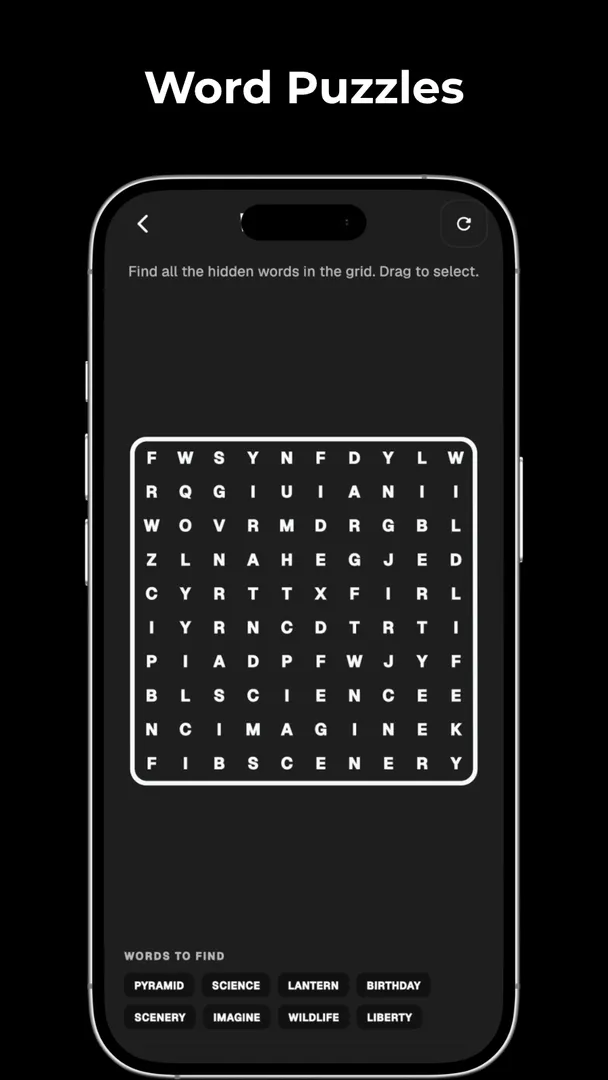
Puzzle Games is the F-Droid listing for PUZZLE, a minimalist collection of 304 brain training games and logic puzzles built by developer Sidhant. Instead of installing separate apps for Sudoku, Minesweeper and 2048, you get all of them, plus around 300 other exercises, inside one 12.8 MB download that works without an internet connection.
The games are grouped into six cognitive areas: attention and focus, logic and reasoning, math and numbers, memory training, spatial awareness, and word and language. The Puzzle Games interface uses a dark theme with very little on screen besides the puzzle itself. The project describes the app as offline, ad-free and open source, and it is released under the GPL-3.0 license.
This article explains what the collection contains, what it asks of your phone, how to install the APK from this page, and who is likely to get the most out of it. Everything here is based on the project's own description and the F-Droid build information.
What is Puzzle Games?
At its core, Puzzle Games is a single Android app that bundles a large number of small, self-contained mental exercises. The developer calls it PUZZLE and positions it as a brain training suite: each game targets a specific skill, such as working memory, mental arithmetic, deduction or spatial reasoning.
The app is written in Flutter, a cross-platform UI toolkit, and its source code is published on GitHub under the GPL v3 license. F-Droid builds the APK you download here directly from that public code. The project states that the app has no data tracking and needs no network connection, which fits the empty permission list in the F-Droid metadata.
The catalog mixes well-known titles with less familiar ones. On one side you have classics like Sudoku, Minesweeper, Crosswords, Word Search and 2048. On the other side you have Japanese pencil-and-paper logic puzzles such as Nurikabe, Slitherlink, Masyu Loop and Heyawake, plus cognitive tests that come from psychology research, such as the Stroop Test, Corsi Blocks and N-Back.
That mix is the main thing that sets Puzzle Games apart. It is not a single deep puzzle with hundreds of levels. It is a wide sampler of short exercises, sorted by the type of thinking they train, with the goal of letting you switch between them without leaving the app.
Key features of Puzzle Games
- 304 games in one install. The description counts 304 unique games spread across six domains. That means Sudoku, Minesweeper, 2048 and roughly 300 other puzzles share one download, one interface and one place on your home screen, instead of a folder full of separate single-purpose apps.
- Attention and focus (54 games). This group targets concentration and speed. It includes the Schulte Table, the Stroop Test, Color Match, the Flanker Test and visual search tasks, all of which ask you to find or react to the right item quickly while ignoring distractions on the screen.
- Logic and reasoning (44 games). Deduction puzzles live here: Minesweeper, Sudoku, Akari, Nonograms, Einstein Riddle, Bridges, Nurikabe, Slitherlink, Lights Out, Shikaku, Masyu Loop, Kurodoko, Tapa, Heyawake and Yajilin. Most are grid puzzles where every move follows from clear rules rather than luck.
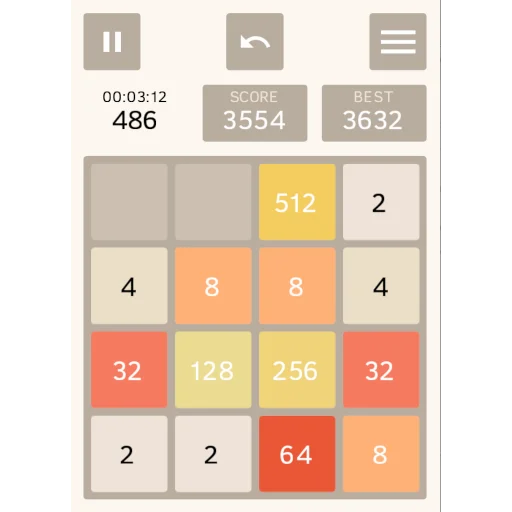
- Math and numbers (63 games). The largest group covers mental arithmetic and number reasoning. It lists 2048, KenKen, Magic Squares, Sum Snake, Calculation Sprint, Fibonacci Merge, Exponent Tower, Dot Product, Pythagoras, Venn Sets and Matrix Rank, which range from quick sums to topics usually met in school math.
- Memory training (54 games). These exercises work on working memory, pattern recognition and recall. Examples are the Chimp Test, Corsi Blocks, Corsi Backward, N-Back, Double N-Back, Memory Palace, Pattern Recall, Associative Pairs, Word Pairs, Digit Probe and spatial cabinet tasks.
- Spatial awareness (37 games). This set tests 3D rotation, mapping and perspective. It includes 3D Block Count, Gear Rotation, Gear Train, Mental Rotation, Classic Maze, Hue Sort, Klotski Escape, Tangram, Wireframe 3D, Polyomino and paper folding simulations.
- Word and language (51 games). Vocabulary and spelling games such as Cryptograms, Crosswords, Word Search, Word Snake, Typing Speed, Anagram Definitions, Conundrum, Word Ladders, Grammar Sort and Syllable Stack, along with vocabulary builders, round out the catalog.
- Fully offline play. The project says the whole collection runs without a connection. You can play on a commute, during a flight or anywhere with no signal, and nothing depends on a server being online.
- Minimalist dark interface. The app uses a modern dark-themed design meant to keep attention on the puzzle. The developer describes it as free of distracting clutter, which suits short sessions where you want to start a game quickly.
- Open source and no tracking. The code is public under GPL v3, and the project states there is no data tracking. You can read how the app works, report problems on the issue tracker, or build it yourself from the repository.
Puzzle Games permissions explained
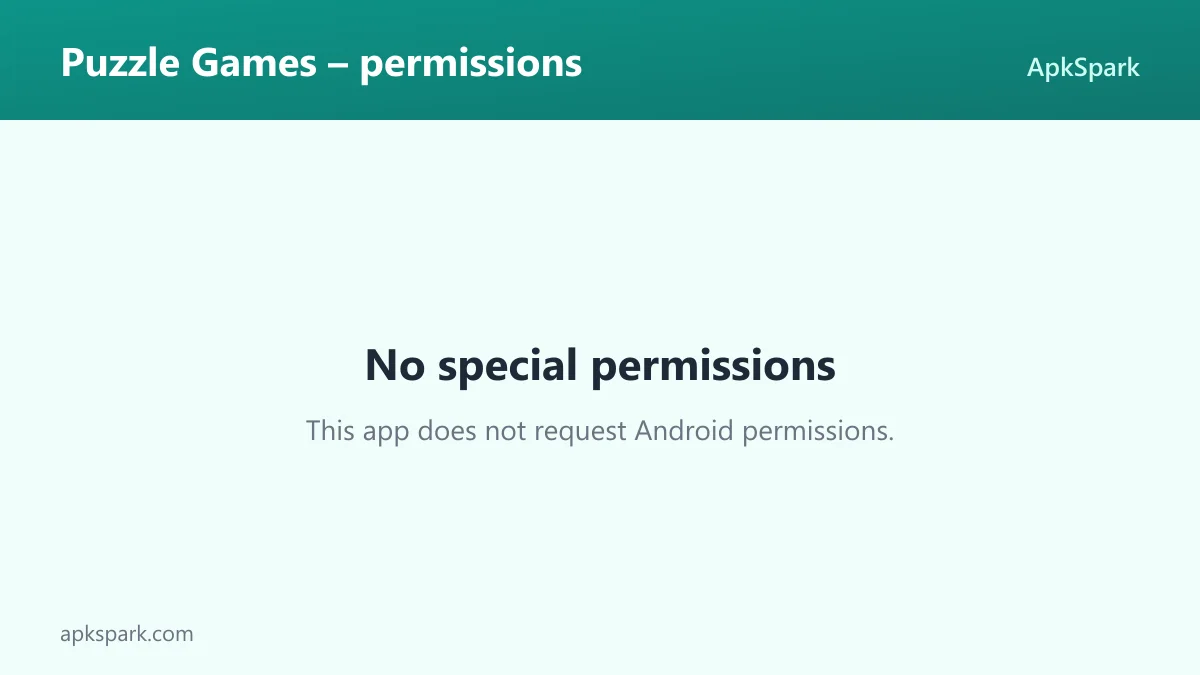
The F-Droid build of Puzzle Games requests no special Android permissions. There is no network access, no storage access, no camera, no microphone, no location and no contacts permission listed for this version.
That matches what Puzzle Games actually does. Every game is generated and played locally on your device, so it has no reason to reach the internet or read your files. On modern Android, sensitive permissions are requested at runtime with a pop-up the first time an app needs them. With this app you should not see any such prompt, because it does not declare anything that would trigger one.
If a future version ever adds a permission, Android and F-Droid will both show it before you update, so you can decide whether you are comfortable with the change.
How to download and install Puzzle Games APK
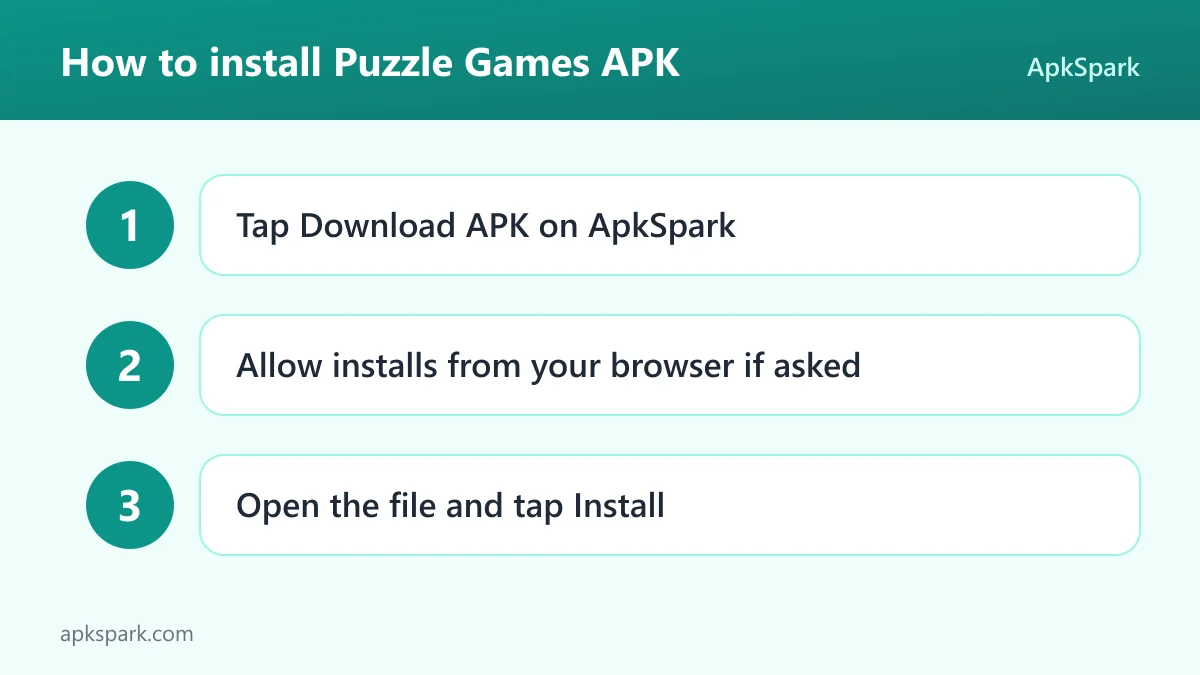
- Tap the Download button on this page to get the APK file.
- When Android asks, allow installs from your browser (the setting is usually called "Install unknown apps").
- Open the downloaded file from your notifications or your Downloads folder.
- Tap Install and wait a few seconds for it to finish.
- Open the app from the install screen or from your app drawer.
If this is your first time sideloading an app, or if your phone shows a warning you have not seen before, read our guide to installing APK files. It covers the permission screens on different Android versions and what to do when an install is blocked.
Is Puzzle Games safe?
There are several concrete points in the app's favor. First, it is free software under the GPL-3.0-only license, and the full source code is public on GitHub. Anyone can inspect what the app does, and problems can be reported on the public issue tracker.
Second, the APK is not a file uploaded by an unknown third party. F-Droid builds this APK from the published source code and signs it with the F-Droid key, and the file comes from the official f-droid.org repository. You can compare details with the F-Droid listing for Puzzle Games.
Third, F-Droid lists no anti-features for this app. Anti-features are F-Droid's labels for things like ads, tracking or reliance on non-free network services. None are flagged here, which is consistent with the developer's statement that the app is ad-free and does not track you.
Finally, the empty permission list limits what Puzzle Games could do even in theory. Without network access, it cannot send data anywhere. As with any software, safety also depends on keeping your phone updated and installing only from sources you trust.
Puzzle Games system requirements
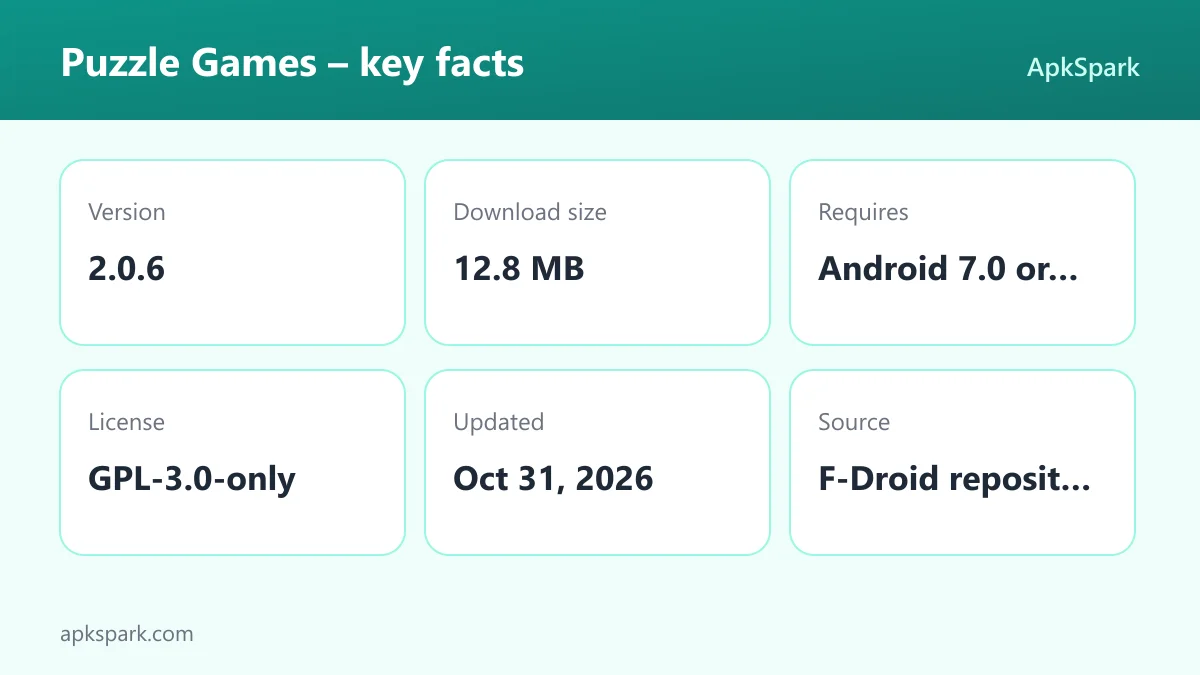
- Minimum Android version: Android 7.0 or newer.
- Download size: 12.8 MB.
- Supported ABIs: arm64-v8a only. This covers most current phones, but 32-bit ARM devices and x86 emulators are not supported by this build.
- Version: 2.0.6.
- Release date: October 31, 2026.
- RAM and storage needs beyond the download: not documented.
The single arm64-v8a build is the main limitation to check. If you have an older 32-bit phone, the APK will refuse to install. Most phones sold in recent years use 64-bit ARM chips and will run it without issues.
A typical session with Puzzle Games
When you open Puzzle Games, the exercises are organized by the six domains described above. A practical way to use it is to pick a domain based on what you want from the session. If you have two minutes on a bus, a Schulte Table or a Calculation Sprint gives you a short, focused round. If you have twenty minutes at home, a Slitherlink or a Nonogram gives you something to work through slowly.
Because every exercise is small and self-contained, you can jump between areas without setting anything up. A morning session might be one memory game such as Corsi Blocks, one math game such as KenKen and one word game such as Word Ladders. The description also mentions tracking your improvements, so repeating the same exercises over time is part of the intended use.
Since nothing needs the internet, this routine works the same on a plane, underground or in a place with weak signal.
Documented limitations
The Puzzle Games description is generous with game names but light on technical detail. It does not document how progress is stored, whether you can back up or move your results to a new phone, or whether there are difficulty settings inside each game. It also does not list supported languages, so the word games may assume English.
The build supports only arm64-v8a devices, and it needs Android 7.0 or newer. With 304 games in one package, some exercises are naturally simpler than a dedicated app built around a single puzzle. If you only ever play Sudoku and want features like detailed notes or hint systems, a specialized app may suit you better.
Who should use Puzzle Games?
Puzzle Games fits people who like variety. If you get bored of one puzzle type after a week, having 304 options sorted by skill lets you rotate through logic, numbers, memory, spatial and word exercises without installing anything new. It also suits anyone curious about cognitive tests like the N-Back or Stroop Test who has only read about them.
Puzzle Games is also a good match for travelers and commuters. The collection runs fully offline, so long flights and subway rides are covered. Privacy-minded users get an open-source app with no tracking, no ads and no permissions.
The developer describes the collection as suitable for adults, seniors and kids. Families could share one install and pick different domains: simpler word or memory games for younger players, and Japanese logic puzzles or math challenges for adults who want something harder.
Tips for getting started with Puzzle Games
- Start with a game you already know. Open Sudoku, Minesweeper or 2048 first to learn how the interface works, then branch out to unfamiliar titles like Akari or Kurodoko in the same logic category.
- Rotate through all six domains. The collection is organized by skill. Trying one game from each of attention, logic, math, memory, spatial and word gives you a quick sense of where you are strong and where you are slower.
- Use short games for short breaks. Speed-based exercises such as the Schulte Table, Color Match or Calculation Sprint fit into a minute or two, while grid puzzles like Nurikabe or Heyawake take longer.
- Repeat memory tests over time. Games like Chimp Test, Corsi Blocks and Double N-Back are built around recall. Playing them regularly is the simplest way to see the improvement the app says you can track.
- Download before you travel. Since Puzzle Games works fully offline, install it on Wi-Fi before a trip. After that, every game is available with no signal.
- Report bugs upstream. If a game misbehaves, open an issue on the project's GitHub tracker so the developer can fix it in a later release.
Choosing where to start in Puzzle Games
With 304 options, the hardest part of Puzzle Games can be picking the first one. The six domains make that easier, because each one answers a different question about what kind of challenge you want right now.
If you want something calm and methodical, start in logic and reasoning. Grid puzzles such as Akari, Shikaku and Bridges have simple rules that you can learn in a minute, and each step follows from the clues already on the board.
If you want something fast, attention and focus is the better pick. The Schulte Table and Flanker Test reward quick reactions, and a single round takes very little time.
If numbers are your thing, the math domain in Puzzle Games is the largest at 63 games. It runs from familiar merges like 2048 and Fibonacci Merge to topics such as Dot Product and Matrix Rank, so it suits both casual players and people who enjoy school-level math.
For memory, the Chimp Test and Corsi Blocks are a gentle entry, while Double N-Back is known as a demanding exercise. Spatial games like Tangram and Klotski Escape feel more like traditional toys, and the word domain offers Crosswords and Word Search for anyone who prefers letters to numbers.
Alternatives to Puzzle Games
We do not have a curated list of related apps for this title yet. If you want to compare it with single-puzzle apps or other brain training collections, you can browse more Puzzle apps in our catalog. You can also look at other projects from the same developer on the Sidhant developer page.
When you compare options, the useful questions are the ones this app answers clearly: does it work offline, does it ask for permissions, is the code public, and does it show ads. Many apps in the category do one puzzle in more depth; this one trades depth for breadth.
Final verdict
Puzzle Games is a practical choice if you want many different brain exercises in one place without ads, tracking or a network connection. The 304 games cover six clearly separated skills, and the list mixes well-known classics with Japanese logic puzzles and cognitive tests you rarely find in one app.
The trade-offs are modest: the APK is built only for 64-bit ARM phones, needs Android 7.0 or newer, and the description leaves out details like progress backup. If those are not deal-breakers, it is an easy, lightweight install that can replace a whole folder of single-puzzle apps.