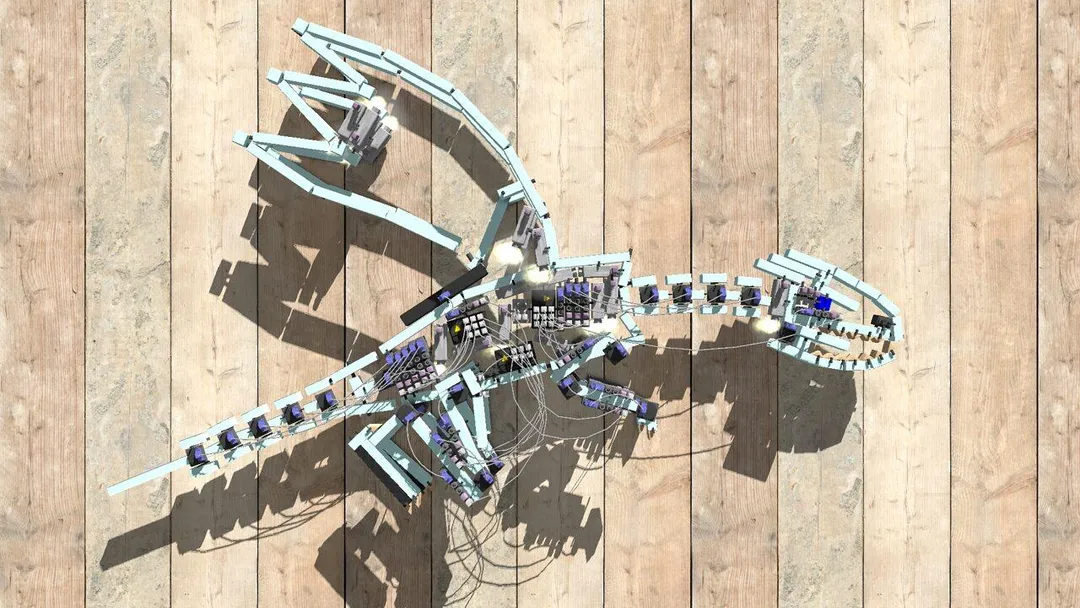
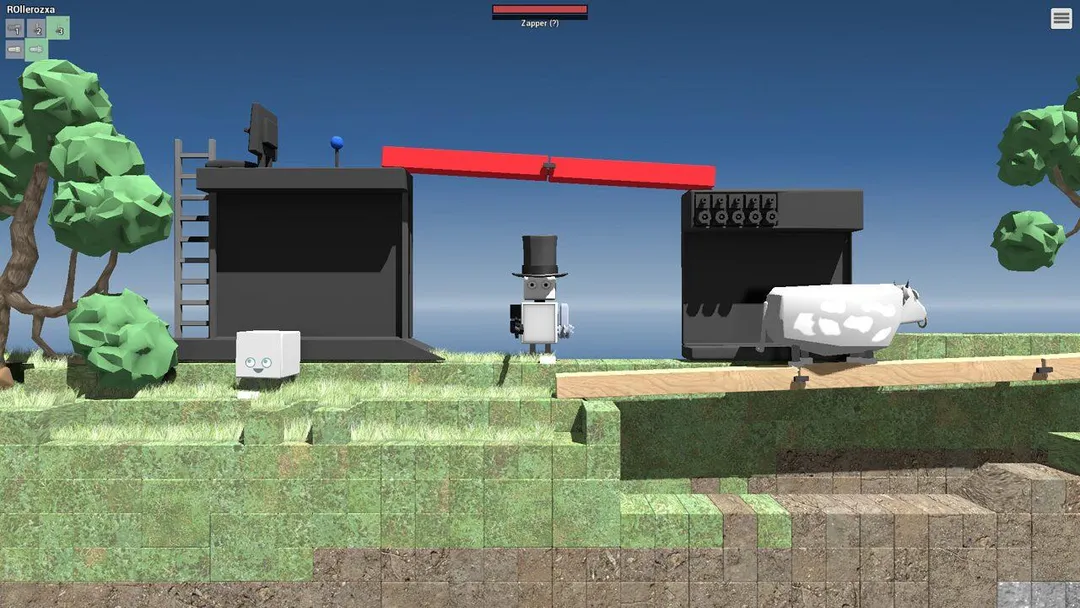
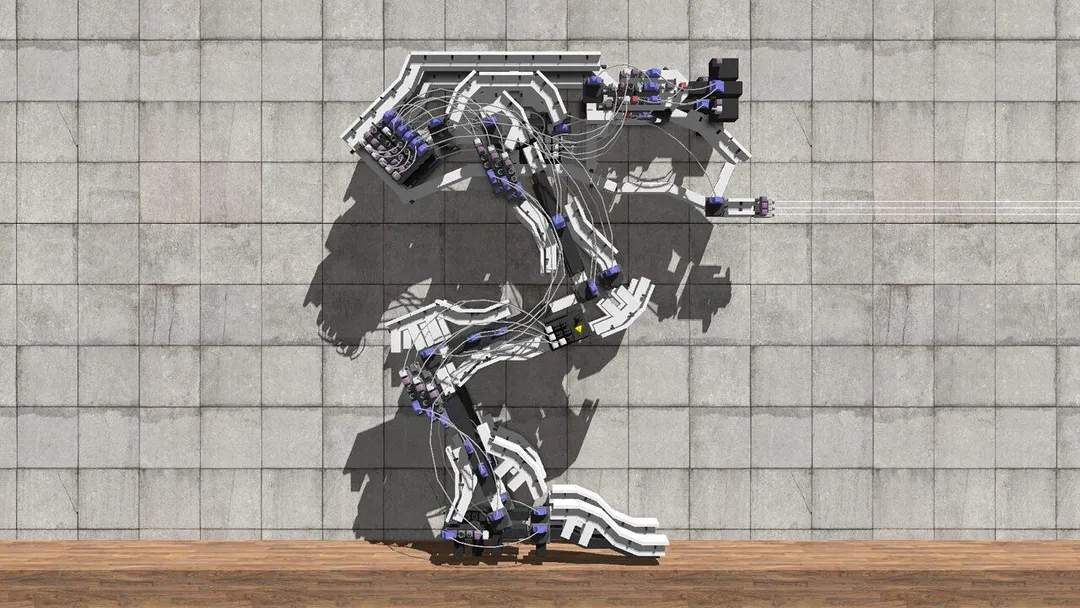
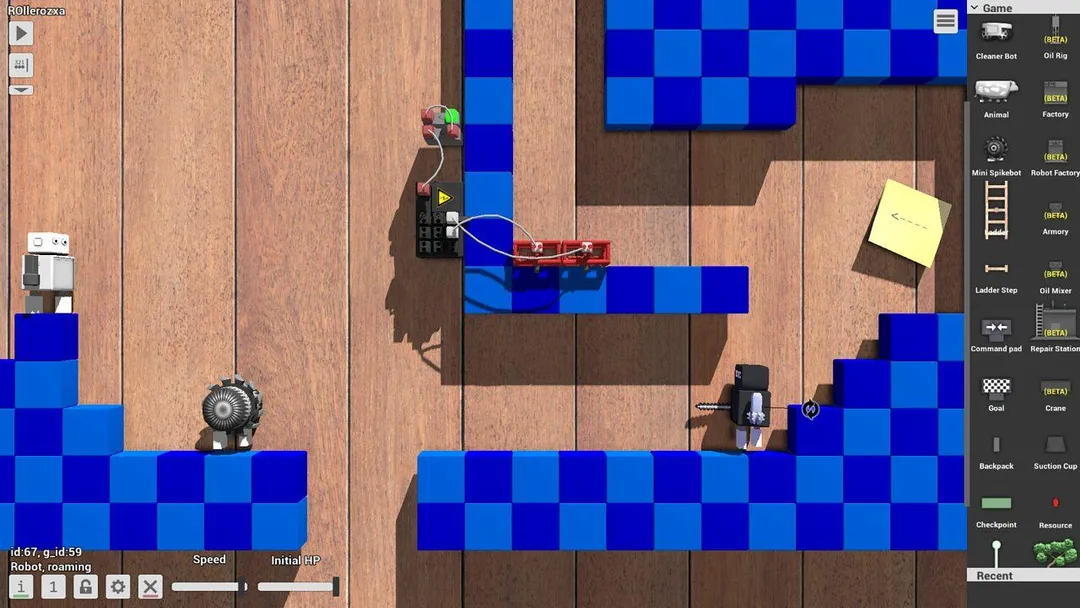
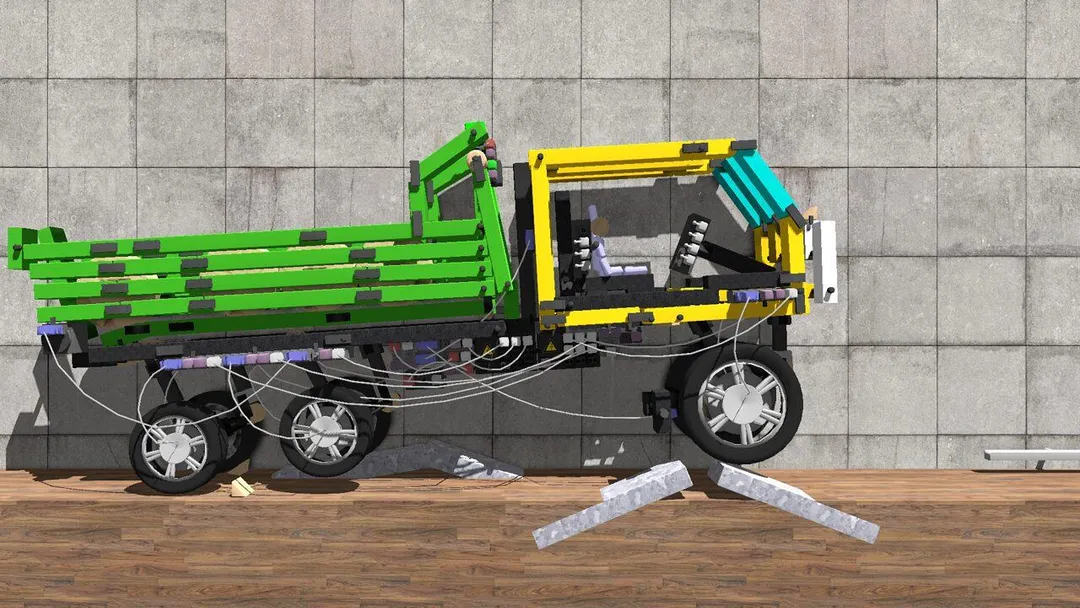
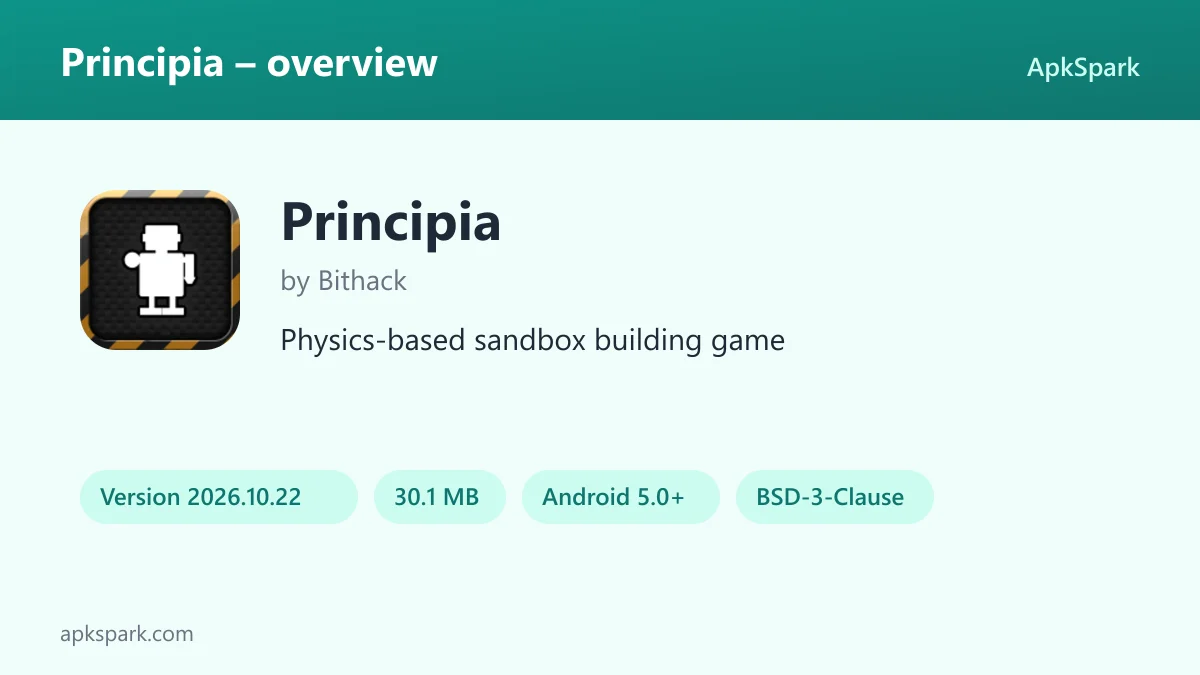
Principia is a physics-based sandbox building game for Android where you build and play contraptions, circuits, minigames and robot adventures. The sandbox holds more than 200 objects, from wooden blocks to electrical and mechanical parts, small controllable robots and a LuaScript object for Lua scripting.
The game has an unusual history. It began as a paid proprietary game developed during 2013 and 2014, was abandoned because of financial issues, and has been an open source project since 2022, developed by the community that grew attached to it. It is free, released under the BSD-3-Clause license, and the APK here is built by F-Droid from the public source code.
This page explains what you can do in the sandbox, how the community site fits in, which permissions the app uses, how to install it, and what your device needs.
What is Principia?
Principia is a sandbox where objects behave according to physics. You place parts, connect them, and watch the result move, collide or break. Because the parts include circuitry and scripting as well as blocks and wheels, the same sandbox works for simple machines and for complex logic.
The description gives some concrete examples of what people build: a controllable car, a calculator made from circuit components, or an entire game created with circuitry or with Lua. Small robots in the sandbox can be controlled by you, and others can be fought against, which is where the robot adventures come from.
The other half of the experience is the community site at principia-web.se. It contains tens of thousands of levels made by players, from elaborate contraptions to small games. You can browse and play them, and if one catches your interest, open it in the sandbox to see how it works.
The game is not limited to Android. Principia is also available on Linux and Windows, with experimental ports to other platforms. The Android version is the same open source project, maintained by Bithack and the community.
Key features of Principia
Over 200 sandbox objects: The sandbox contains more than 200 different objects. They range from basic wooden building blocks to circuitry, electrical components and mechanical components, which is enough variety to build anything from a simple ramp to a working machine with moving parts.
Circuitry and electronics: Electrical and circuit parts let you add logic to your builds. The description mentions building a calculator this way, and circuitry can also drive gameplay, so you can make your own minigame without writing any code.
Lua scripting: The LuaScript object runs Lua scripts that can interact with the world. For people who prefer code to wiring, it offers a direct way to control objects, react to events and build game logic inside a level.
Controllable robots: Small robots are part of the object set. You can control them yourself or fight against them, which turns the sandbox into a base for robot adventures and action levels rather than only static machines.
Build your own games: Combine physics objects, circuitry and Lua to make complete games. The description gives a controllable car and custom games as examples of what the tools allow.
Community levels: The community site holds tens of thousands of player-made levels, including impressive contraptions and amusing games. You can browse them and play them, which gives you plenty to do even before you build anything yourself.
Open levels in the sandbox: If a community level interests you, you can open it in the sandbox to see how it ticks. This is one of the best ways to learn, since you can inspect the circuits and scripts other players used.
Configurable community host: By default the game connects to principia-web.se. You can change or disable this by creating a file called community_host.txt in the app's scoped storage containing a domain name. With the main site disabled, you can still play levels through your web browser.
Free and cross-platform: The project is open source since 2022 and free for anyone to play. Besides Android, it is available on Linux and Windows, with experimental ports to other platforms.
Principia permissions explained
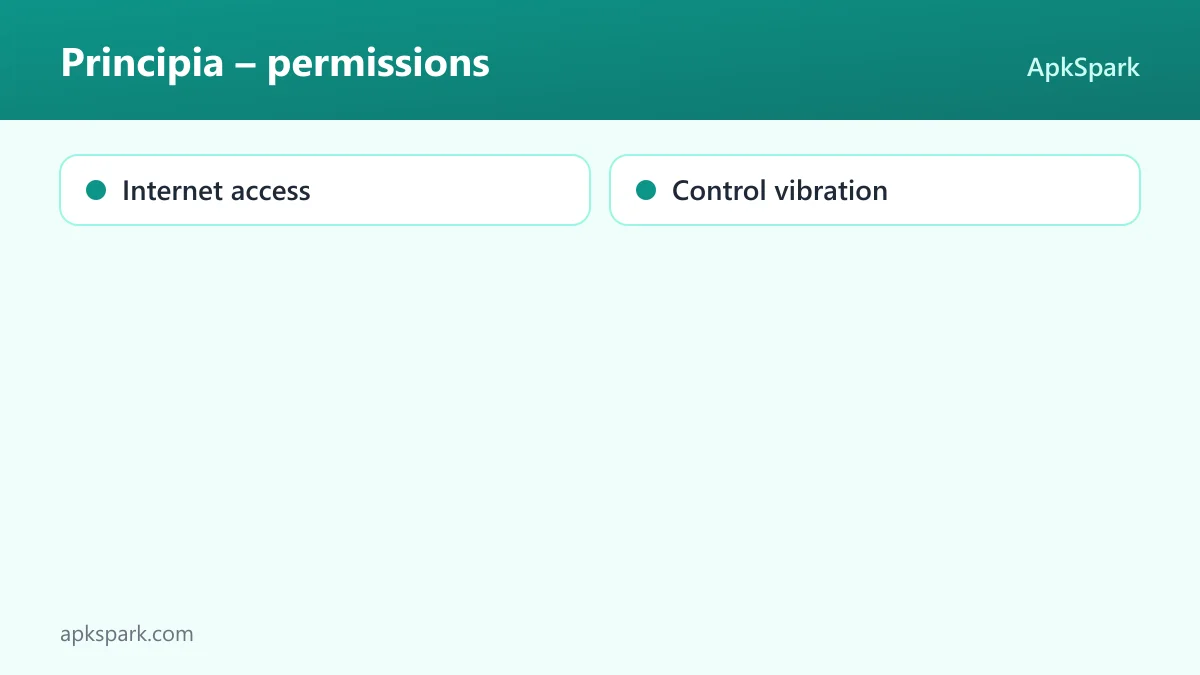
The Android app requests only two permissions:
Internet access: Lets the app connect to the internet. The description makes clear what this is for: by default the game connects to the community site at principia-web.se, where you browse and play player-made levels.
Control vibration: Lets the app make the device vibrate. The description does not say which feature uses it; it is most likely tactile feedback, but this is not documented.
Both are normal permissions, so Android grants them at install time without a pop-up. On modern Android versions, sensitive permissions such as camera, location or storage access outside the app are requested at runtime. Principia does not ask for any of those.
If you prefer not to connect to the main community site, you can change or disable the connection with the community_host.txt file described above.
How to download and install Principia APK
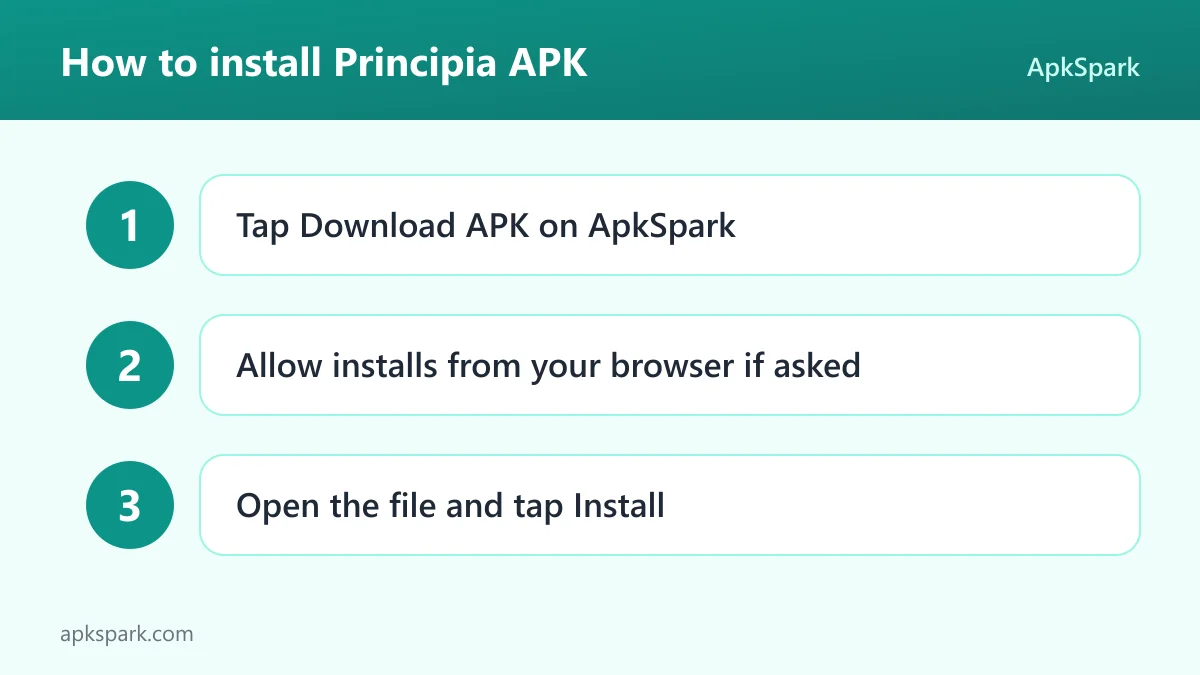
Tap the Download button on this page.
When Android asks, allow installs from your browser.
Open the downloaded file.
Tap Install.
Open the app and start in the sandbox or browse community levels.
New to installing apps from outside an app store? Our guide to installing APK files covers each Android prompt step by step and explains how to switch the install permission off again afterward.
Updates work the same way. Download the newer APK and install it over the existing one; F-Droid signs every build with the same key, so it replaces the old version cleanly.
Is Principia safe?
Principia is released under the BSD-3-Clause license, a permissive open source license. The full code is on the Principia GitHub repository, and you can report problems on the issue tracker. The project also has an official website that hosts the community levels.
F-Droid builds this APK from the published source code and signs it with the F-Droid key, and the file is downloaded from the official f-droid.org repository. You can check the package details on the F-Droid listing. A build from source means the app you install corresponds to code that is open to inspection.
F-Droid lists no anti-features for this app. The one network behavior worth knowing about is documented openly: the game connects to principia-web.se by default, and you can change or disable that.
The BSD-3-Clause license also allows other people to study, modify and redistribute the code, which is part of why the community could take over development after the original game was abandoned. For users, it means the project does not depend on a single company to keep going.
Principia system requirements
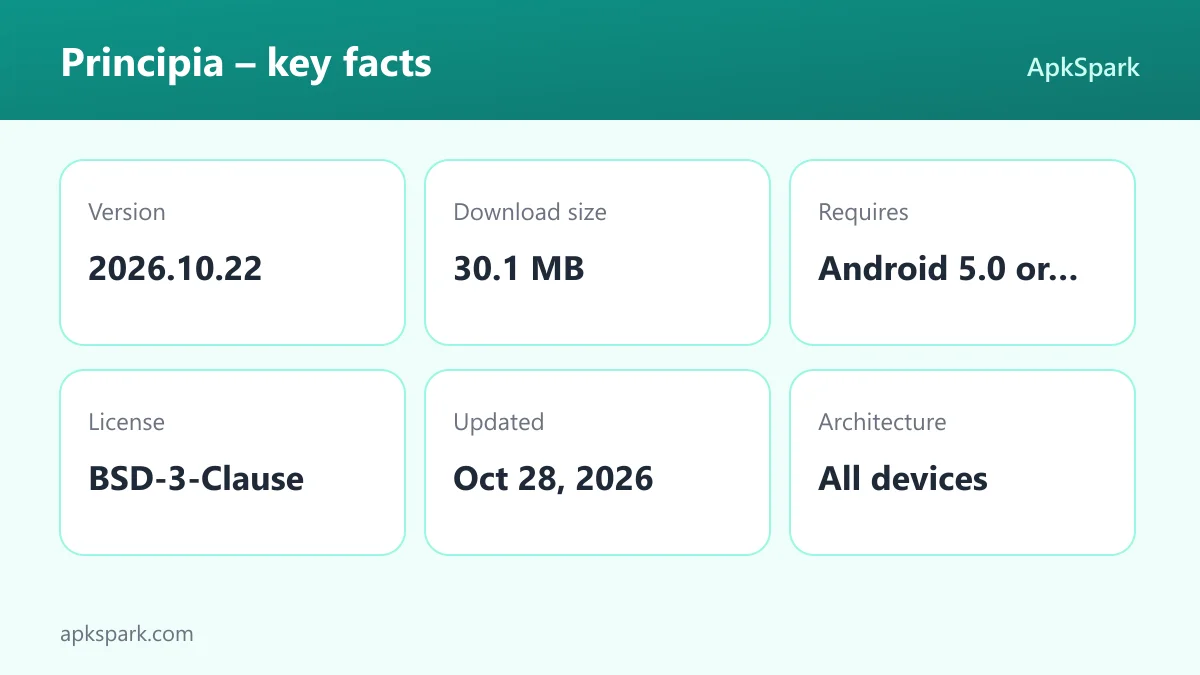
Minimum Android version: Android 5.0 or newer.
Download size: 30.1 MB.
Supported ABIs: arm64-v8a, armeabi-v7a and x86_64. A 32-bit x86 build is not listed.
Current version: 2026.10.22, released on 2026-10-27.
Network: Needed for browsing community levels from inside the app; the sandbox itself works on your device.
RAM and storage needs beyond the download are not documented. Large contraptions with many physics objects may be heavier to run, but no specific figures are given. The Android 5.0 minimum makes it one of the more widely compatible games of its kind.
Who should use Principia?
Tinkerers and builders are the obvious audience. If you like assembling machines, testing how they behave and adjusting them until they work, Principia gives you more than 200 parts and a physics simulation to experiment with. The controllable car example shows how quickly a build can become something you play.
It also suits people interested in logic and programming. The circuitry lets you build things like a calculator without writing code, and the LuaScript object opens the door to real scripting that interacts with the world. Opening community levels in the sandbox lets you learn from how others solved a problem.
Finally, it works for players who mainly want to play. The community site holds tens of thousands of levels, from contraptions to small games, so you can treat Principia as a large collection of player-made puzzles and minigames and only start building when you feel like it.
Three ways to build: objects, circuits and Lua
The sandbox gives you three overlapping toolsets, and knowing when to use each one saves time.
Physical objects
Wooden blocks and mechanical components are the foundation. They have weight, they collide and they move under the physics simulation. Ramps, bridges, catapults and vehicles all start here. Building with physical parts alone is the most direct way to learn how the simulation behaves, because every change you make shows up immediately when you run the level.
Circuitry and electrical parts
Circuit and electrical components add behavior that depends on conditions rather than only on physics. The description mentions building a calculator, which shows that the circuits are capable of real logic. Circuits are also a way to make your own game without code, for example by wiring controls, triggers and outcomes together.
LuaScript
The LuaScript object runs Lua code that can interact with the world. It suits tasks that would need a large tangle of wiring, or ideas that are easier to describe in a few lines of code. If you already know some programming, scripting can be the quickest route to a complex level. If you do not, circuits are a gentler starting point, and you can add scripts later.
Most interesting levels mix all three. Opening community levels in the sandbox is a good way to see how other builders combined them.
A typical first hour in Principia
A reasonable way to begin is with the community levels. Browse a few, play the ones that look fun, and note which contraptions you want to understand. Then open one of them in the sandbox and look at how it is put together, which parts are physical objects and which are circuits or scripts.
Next, start a blank sandbox and try a small project, such as a simple vehicle. Place a body, add wheels and a way to control them, and test it. Once it moves, add something extra, like circuitry that changes its behavior.
If you are comfortable with code, try the LuaScript object on a small task. Because Lua scripts can interact with the world, even a short script can make objects respond to each other in ways that are hard to wire by hand.
Limitations of Principia to know about
Community features depend on a server: Browsing levels in the app relies on principia-web.se by default. If you disable that connection, you can still play levels by going through your web browser.
Learning curve: With more than 200 objects, circuitry and scripting, there is a lot to learn. The description does not mention a built-in tutorial, so expect to learn by experimenting and studying community levels.
No 32-bit x86 build: Supported ABIs are arm64-v8a, armeabi-v7a and x86_64.
Undocumented hardware needs: There are no published RAM or performance figures, so how big a contraption your device can handle is something you find out by testing.
Category fit: The game is listed under Puzzle here, but it is really a physics sandbox. Puzzle-like levels exist in the community collection, yet the core of the game is building.
Tips for getting started with Principia
Learn from other levels: Open an interesting community level in the sandbox and take it apart. Seeing how others built a contraption is faster than starting from nothing.
Start small: Build a simple machine first, such as a controllable car, before attempting a calculator or a full game.
Try circuitry before Lua: Circuits let you add logic visually. Move to the LuaScript object once you want more control than wiring gives.
Use robots for action levels: The controllable robots and the ones you fight against are a quick way to make a level feel like a game.
Follow new releases: Changes between versions are recorded in the changelog on the community wiki. Reading it after you install an update tells you exactly what changed in that release, so nothing in the sandbox catches you off guard.
Control the community connection: If you want to change or disable the default connection to principia-web.se, create community_host.txt in the app's scoped storage with a domain name.
What the open source history means for you
The project history explains a few things about the current app. It was first developed as a paid proprietary game during 2013 and 2014, then abandoned because of financial issues. Since 2022 it has been an open source project, developed by the same community that fell in love with it back in the day.
For players, that means the game is free, the code is public and development happens in the open. Releases, bug reports and discussions are visible on GitHub, and the changelog is kept on the community wiki. The same community also runs the level site, which is why the app and the website are so closely linked.
It also explains the cross-platform support. The game runs on Linux and Windows as well as Android, with experimental ports to other platforms, so what you learn on your phone carries over if you also play on a computer.
Alternatives to Principia
No related apps are listed for this game at the moment. You can browse more Puzzle apps on ApkSpark to compare it with other titles, checking each listing for permissions and license.
Keep in mind that this game is more of a physics sandbox than a classic puzzle game. You can also see other work by its developer on the Bithack developer page.
Final verdict
Principia is a deep physics sandbox with more than 200 objects, circuitry, Lua scripting and robots, backed by a community site with tens of thousands of player-made levels. It suits builders, tinkerers and anyone curious about logic and code.
It is free under the BSD-3-Clause license, built by F-Droid from source, requests only internet and vibration access, and runs on Android 5.0 and newer. If a creative sandbox sounds appealing, it is well worth the 30.1 MB download.