


Braincup is a free, open source brain training app for Android that collects short mini-games for memory, focus, logic and math in one place. Alongside the games, a Learn Math section offers lessons, tests and certificates in arithmetic, geometry, measurement and algebra.
Braincup is developed by Simon Schubert, released under the Apache-2.0 license and built by F-Droid from public source code. The description states plainly that it has no tracking. Every game has medals, and there are several achievements to collect.
This page walks through the kinds of games included, the one permission the app uses, how to install it, what your device needs and how to get started.
What is Braincup?
Braincup is a collection of quick exercises rather than a single game. Each mini-game targets one skill, such as mental arithmetic, short-term memory, attention or logical deduction, and the rules fit in a sentence or two. You pick a game, play a round and try to earn a better medal next time.
The list ranges from pure math drills like Mental Calculation and Fraction Calculation to classic puzzles like Sudoku, Lights Out and the Tower of Hanoi. It also includes board games against the CPU, such as Chess, Checkers and Reversi, plus well-known formats like Wordle, Simon Says and an N-Back memory task.
The Learn Math section turns Braincup into a study tool as well. It covers four areas, Arithmetic, Geometry, Measurement and Algebra, with lessons, tests and certificates. That makes it useful for students practicing school math as well as adults who want to keep their skills sharp.
The project is open source, with code, releases and an official website on GitHub. It is listed in the Educational category here.
Key features of Braincup
Math training games: Mental Calculation chains results so each answer is the base for the next, Chain Calculation solves a formula step by step, and Sherlock Calculation asks you to reach a goal with given numbers and operators. Fraction Calculation, Value Comparison, Bubble Sum, Quick Sum and Missing Operators round out the math set.
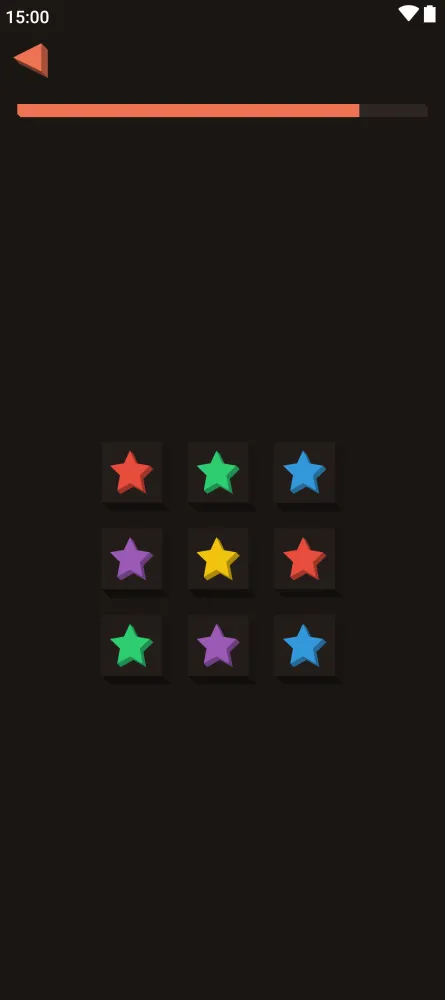
Memory games: Visual Memory asks you to memorize shapes and identify the hidden one, Ghost Grid has you tap lit tiles back in order, and Digit Memory combines memorizing digits with a quick sum. Spot the New, N-Back and Simon Says test recall in different ways.
Focus and attention games: Color Confusion asks you to tap the ink color, not the color the word names. Orbit Tracker has you follow highlighted balls as they move, Flash Crowd asks which side flashed more dots, and Schulte Table has you tap numbers in order as fast as you can.
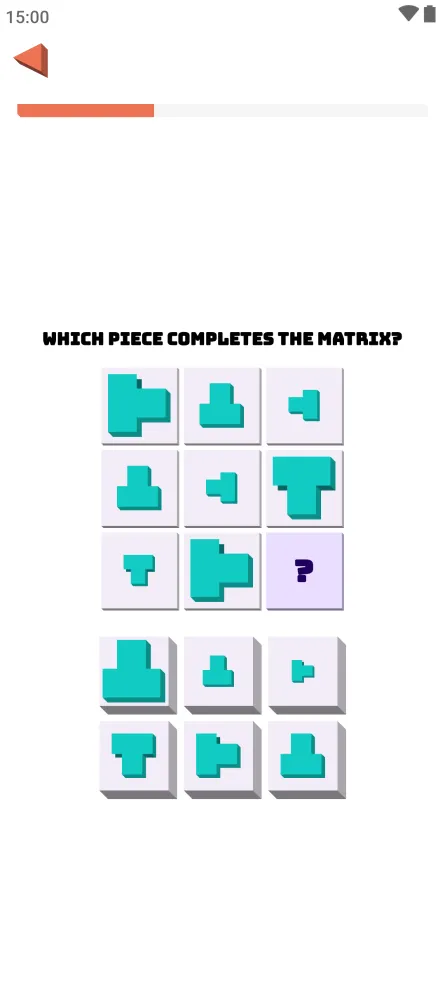
Logic puzzles: Pattern Sequence, Anomaly Puzzle and Path Finder train pattern recognition. Grid puzzles include Mini Sudoku, full Sudoku with several difficulties, Shikaku, Nurikabe, Cat Queens and Knot. Lights Out, Sliding Puzzle, Peg Solitaire, Tower of Hanoi and Matchstick Riddles cover classic brain teasers.
Mental flexibility tasks: Mental Rotations asks whether a block is the first one turned or mirrored. Mental Flex uses a cue pair to set the rule you match on, and Rule Shift has you sort cards by a hidden rule that changes once you have worked it out.
Board games against the CPU: Full Chess against the CPU or pass-and-play, Checkers on an 8x8 board with three CPU levels and compulsory captures, and Reversi on a 6x6 board. Mini Chess, Solo Chess and Mini Checkers offer short tactical scenarios.
Word and number guessing: Wordle asks you to guess a five-letter word in six tries, and Bulls & Cows has you guess a secret four-digit number. Flags asks you to name countries, and one wrong answer ends the run.
Learn Math lessons: Lessons, tests and certificates in Arithmetic, Geometry, Measurement and Algebra. This section gives structured learning alongside the quick games.
IQ Test for fun: A set of 30 matrix puzzles in 15 minutes that gives an estimated IQ. The app labels it as just for fun, so treat the number as entertainment rather than a measurement.
Medals, achievements and no tracking: Every game awards medals, several achievements are available, and the description states the app has no tracking. Pattern-matching games like Trio and Prism Clear add variety between the drills.
Braincup permissions explained
Braincup requests one permission:
- Internet access: Lets the app connect to the internet. The description does not say which feature uses it. The app states that it has no tracking, and F-Droid lists no anti-features for it.
Internet access is a normal permission, so Android grants it at install time without a prompt. On modern Android versions, sensitive permissions such as camera, location, contacts or microphone are requested at runtime. Braincup does not request any of these.
In practice this means the app cannot read your files, see your location or access your contacts. Its only capability beyond its own screens is a network connection.
How to download and install Braincup APK
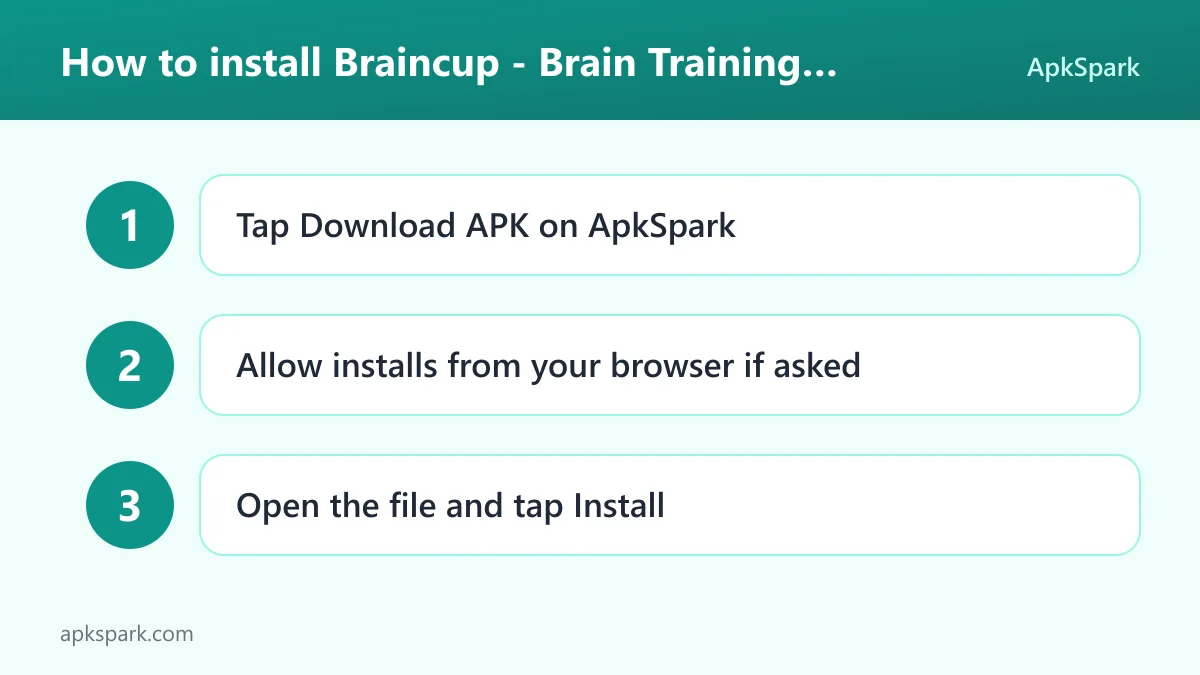
Tap the Download button on this page.
When Android asks, allow installs from your browser.
Open the downloaded file.
Tap Install.
Open the app and pick a game or a Learn Math lesson.
If this is your first sideloaded app, our guide to installing APK files explains each Android prompt and shows how to switch the install permission off again once you are done.
Updates to Braincup follow the same steps. Download the newer APK and install it over the old one. F-Droid signs every build with the same key, so the update replaces the previous version without uninstalling.
Is Braincup safe?
Braincup is released under the Apache-2.0 license, a permissive open source license. The code is public in the Braincup GitHub repository, problems can be reported on the issue tracker, and the project has an official website.
F-Droid builds this APK from the published source code and signs it with the F-Droid key, and the file is downloaded from the official f-droid.org repository. Details are on the F-Droid listing.
F-Droid lists no anti-features for Braincup, so it is not flagged for advertising, tracking or similar issues. That matches the developer's own statement of no tracking. The only permission is internet access.
Because the code is published, anyone can check how the games work and what the app does with its network permission. Questions or concerns can be raised on the issue tracker, where the developer and other users can respond in public.
Braincup system requirements
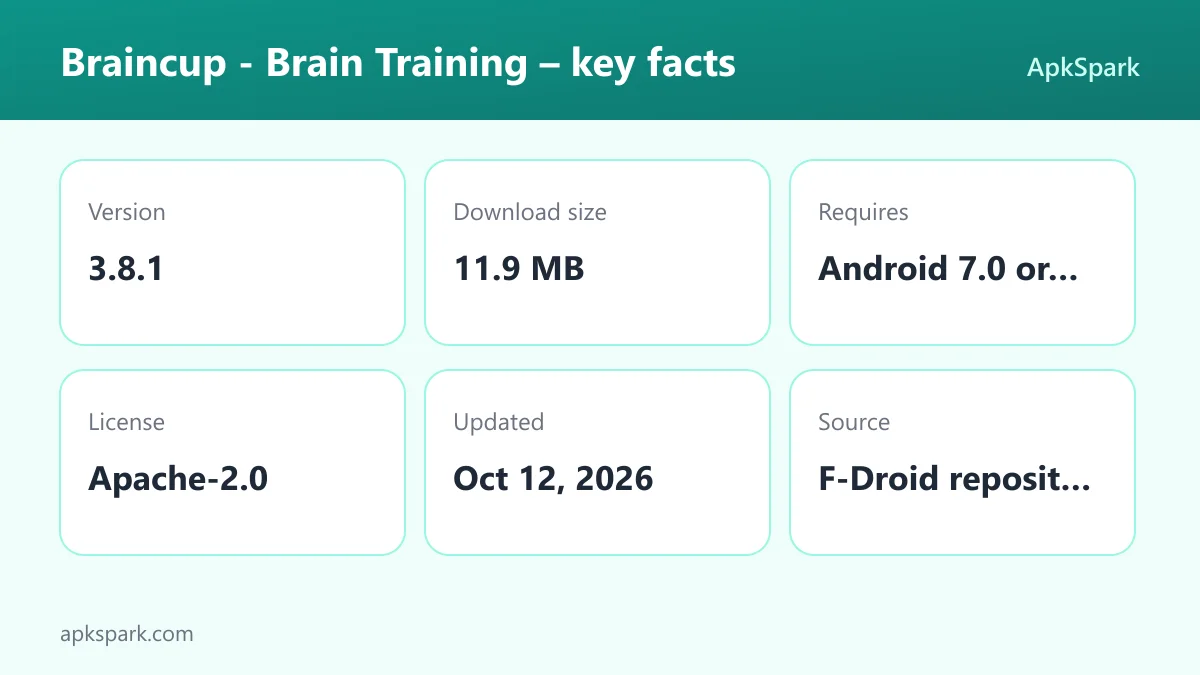
Minimum Android version: Android 7.0 or newer.
Download size: 11.9 MB.
Supported ABIs: arm64-v8a, armeabi-v7a, x86 and x86_64, which covers nearly all phones, tablets and emulators.
Current version: 3.8.1, released on 2026-10-12.
Account: No account is documented or required.
RAM and storage requirements beyond the download size are not documented. For an app with this many games, 11.9 MB is a compact download. Wide ABI support also means the same release installs on older 32-bit phones, current 64-bit devices and x86 emulators, so you can try it on a spare device or in an emulator first if you prefer.
Who should use Braincup?
People who like short daily mental workouts are the main audience. Each game targets a specific skill and awards medals, so it is easy to fit a few rounds into a commute or a break and come back later to improve your result.
Students and parents may find the Learn Math section especially useful. Lessons, tests and certificates in Arithmetic, Geometry, Measurement and Algebra give structure, while games like Fraction Calculation, Quick Sum and Missing Operators reinforce the same skills in a lighter format.
Puzzle and board game fans will also find plenty here. Sudoku, Nurikabe, Shikaku, Wordle, Chess, Checkers and Reversi are all included, and pass-and-play in Chess, Checkers and Reversi lets two people share one device.
Braincup games by skill, in more detail
The feature list above groups the games broadly. Here is a closer look at how some of the less familiar ones work, based on their in-app descriptions.
Math and number sense
Value Comparison shows several expressions and asks you to pick the one with the highest value, which rewards estimating rather than calculating everything exactly. Bubble Sum has you add numbers on floating bubbles, and Quick Sum flashes numbers one at a time before you enter the total. Colored Shapes mixes logic with arithmetic: you add the points only from the statements that are correct.
Grid logic puzzles
Shikaku asks you to divide the grid into rectangles whose sizes match their numbers. In Nurikabe you paint the sea around numbered islands without leaving any 2x2 blocks. Cat Queens places one cat per row, column and color zone, with no two cats touching. Knot asks you to connect colored pairs without crossing while covering every cell.
Tactical chess and checkers puzzles
Mini Chess gives you a scenario to finish as white against the CPU. Solo Chess is different: you keep capturing until only the king remains, and every move must be a capture. Mini Checkers asks you to find the winning combination as black on a 6x6 board.
Memory and attention
Spot the New shows a series of animals and asks you to tap the one you have not seen before. N-Back asks you to tap Match when a shape repeats the one N steps back, a classic working memory exercise. Digit Memory has you memorize digits, solve a quick sum, and only then recall them, which adds interference to the task. Orbit Tracker and Flash Crowd test attention in motion and at a glance.
Classic brain teasers
Lights Out asks you to turn off every light, but each tap toggles the neighbouring lights too. Tower of Hanoi has you move the stack to the right peg, Peg Solitaire asks you to jump pegs until one remains, and Matchstick Riddles has you move matchsticks to fix equations. Sliding Puzzle is the familiar challenge of sliding tiles into order.
Pattern and matching games
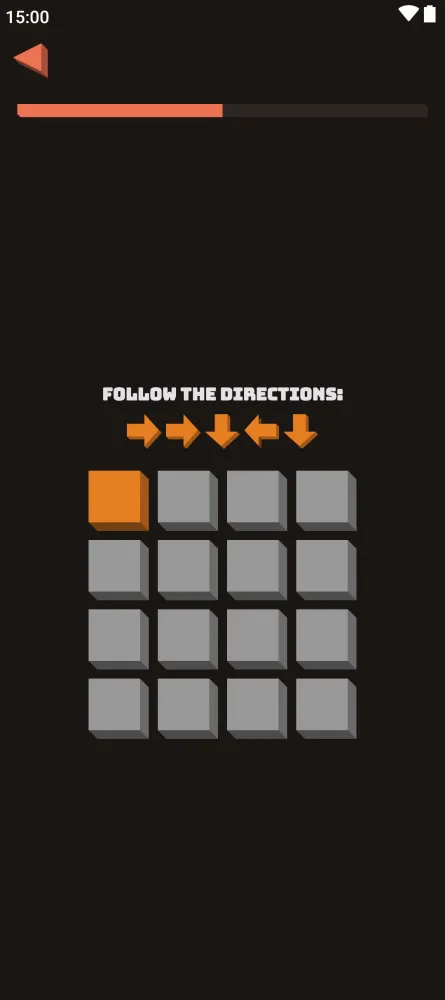
Trio asks you to find three cards that share a shape, a fill or a count. Prism Clear has you swap matching tiles to clear lines until the board is empty. Anomaly Puzzle asks you to find the figure that stands out, and Path Finder has you follow arrows from a marked start.
These puzzles take a little more reading the first time, but each has a one-line rule in Braincup that explains the goal.
Learn Math in Braincup
The Learn Math section is what moves the app beyond a set of reflex drills. It is organized into four subjects: Arithmetic, Geometry, Measurement and Algebra. Each one has lessons, followed by tests, and passing them earns certificates.
For students, this provides a structured path that complements classroom work. A practical approach is to read a lesson, take the test, and then switch to a related mini-game for extra practice. Fraction Calculation and Missing Operators pair naturally with arithmetic and algebra topics.
For adults, the certificates give a concrete goal when refreshing skills that have faded since school. The description does not list individual lesson titles, so the best way to see the full scope is to open the section in the app.
A sample Braincup routine
The app does not prescribe a program, but its range makes it easy to build your own. Here is one way to structure a short session using documented games.
Warm up with focus: Start with Schulte Table or Color Confusion to get your attention going.
Train memory: Play a round of Ghost Grid, Digit Memory or N-Back.
Do some math: Try Mental Calculation, Chain Calculation or Sherlock Calculation.
Finish with logic: End on a Mini Sudoku, Lights Out or a Pattern Sequence grid.
Rotate the games each day so you work different skills, and check your medals to see which areas need more practice. On days with more time, work through a Learn Math lesson or play a full game of Chess against the CPU.
Limitations of Braincup
IQ Test is for fun: The app itself says the IQ estimate is just for fun, so it is not a formal assessment.
Internet use not explained: The description does not say why the internet permission is needed, though it does state there is no tracking.
Progress features are game-based: Medals and achievements are documented, but detailed statistics, history graphs or cloud sync are not mentioned.
Learn Math scope: The lessons cover Arithmetic, Geometry, Measurement and Algebra. Topics beyond those four areas are not listed.
Tips for getting started with Braincup
Sample widely first: Try several Braincup games across math, memory, focus and logic before settling on favorites. The variety is the app's main strength.
Chase medals: Every Braincup game has medals, which gives a clear target for each replay and a simple way to track improvement.
Use Learn Math for structure: If you want a guided path rather than random practice, work through the lessons and tests to earn certificates.
Play the board games with a friend: Chess, Checkers and Reversi support pass-and-play, so you can hand the phone across the table.
Mind the one-mistake rule in Flags: A single wrong answer ends the run, so take your time on each country.
Read the rules for new puzzles: Games like Nurikabe, Cat Queens and Rule Shift have specific constraints. Check the short description in the app before your first try.
Alternatives to Braincup
There are no related apps listed for this one right now. You can browse more Educational apps on ApkSpark to compare it with other learning games and check each one's permissions and license.
The documented points that set this app apart are the wide mix of math, memory, focus and logic games, the Learn Math lessons with certificates, the Apache-2.0 license and the stated lack of tracking. More from the developer is on the Simon Schubert developer page.
Final verdict
Braincup packs a large range of brain training games, classic puzzles and board games into an 11.9 MB download, and the Learn Math section adds structured lessons with certificates. Medals and achievements give each game a reason to replay.
It is open source under Apache-2.0, built by F-Droid, states that it has no tracking and requests only internet access. For anyone who wants varied mental practice without tracking on Android, it is an easy recommendation.