

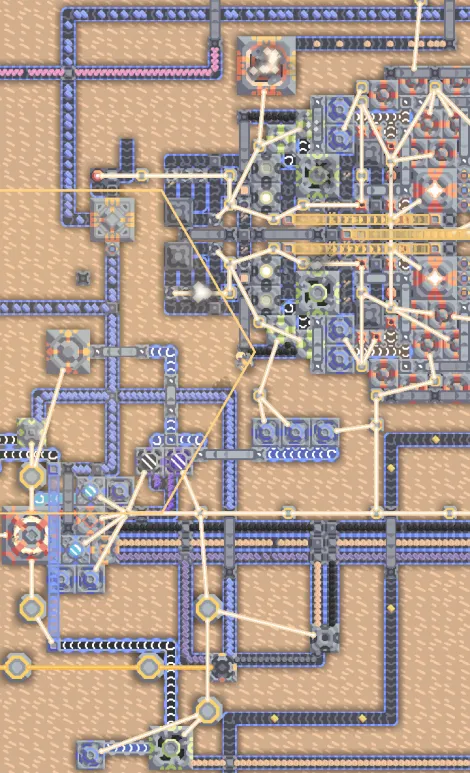
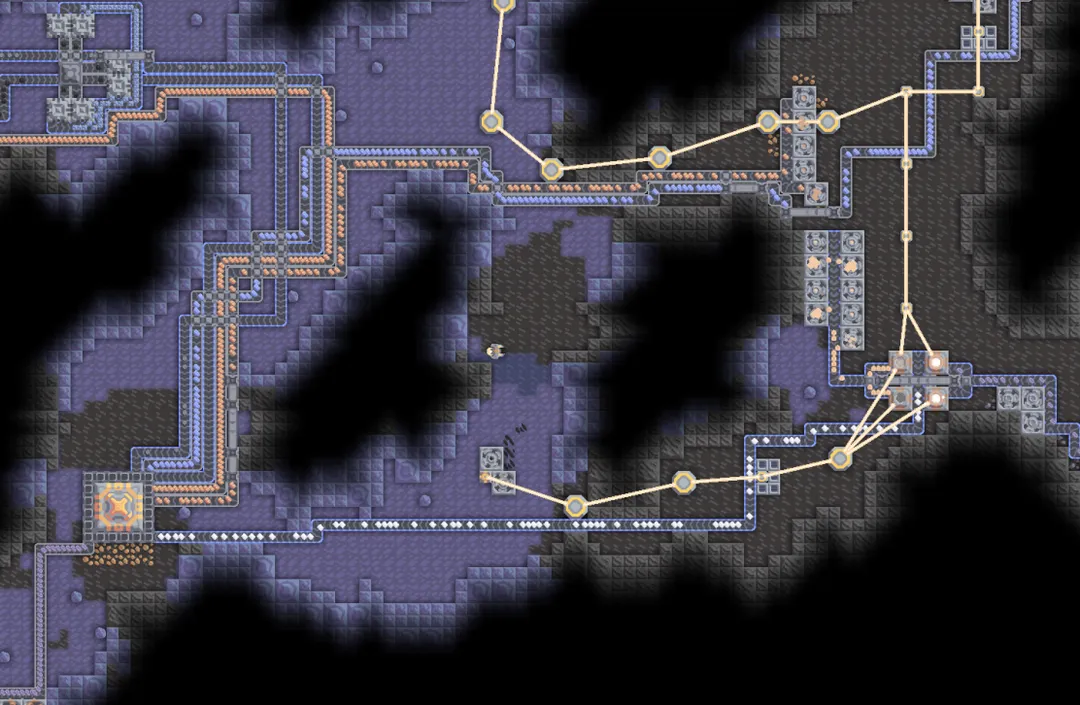
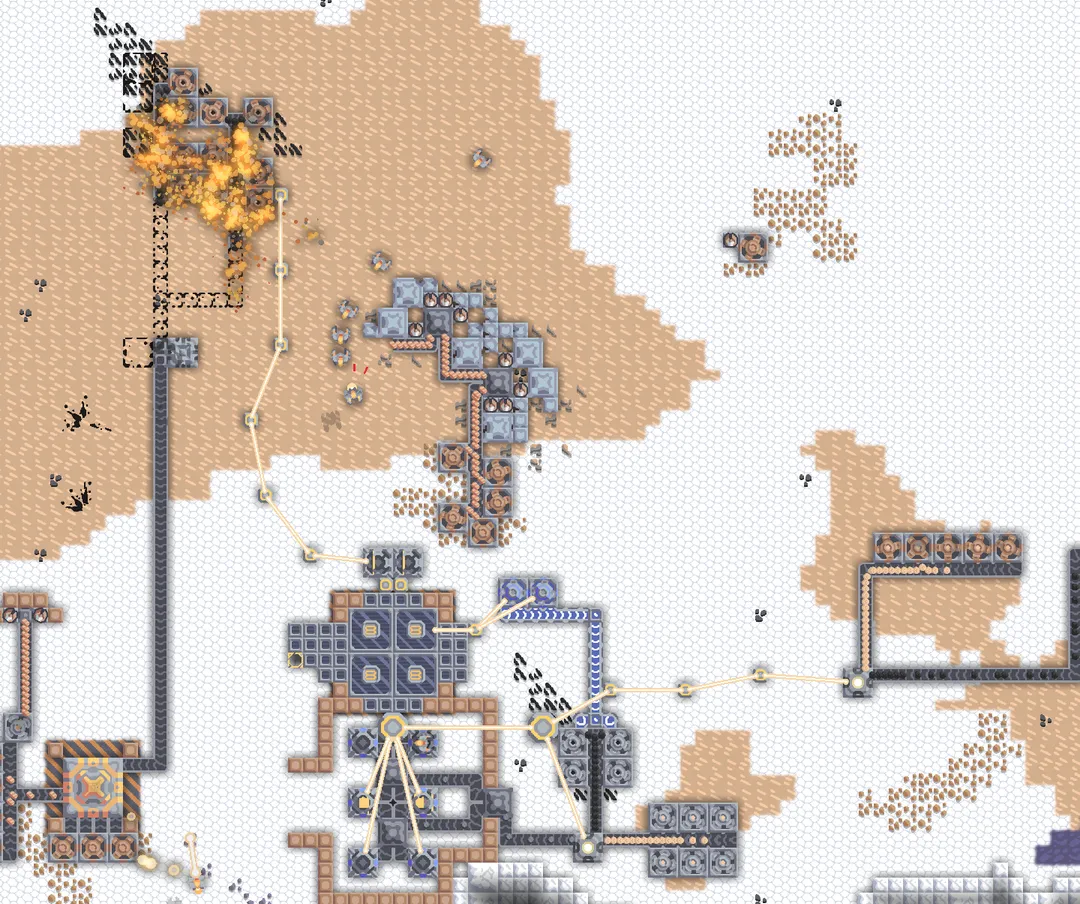
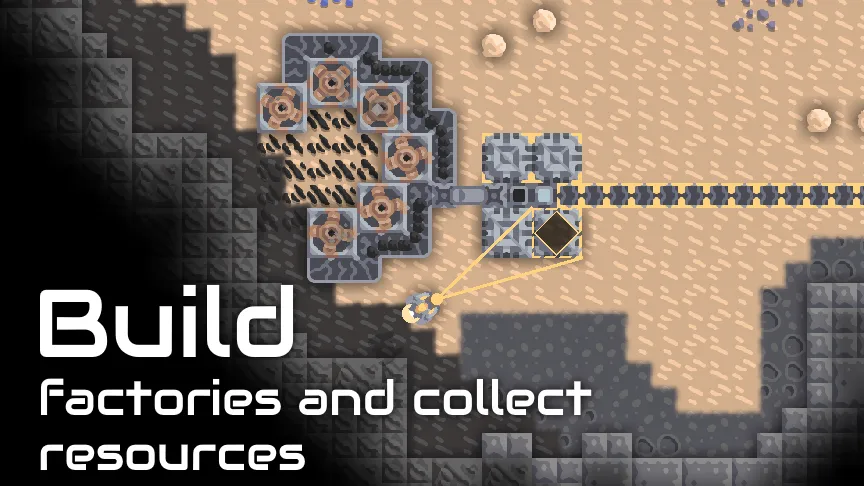
Mindustry is an open-source factory-building game that mixes tower defense with real-time strategy, and this page offers the Android build that F-Droid compiles from the public source code. You mine resources, route them through conveyor lines into factories and turrets, and protect a central core from waves of enemies. As your production grows, you also build units and send them to capture enemy bases.
The game is made by the developer Anuken and released under the GPL-3.0-or-later license. The version listed here is 8-fdroid-160.7, published on 2026-10-12. The download is 78.2 MB and the app runs on Android 5.0 or newer.
This article explains what the game includes, what each permission is for, how to install the APK, what the license and build source mean for safety, and who is likely to enjoy it. Everything below is based on the project's own description and the F-Droid listing.

What is Mindustry?
Mindustry is a strategy game built around supply chains. Instead of placing turrets and waiting, you have to feed them. Drills pull raw materials out of the ground, conveyors carry those materials across the map, and production blocks turn them into more advanced materials. Those materials then become ammunition, building stock and units.
The defensive side works like a tower defense game. Enemies arrive in waves and head for your core, which is the structure you must keep alive. Turrets only fire if they are supplied, so a broken conveyor or an empty factory can lose a match. That link between logistics and combat is the main idea of the game.
The offensive side borrows from RTS games. You can produce drones, mechs and ships, set up assembly lines that build them in bulk, and command them to attack fully functional enemy bases. Some units can also help manage your own base automatically.
Mindustry has two campaigns, one on the planet Serpulo and one on Erekir. Together they span 35 hand-made maps and more than 250 procedurally generated sectors. Outside the campaign there are custom games, a map editor, mod support and cross-platform multiplayer.
The project is developed in the open. Its source code, issue tracker and release notes are all hosted on GitHub, and the official download page for other platforms is on itch.io. The Android build on this page comes from F-Droid, which compiles it from that source.
Key features of Mindustry
- Production chains: Production blocks convert basic resources into a wide variety of advanced materials. Each step feeds the next, so planning the order of your factories and the routes between them is a large part of how you progress in each map and sector.
- Wave defense: Your structures and core face repeated waves of enemies. Turrets need a steady supply of ammo from your production lines, which means defense depends on logistics as much as on where you place your guns.
- Liquids and hazards: The game lets you distribute liquids and deals out constant challenges, such as outbreaks of fire and raids by enemy fliers. You have to plan for threats that do not walk along the ground.
- Coolant and lubricant: Many blocks accept optional coolant and lubricant. Supplying them gets more output from your production, so a well-fed factory line can do more with the same footprint on the map.
- Units and assembly lines: You can produce a wide variety of units for automatic base management or for attacks on enemy bases. Assembly lines let you construct armies of mechanized units instead of building them one at a time.
- Two planet campaigns: Conquer Serpulo and Erekir across 35 hand-made maps and 250+ procedurally generated sectors. Captured sectors keep producing resources while you play elsewhere, and you can coordinate resources between sectors with launch pads.
- Research tree: You research new blocks to fuel progress. The campaign includes 250+ technology blocks to master and 50+ different types of drones, mechs and ships to unlock over time.
- Cross-platform multiplayer: Play co-op or team-based PvP with friends across platforms. You can join a public dedicated server or invite friends to your own private session, and you can also invite friends to complete campaign missions together.
- Custom games and rules: There are 16+ built-in maps for custom games, with co-op, PvP and sandbox modes. You can change block costs, enemy stats, starting items, wave timing and more.
- Map editor and mods: A fully functional map editor with scripting support lets you build your own scenarios. A built-in mod browser and mod support let you add community content without leaving the game.

Mindustry permissions explained
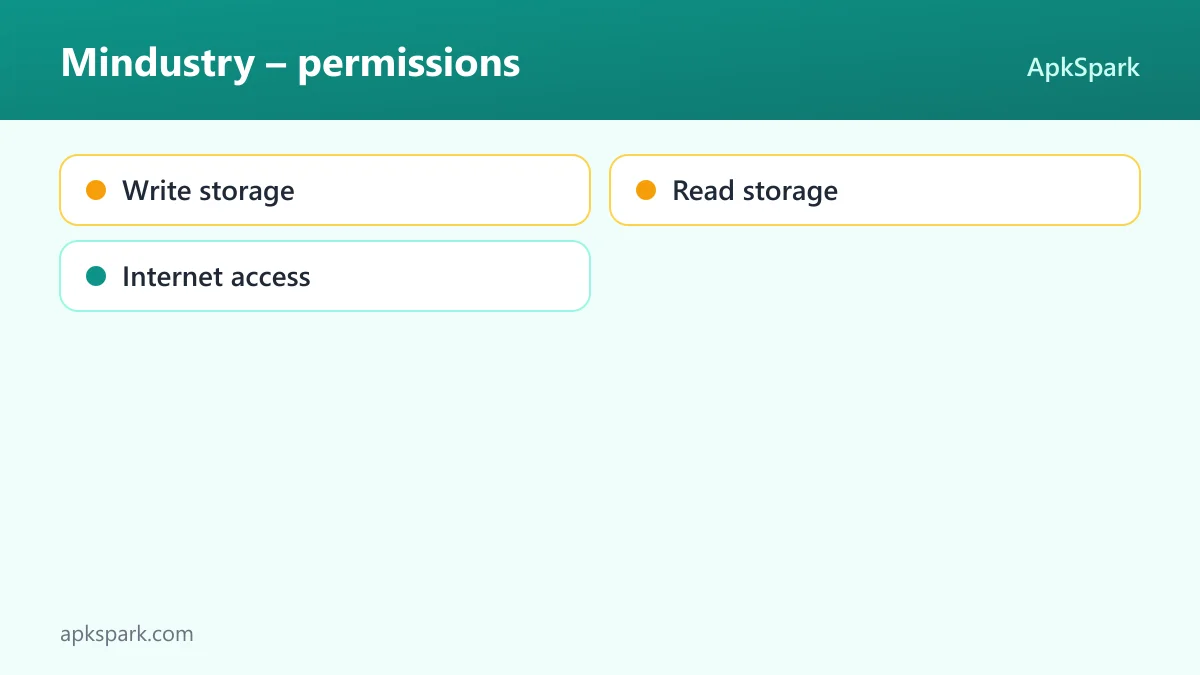
The F-Droid build requests three permissions. On Android 6.0 and newer, sensitive permissions such as storage access are requested at runtime, so the game has to ask you before it can use them, and you can refuse or revoke them later in system settings.
- Write storage: Lets the app save and modify files in shared storage. The project does not state which feature uses it. A likely reason is saving or exporting files outside the app's private folder, but this is not documented, so treat it as an optional grant you can test.
- Read storage: Lets the app read files in shared storage. Again, the description does not tie it to a specific feature. If you plan to load files you placed on your device yourself, this is the permission that would allow it.
- Internet access: Lets the app connect to the internet. This one is clearly needed for documented features: joining public dedicated servers, hosting or joining private multiplayer sessions with friends, and using the built-in mod browser.
Internet access is a normal permission on Android, so it is granted at install time without a prompt. The two storage permissions are marked as sensitive and will show a system dialog when the game first needs them.
How to download and install Mindustry APK
- Tap the Download button on this page.
- When Android asks, allow installs from your browser (the setting is usually called "Install unknown apps").
- Open the downloaded file from your notifications or your Downloads folder.
- Tap Install and wait for Android to finish.
- Open the app from your home screen or app drawer.
The file is 78.2 MB, so a Wi-Fi connection is a good idea if your mobile data is limited. If the installer complains about a signature, see the section below about keys. For screenshots of each step and fixes for common errors, read our guide to installing APK files.

Is Mindustry safe?
Mindustry is released under the GPL-3.0-or-later license. That is a free software license: anyone can read, modify and redistribute the code, as long as they share their changes under the same terms. The full source is public on GitHub, so the way the game works is open to inspection.
The APK on this page is the F-Droid build. F-Droid builds this APK from the published source code and signs it with the F-Droid key. The file is downloaded from the official f-droid.org repository. You can compare details on the Mindustry F-Droid listing.
F-Droid lists no anti-features for this app. Anti-features are F-Droid's labels for things such as ads, tracking or dependence on non-free services, and none are flagged here.
One practical point about signing: because the F-Droid key signs this file, Android treats it as a different publisher from copies signed by the developer. If you already have a copy from another source, Android may refuse to update it with this APK. In that case you would need to uninstall the old copy first, which can remove local data, so back up anything you care about.
If you hit a bug, the project keeps a public issue tracker where you can search existing reports or file a new one.
Mindustry system requirements
- Minimum Android version: Android 5.0
- Download size: 78.2 MB
- Supported ABIs: arm64-v8a, armeabi-v7a, x86 and x86_64
- Version: 8-fdroid-160.7
- Release date: 2026-10-12
The four ABIs cover modern 64-bit ARM phones, older 32-bit ARM devices, and x86 hardware such as some Chromebooks and emulators. RAM, storage and GPU requirements are not documented. Large factory layouts and many units on screen are likely to be harder on older hardware, but the project does not publish specific numbers.
How the Mindustry campaign is structured
The Mindustry campaign is split across two planets, Serpulo and Erekir. Each one has its own hand-made maps, and together they hold 35 of them. Around those maps sit more than 250 procedurally generated sectors, so the campaign keeps offering new ground after the scripted maps are done.
Sectors are not isolated levels. Once you capture one, it keeps producing resources while you play other sectors. That means an early, well-built sector can keep supplying materials for hours of later play.
Captured territory can still be attacked. Mindustry sends periodic invasions against your sectors, so you may need to return and strengthen defenses. Launch pads let you coordinate resource distribution between sectors, which helps a new sector get started faster.
Custom games and multiplayer in Mindustry
Outside the campaign, Mindustry includes 16+ built-in maps for custom games. You can pick co-op, PvP or sandbox, then adjust block costs, enemy stats, starting items and wave timing to make a match easier, harder or simply different.
For online play, you either join a public dedicated server or invite friends to a private session. Multiplayer is cross-platform, so friends do not need to be on Android to join. The built-in mod browser adds another layer, letting you load community content into these games.
A typical first session in Mindustry
To make the loop concrete, here is how an opening usually goes based on the documented mechanics. You start next to your core on a campaign map. You place drills on nearby ore and run conveyors back toward the core so materials start to collect.
Next, you set up a Mindustry production block that turns a basic resource into something more useful, and you route its output toward a turret. Before the first wave arrives, that turret needs ammunition, so you check that the line from drill to factory to turret is unbroken.
When the first Mindustry wave hits, you watch where the defense is thin. Between waves you research new blocks, extend your conveyor network and add more turrets along the path enemies take. Later you add liquids, coolant or lubricant to get more output, and you begin building units.
Once a sector is captured, it keeps producing resources while you move on. You can then send materials between sectors with launch pads and return to defend any sector that faces a periodic invasion.
Documented limits and things to know
A few points are worth knowing before you install Mindustry. The project description does not list controller, keyboard or tablet-specific support for Android, so those are not documented here.
Online Mindustry play depends on servers. Joining a public dedicated server needs an internet connection, and the experience depends on whoever runs that server. Private sessions with friends also need a network connection.
The F-Droid version name includes "fdroid", which marks it as the F-Droid build. Updates arrive when F-Droid builds a new release, which can be later than other platforms. Release notes for each version are on the project's releases page.
Who should use Mindustry?
Mindustry suits players who like planning more than reflexes. If you enjoy designing efficient production lines, fixing bottlenecks and watching a system run, the factory side of the game gives you a lot to work with. The defense side then tests whether your design holds up under pressure.
Mindustry also fits people who want long-term content on one install. Two campaigns, 35 hand-made maps, 250+ generated sectors, a research tree and custom games give plenty of play before you even touch mods or the map editor. Players who like making their own scenarios can use the editor's scripting support.
Finally, it is a good option for groups. Cross-platform co-op and PvP mean friends on other devices can join the same match. If you prefer to play on your own terms, sandbox mode and custom rules let you remove the pressure and simply build.
Tips for getting started with Mindustry
- Protect the supply line first: Turrets fire only when they get ammo, so make sure your conveyors from drills and factories reach every turret before the first wave arrives. A gap in one belt can leave a whole side undefended.
- Use research to unlock what you need: Research new blocks as you go rather than saving everything. New production and defense blocks open up better strategies, and the campaign is built around steady progress through the technology tree.
- Try sandbox or custom rules to learn: Custom games let you change block costs, starting items, enemy stats and wave timing. Easing these settings is a low-pressure way to test layouts before you rely on them in the campaign.
- Feed coolant and lubricant where possible: These inputs are optional, but they get more out of your production. Add them once a basic line is stable and you want more output from the same set of blocks.
- Link sectors with launch pads: Captured sectors keep producing while you play elsewhere. Launch pads let you move resources between sectors, so a strong sector can support one that is still struggling.
- Bring friends into missions: You can invite friends to complete campaign missions together. Splitting duties, with one person on production and another on defense, can make harder sectors easier to manage.
Alternatives to Mindustry
ApkSpark does not list related apps for this title yet. You can browse more Strategy games to compare other options in the same category, and check the Anuken developer page for other projects by the same developer.
When comparing, look at whether a game is open source, which Android version it needs, and whether F-Droid flags any anti-features. Those details are listed on each app page on this site.
Final verdict
Mindustry is a deep factory-building strategy game that ties tower defense to logistics. It includes two campaigns, custom games, a scripting-capable map editor, mods and cross-platform multiplayer, and the F-Droid build is compiled from GPL source code with no anti-features flagged.
If you like planning production lines and defending them against waves, it is worth installing. Just keep in mind the 78.2 MB download and the F-Droid signing key, which matters only if you already have a copy from another source.